September product update: Native sign-in, databases and more_
See what's new in Appwrite with native sign-in, databases across all regions, Resend setup, user photos, CLI config files, and more.

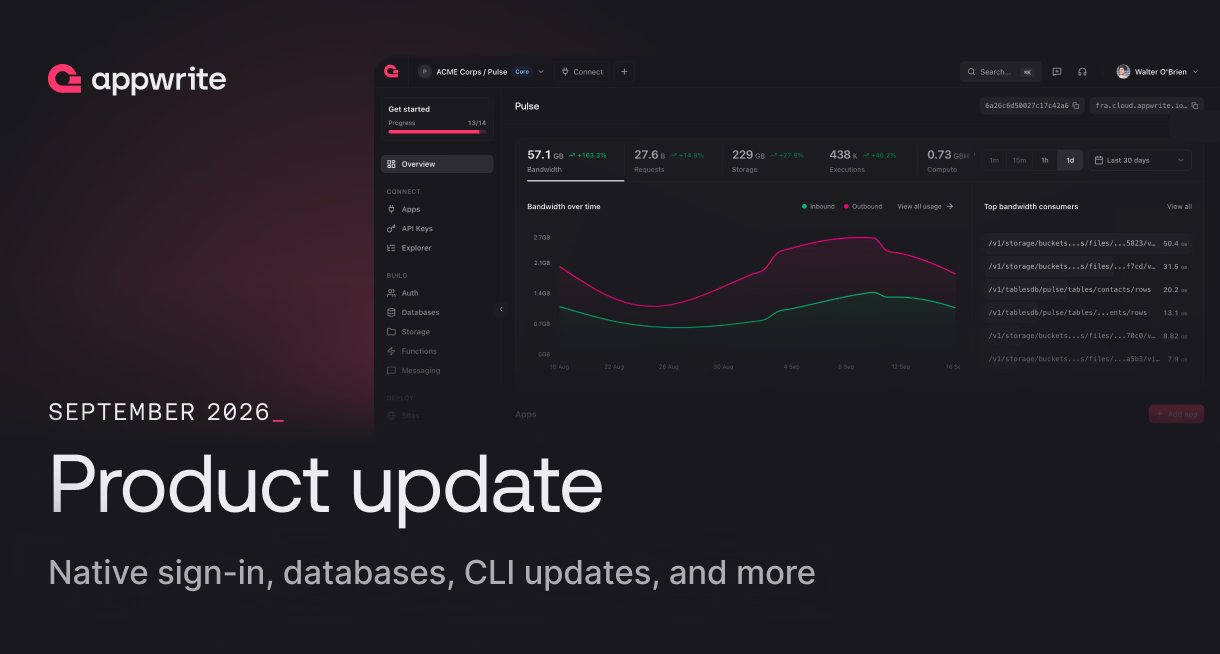
September started with one of our biggest launch weeks of the year.
During Appwrite Init 2026, we shipped Appwrite 2.0, native PostgreSQL and MySQL, VectorsDB, DocumentsDB, S3-compatible Storage, Firewall, OAuth2, Domains, and more.
If you missed any of it, you can catch up on everything we announced in the Appwrite Init 2026 recap.
And we kept shipping after Init.
This month brought more updates across Auth, Databases, Storage, Sites, self-hosting, Messaging, and the Appwrite CLI. Here's what's new.
Native sign-in with Apple and Google
Mobile apps can now sign users in with the native account picker built into their device and create an Appwrite session from the ID token it returns.
On iOS, you can use Sign in with Apple. On Android, you can use Credential Manager with Google.
Once your app receives the ID token, Appwrite exchanges it for a session in a single request.
That means users can stay inside the native sign-in experience without being redirected through a web-based OAuth flow.
Read more about native sign-in
Native and dedicated databases are now available in every region
PostgreSQL, MySQL, and dedicated Appwrite databases are now available across all six Appwrite Cloud regions:
- Frankfurt
- New York
- San Francisco
- Singapore
- Sydney
- Toronto
This includes dedicated TablesDB, DocumentsDB, and VectorsDB deployments.
Your database, backups, and replicas remain in the region you choose, giving you more control over data residency while letting you keep your database closer to your users.
Read more about databases across all Appwrite Cloud regions
Breached password detection in Appwrite Auth
Appwrite Auth can now detect passwords that have appeared in known data breaches.
Passwords are checked against Have I Been Pwned during sign-up, sign-in, password changes, and password recovery.
You can choose how Appwrite responds when a breached password is found:
- Record that the password was exposed
- Reject it when a user sets a new password
- Block sign-in until the password is reset
Password checking is already enabled on Appwrite Cloud, while rejecting breached passwords and blocking sign-in remain opt-in.
Read more about breached password detection
One-click Resend setup
You can now connect Resend to Appwrite directly from the Console without manually creating API keys or copying credentials between tabs.
Connect your Resend account, choose a verified domain, and Appwrite creates a sending-only API key restricted to that domain.
Appwrite can then configure the SMTP settings or Resend Messaging provider for you.
The result is a much shorter setup flow for sending authentication emails and messages through Resend.
Read more about one-click Resend setup
User photos in Appwrite Avatars
Appwrite Avatars can now return a profile photo for a user.
The new photo endpoint first checks for an OAuth2 profile image. If one is not available, Appwrite can fall back to Gravatar or Libravatar, and then to the user's initials.
You can pass the signed-in user, any user ID, or details such as an email hash and name when you do not have an Appwrite account to reference.
This gives apps one consistent way to retrieve profile images for users across different authentication providers.
Separate Appwrite CLI configs for each environment
Appwrite CLI 28.1.0 now lets you keep separate project configuration files for staging, production, and other environments in the same repository.
You can choose the config file a command should use:
appwrite push --config-file appwrite.config.prod.json
You can also set APPWRITE_CONFIG_FILE once for an entire shell session or CI job.
This makes it easier to work across multiple Appwrite projects without constantly replacing or switching a single project config.
Authenticated preview deployments for Appwrite Sites
Preview deployments created through automatic Git deployments are now private to members of your Appwrite organization.
Pushing a branch still creates a preview deployment and gives you a link. When someone opens that link, Appwrite asks them to sign in and verifies that their account belongs to the organization.
This keeps unreleased work private without adding another authentication layer to your application or changing your Git workflow.
There is nothing additional to configure on your Site or project.
Read more about authenticated Site previews
AutoGravity for Appwrite Storage
Appwrite Storage can now automatically find the most important part of an image when cropping it.
AutoGravity detects faces in portraits and uses saliency detection for other images to identify the visual focal point.
You no longer need to know where the subject sits in every image before choosing how to crop it, and AutoGravity works with Appwrite's existing image transformations.
It is available for Appwrite Cloud users, with support for self-hosted deployments included in Appwrite 2.1.
What's next
September brought updates across nearly every part of Appwrite, from Auth and Databases to Storage, Sites, Messaging, the CLI, and self-hosting.
We'll keep shipping improvements across the platform.
Until then, check the Appwrite Changelog for the latest releases or head to the Appwrite Console to start building.
Appwrite released updates across Auth, Databases, Storage, Sites, Messaging, the CLI, and self-hosting in September 2026. Major releases included native sign-in with Apple and Google, databases across all Cloud regions, breached password detection, one-click Resend setup, user photos, authenticated Site previews, AutoGravity, and Appwrite 2.1 for self-hosting.
Yes. Appwrite supports native Sign in with Apple on iOS and Google sign-in through Credential Manager on Android. Apps can send the resulting ID token to Appwrite and create a session without redirecting users through a web-based OAuth flow.
Appwrite supports PostgreSQL, MySQL, TablesDB, DocumentsDB, and VectorsDB. Native PostgreSQL and MySQL, along with dedicated TablesDB, DocumentsDB, and VectorsDB deployments, are available across all six Appwrite Cloud regions.
Yes. Appwrite provides a one-click Resend integration in the Console. After connecting a Resend account and selecting a verified domain, Appwrite can create a sending-only API key and configure the required SMTP settings or Resend Messaging provider automatically.









