PostgreSQL, MySQL, and dedicated databases are now available across all regions_
Native PostgreSQL, native MySQL, and dedicated TablesDB, DocumentsDB, and VectorsDB databases now run in all six Appwrite Cloud regions, with data kept in region.

Three weeks ago we shipped four database announcements in two days. Native PostgreSQL on September 1. Native MySQL, DocumentsDB, and VectorsDB on September 2. Each post carried the same caveat: native databases were rolling out region by region, starting with Frankfurt and New York, and a project outside those two regions could not host one.
That caveat was the most common piece of feedback we got. Teams in Sydney, Singapore, and the US West Coast wanted a PostgreSQL database in the same region as their users and their Auth data, and we were asking them to wait.
Today, the wait is over. Native PostgreSQL, native MySQL, and dedicated Appwrite databases are available in every Appwrite Cloud region.
What is available where
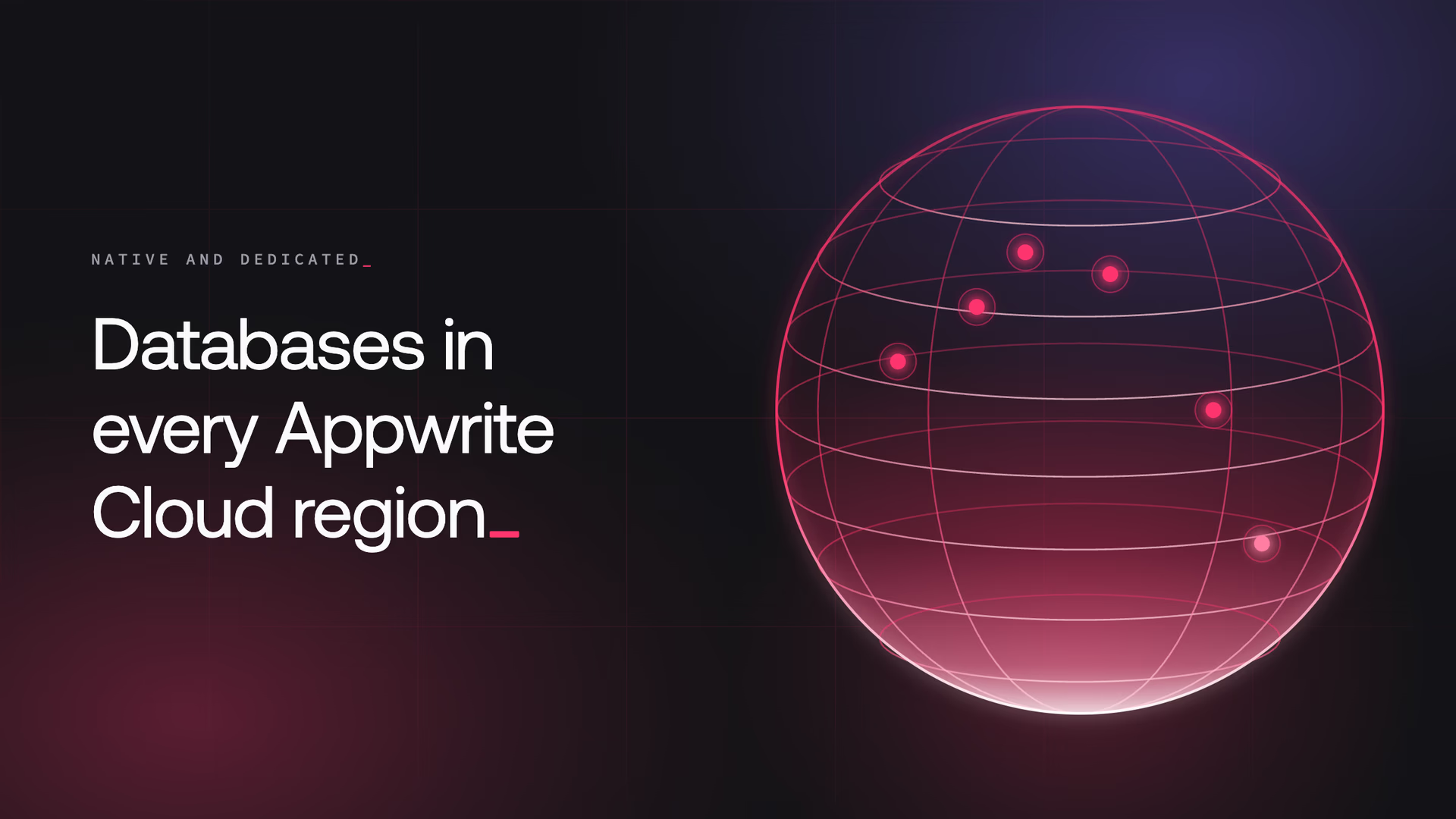
Appwrite Cloud runs in six regions: Frankfurt (fra), New York (nyc), San Francisco (sfo), Singapore (sgp), Sydney (syd), and Toronto (tor). As of today, every one of them can provision:
- Native PostgreSQL. A real PostgreSQL engine with its own hostname and credentials. Bring your ORM, your migrations, and extensions like pgvector and PostGIS. Appwrite runs the backups, replicas, and failover.
- Native MySQL. The same for MySQL. A Laravel or Rails app that already runs on MySQL moves in with a connection string change and nothing else.
- Dedicated Appwrite databases. TablesDB, DocumentsDB, and VectorsDB on compute reserved for your project. Same SDKs, same permissions, but capacity you size, replicate, and fail over yourself instead of sharing a pool.
Nothing about the offering changes between regions. The compute specifications, the add-on pricing for replicas and point-in-time recovery, the plan requirements, and the $10 monthly database credit on Pro are the same in Toronto as they are in Frankfurt. A database takes the region of the project that owns it, gets a hostname in the form db-<hash>.<region>.appwrite.center, and its storage, backups, and replicas stay in that region.
If you created a project in sfo, sgp, syd, or tor before today and saw the native database types unavailable, open Databases, click Create database, and they are there now.
A quick recap of the four launches
If you missed the September announcements, here is the shape of what shipped.
Native PostgreSQL. A managed PostgreSQL engine provisioned inside your project. You get the engine itself: your own migrations, your own ORM, and extensions such as PostGIS, pgvector, and pg_trgm. Appwrite handles backups and point-in-time recovery, branches, high availability with up to five replicas, online scaling, and connection pooling. The Console ships a SQL editor, a monitor tab, and a connections inspector.
Native MySQL. The same managed layer for MySQL 8.4. Laravel, Django, Rails, Spring Boot, EF Core, GORM, Prisma, and Drizzle connect with a changed connection string, and we published integration guides for each. Binary log archiving powers point-in-time recovery, and a ProxySQL-based pooler absorbs connection churn from serverless runtimes.
DocumentsDB. Schemaless JSON collections behind the Appwrite SDKs. Two documents in the same collection can have different fields, and adding a field is a write rather than a migration. Document-level permissions, queries, transactions, bulk operations, and backups come with it.
VectorsDB. A fixed-shape collection for embeddings: a dimension at creation, an embeddings vector and optional metadata per document, and an HNSW index for cosine, dot product, or Euclidean similarity search. Built-in models generate text embeddings, so a semantic search does not need a separate embedding service.
Two families, one project
We now run two kinds of databases, and the distinction matters when you pick one.
Appwrite databases are TablesDB, DocumentsDB, and VectorsDB. You reach them through the Appwrite SDKs. Permissions are enforced per row or document, realtime is built in, and a Function or a Site can read them with the same session that signed the user in. Every project gets these on a shared pool with no provisioning step. Pass a specification when you create one and it moves to dedicated compute you can resize, replicate, and fail over.
Native databases are PostgreSQL and MySQL. There is no Appwrite layer between your code and the engine. Your drivers and ORMs own the data path, which means an existing Laravel or Rails application moves in with a connection string change and no rewrite.
The two live side by side in the same project. A product can keep its user profiles and permissions in TablesDB, its event payloads in DocumentsDB, its search index in VectorsDB, and its accounting ledger in native PostgreSQL, all in the region where its users are.
Why we built it this way
For most of Appwrite's history, the answer to "can I just get a Postgres connection string" was no. Our databases were an abstraction with permissions and SDKs on top, and that abstraction is the right trade for a lot of application data. It is the wrong trade for a schema that already exists, an ORM a team already trusts, or a query planner someone needs to argue with directly.
We watched teams hit that wall and leave for a separate database vendor. Their Auth, Storage, and Functions stayed with us, and their relational data went somewhere else, in a different region, behind a different billing account, with a different backup policy. Every one of those splits is an operational cost the team did not want, and a reason the product felt incomplete to us.
Native databases close that gap. Dedicated Appwrite databases close a related one: teams that liked TablesDB but needed predictable capacity for a busy workload, rather than a shared pool. Together they mean the reason to leave a project is gone, and the reason to pick a region is only where your users are.
Region coverage was the last piece. A database that exists only in Frankfurt and New York is a US and EU feature. Data residency rules in Australia and Singapore, and latency budgets on the US West Coast, do not bend to a rollout schedule. We would rather ship a feature everywhere than ship it early in two places and call it general availability.
Operating databases is the expensive part
Provisioning an engine is a solved problem. Keeping it healthy over years is where the cost accumulates, and that cost is the same in every region. Each native database in every region includes:
- Scheduled and manual backups, with point-in-time recovery to any second inside the retention window
- Up to five high availability replicas with automatic failover behind a stable hostname
- Branches created from a storage snapshot for previews and CI
- Online compute resizes between tiers and storage autoscaling with a configurable threshold
- A connection pooler per database, with read/write splitting when replicas are on
- TLS by default and IP allowlists enforced before authentication
- Online version upgrades with reads continuing throughout
The specifications table starts at $10 per month for 1 vCPU and 1 GB of memory and runs to 32 vCPU and 256 GB. High availability replicas cost 100% of the tier per replica, and point-in-time recovery adds 20%. Every Pro plan includes $10 in database credits each month, which covers the entry tier in full, so a Pro organization in any region can run one native database without paying beyond the plan.
Create a database in your region
Region is a project-level choice, so start there.
- Sign in to Appwrite Cloud and create a project in the region closest to your users, or open an existing one.
- Go to Databases and click Create database.
- Under Choose database type, pick PostgreSQL or MySQL from the Native databases group, or pick TablesDB, DocumentsDB, or VectorsDB from the Appwrite databases group.
- Under Specifications, choose a compute tier. For Appwrite databases this is what moves the database from the shared pool to dedicated compute. Optionally add read replicas and point-in-time recovery.
- Review the summary and click Create database.
The database reports provisioning, then ready within a few minutes. For native engines, click Credentials on the database to copy the hostname, the admin user, and the password, or grab a ready-made DSN, .env, Prisma, or Drizzle snippet. The password rotates from the same dialog. For Appwrite databases, the SDK methods you already use keep working, on capacity that is now yours.
Regions are isolated on purpose, so an existing native database does not move between them. If you need a database in a new region, create a project there, provision the database, and migrate with pg_dump and pg_restore or mysqldump. The connection string changes; the schema does not.
All of them. Native PostgreSQL and MySQL databases can be created in Frankfurt (fra), New York (nyc), San Francisco (sfo), Singapore (sgp), Sydney (syd), and Toronto (tor). A database always runs in the same region as the project that owns it. See the regions list for the current set.
A native database is a real PostgreSQL or MySQL engine with its own hostname and credentials. You connect with psql, mysql, or any driver, and the Appwrite SDKs are not part of the data path. A dedicated Appwrite database is TablesDB, DocumentsDB, or VectorsDB provisioned on compute reserved for your project. You still use the Appwrite SDKs, permissions, and queries, but on capacity you can resize, replicate, and fail over. Both are now available in every region.
No. Regions are isolated by design, and a native database takes the region of its project at creation time. To run a database in a different region, create a project in that region and provision the database there, then migrate the data with your engine's standard tooling such as pg_dump and pg_restore or mysqldump.
No. Compute specifications, add-on pricing, plan requirements, and the $10 monthly database credit on Pro are identical in every region. The full table is in the PostgreSQL specifications and applies to MySQL as well.
No. Each database gets a hostname in the form db-<hash>.<region>.appwrite.center, and storage, backups, and replicas stay inside that region. Point-in-time recovery, branches, and high availability replicas are all provisioned in the same region as the primary.
Native and dedicated databases are available on paid plans with a payment method attached to the organization. The Pro plan can pick the four smallest compute specifications and includes $10 in database credits each month, which covers the entry tier. The Scale plan unlocks all specifications. See billing and plan requirements.