Announcing breached password detection for Appwrite Auth_
Appwrite Auth now checks passwords against Have I Been Pwned, so you can flag, reject, or block sign-in with passwords exposed in known data breaches.

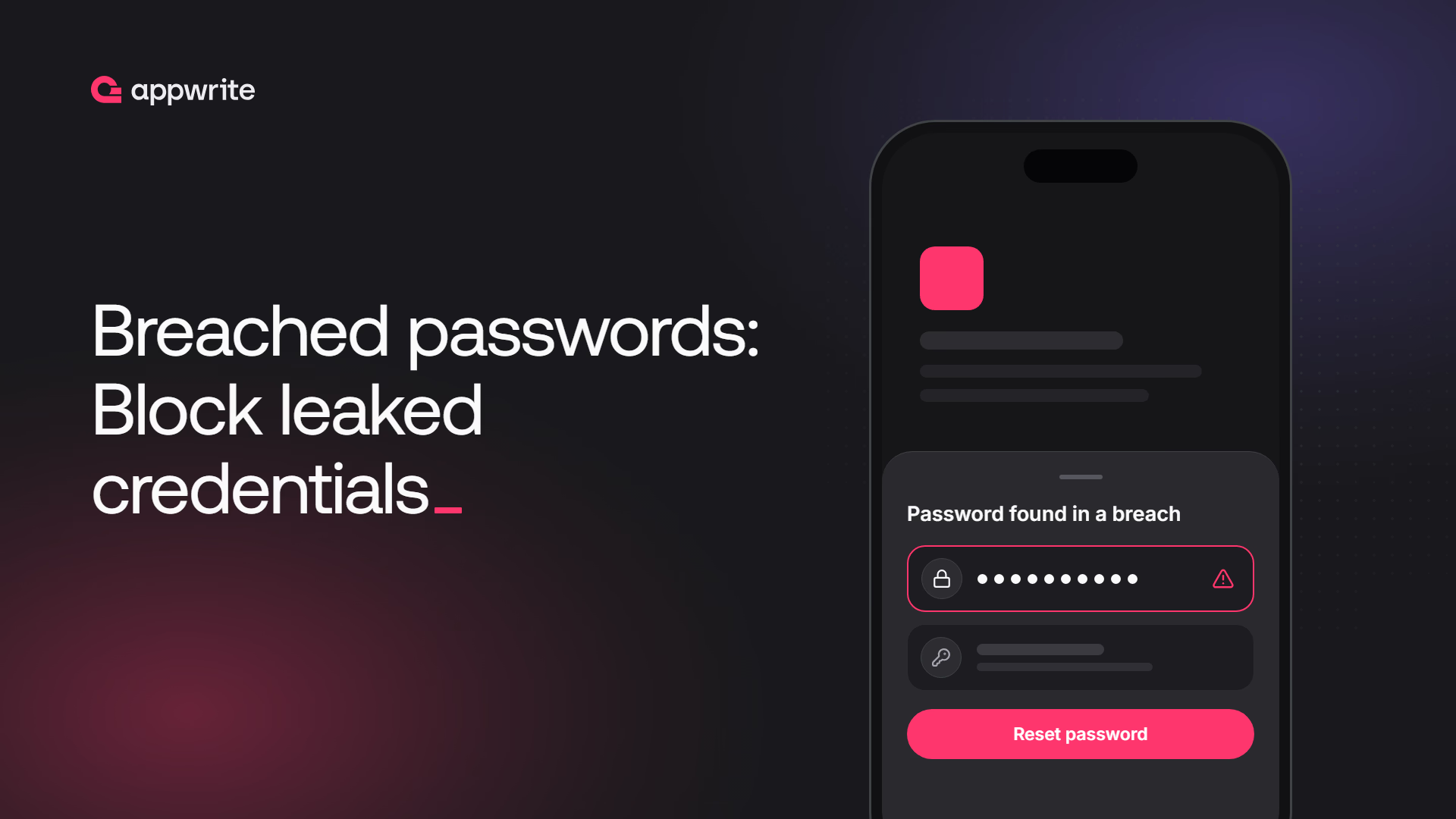
Tr0ub4dor&3 is the example password in xkcd's Password Strength comic, picked because it looks strong. It has 11 characters with uppercase, lowercase, digits, and a symbol, so it meets Appwrite's password strength character requirements and default minimum length. The Pwned Passwords database has also seen it in data breaches 3,196 times, and Summer2019! 16,241 times.
Composition rules can't catch that. Once a password leaks from any site, attackers add it to the lists they replay against every login form they can find. That attack is called credential stuffing, and it works because people reuse passwords.
Appwrite Auth already covers the other failure modes. Password strength enforces length and character rules, the password dictionary rejects the 10,000 most common passwords, password history stops reuse inside your app, and the personal data check keeps names and emails out of passwords. None of them could tell you whether a password had already leaked.
Today, we are announcing breached password detection in Appwrite Auth. It is available on Appwrite Cloud and on self-hosted Appwrite 2.3 and later.
What breached password detection gives you
Breached password detection checks every password your users sign up, sign in, or reset with against Have I Been Pwned, the breach corpus run by security researcher Troy Hunt.
- A check at sign-up, email and password sign-in, password change, and password recovery.
- A
passwordPwnedflag on every user with the latest result. - An option to reject breached passwords when users sign up or set a new password.
- An option to block sign-in with a breached password until the user resets it.
- A lookup that sends only five characters of a password hash outside Appwrite.
- A shield icon in the Console users table and a breached password badge on each affected user.
On Appwrite Cloud, checking and recording are on by default. Rejecting and blocking are opt-in, so your users see no change until you decide they should. Self-hosted instances need one environment variable first, which the last section covers.
What a breached password check does
A breached password check compares a password against a database of passwords exposed in real data breaches. A match means attackers already have that password, however strong it looks.
That is a different question from the ones Appwrite already asks. Strength rules look at how a password is built. The dictionary looks at how common it is. A breach check looks at whether it has leaked, which is the property credential stuffing depends on.
This is also what current guidance asks for. NIST's digital identity guidelines, SP 800-63B, tell services to compare new passwords against a blocklist of commonly used, expected, or compromised values. Verizon's Data Breach Investigations Report lists stolen credentials among the most common ways attackers get in, year after year.
How Appwrite checks a password without sharing it
Sending passwords to a third party would defeat the point, so Appwrite uses the k-anonymity model built into the Pwned Passwords API:
- Appwrite hashes the password with SHA-1.
- It sends only the first five characters of the hash to the API.
- The API returns every known hash suffix that starts with those characters. The prefix for
Tr0ub4dor&3returns 2,028 suffixes, and the one forSummer2019!returns 1,930. - Appwrite looks for the rest of the hash in that list on its own servers.
The service never sees the password or its full hash, and a five-character prefix matches far too many passwords to identify one. Appwrite also asks for padded responses, so the size of the reply gives nothing away. Cloudflare's write-up on validating leaked passwords with k-anonymity walks through the design in detail.
Appwrite caches range responses, so a busy project doesn't repeat the same lookup over and over. If the service can't be reached, Appwrite doesn't wave the password through. The request fails with the general_pwned_passwords_unavailable error, and your app can ask the user to try again.
Choose how strict to be
The policy has one switch and two enforcement options.
- Check passwords against known data breaches. Runs at sign-up, sign-in, password change, and recovery. Appwrite stores the result on the user as
passwordPwnedand blocks nothing. - Reject breached passwords. Runs at sign-up, password change, and recovery. The request fails with
password_pwned, and Appwrite doesn't save the password. - Block sign-in with a breached password. Runs at email and password sign-in. The sign-in fails with
user_password_reset_requireduntil the user resets their password.
Appwrite checks sign-ins even when you only record, so the flag keeps up with new breaches. A password that was clean at sign-up gets flagged the next time the user signs in after it leaks. Users who sign in with OAuth, magic URLs, or other passwordless methods never give Appwrite a password, so their flag stays null.
The reject option covers your server code as well. The server-side Users API applies the same policy when it creates a user or updates a password.
Turn it on from the Console
- Open your project in the Appwrite Console.
- Navigate to Auth in the sidebar.
- Open the Policies tab and select Passwords.
- In the Breached passwords card, make sure Check passwords against known data breaches is on.
- Check Reject breached passwords, Block sign-in with a breached password, or both.
- Click Update.
From then on, the users table shows the latest result for each user as a shield icon. A red shield means the password was found in a breach, a green one means it wasn't, and a dash means it has never been checked.
The user's page shows a breached password badge next to their name and repeats the result under Update password.
Handle breached passwords in your app
With enforcement on, your sign-up and sign-in flows get two new error types to handle. Catch them and send the user toward the fix instead of showing a generic failure.
import { Client, Account, ID } from "appwrite";

const client = new Client()
    .setEndpoint('https://<REGION>.cloud.appwrite.io/v1')
    .setProject('<PROJECT_ID>');

const account = new Account(client);

// Sign-up rejected by "Reject breached passwords"
try {
    await account.create({
        userId: ID.unique(),
        email: 'email@example.com',
        password: '<PASSWORD>'
    });
} catch (error) {
    if (error.type === 'password_pwned') {
        // Ask the user to choose a different password
    }
}

// Sign-in refused by "Block sign-in with a breached password"
try {
    await account.createEmailPasswordSession({
        email: 'email@example.com',
        password: '<PASSWORD>'
    });
} catch (error) {
    if (error.type === 'user_password_reset_required') {
        await account.createRecovery({
            email: 'email@example.com',
            url: 'https://example.com/recovery'
        });
    }
}
The password_pwned error's message already tells the user their password appeared in a data breach and asks for a different one, so show it instead of a generic failure. A vague "invalid password" would only invite a small tweak of the same leaked password.
A user_password_reset_required error means the password was correct, but attackers know it. Sending a recovery email right away turns a dead end into one extra step. Turn on Reject breached passwords together with blocking, so the recovery flow also refuses a new password that has leaked.
You can also nudge users before you block anyone. The account returned by account.get() carries the same flag, so your app can prompt a signed-in user to change a flagged password:
const user = await account.get();

if (user.passwordPwned === true) {
    // Show a banner that links to your change password screen
}
Roll it out without locking anyone out
Blocking sign-in with breached passwords is the right end state for most apps. Turning it on the first day can still lock out a large share of your users at once, so roll it out in stages.
- Record first. Leave both options off for a week or two and let sign-ins fill in the flag. The red shields in the users table tell you how many users are affected.
- Reject new breached passwords. Turning on Reject breached passwords doesn't affect existing sign-ins and stops the number from growing.
- Reach out to flagged users. Prompt them in your app with the
passwordPwnedcheck above, or filter the Users API withQuery.equal('passwordPwned', true)from your backend and email them. - Block sign-in. Once your password recovery flow is tested end to end, turn on Block sign-in with a breached password.
Admin dashboards, internal tools, and apps that hold payment or health data can skip straight to step 4. A password reset costs a user a minute. An account takeover costs a lot more. Pair it with multi-factor authentication and rate limits, so a leaked password alone is never enough to get in. Our guide to password protection covers the rest of that defense.
Enable it on self-hosted Appwrite
Self-hosted Appwrite 2.3 and later needs one environment variable. The default value of _APP_PWNED_PASSWORDS_DSN is none://localhost, which reports every password as safe. Until you change it, nothing is rejected or blocked, and every password Appwrite checks is recorded as not breached. Point it at the public Pwned Passwords API in your .env file:
_APP_PWNED_PASSWORDS_DSN=hibp://localhost
Then recreate your stack with docker compose up -d. The self-hosting docs for breached passwords list the other supported values.
Get started with breached password detection
Checking is already on for your Appwrite Cloud projects. Open Auth > Policies > Passwords, see how many users are flagged, and pick the enforcement level that fits your app.
Breached password detection is a password policy in Appwrite Auth that checks passwords against the Have I Been Pwned corpus of passwords exposed in data breaches. It runs when a user signs up, signs in with email and password, changes their password, or completes a password recovery, and stores the result on the user as passwordPwned. You can also reject breached passwords and block sign-in with them. See the breached passwords docs.
No. Appwrite hashes the password with SHA-1 and sends only the first five characters of the hash to the Pwned Passwords API. The API returns every known hash suffix for that prefix, and Appwrite compares them on its own servers. The service never receives the password or its full hash.
On Appwrite Cloud, checking and recording are on by default, so every project fills in the passwordPwned flag on its users. Rejecting breached passwords and blocking sign-in with them are off by default. Turn them on from Auth > Policies > Passwords in the Appwrite Console. Self-hosted instances also need the _APP_PWNED_PASSWORDS_DSN environment variable set before any password is actually checked.
With Block sign-in with a breached password turned on, the sign-in fails with the user_password_reset_required error even though the password is correct. The user has to set a new password through password recovery. With the option off, the sign-in succeeds and Appwrite only records the result.
Open Auth in the Appwrite Console and look for the red shield in the users table, which marks users whose password was found in a breach. On the server, filter the Users API with Query.equal('passwordPwned', true). In a client app, the passwordPwned field on the account returned by account.get() tells you whether the signed-in user's password was flagged.
The password dictionary rejects the 10,000 most common passwords. Breached password detection checks against real breach data, which catches passwords that look strong and unique but have already leaked, such as passwords reused from another site. The two work well together.
On Appwrite 2.3 and later, set the _APP_PWNED_PASSWORDS_DSN environment variable to hibp://localhost and recreate your stack with docker compose up -d. The default value, none://localhost, reports every password as safe, so until you change it nothing is rejected or blocked and every checked password is recorded as not breached. See the self-hosting docs for breached passwords.