Security is a revolving door, and here's how Appwrite keeps you safe_
A look at what recent security incidents teach us about modern app development, and how Appwrite's built-in security features help protect the apps you build and the users who rely on them.

Earlier this month, Vercel disclosed a security incident that affected a subset of its customers. An attacker compromised a third-party AI tool used internally at Vercel, which was then used to take over an employee's account and pivot through internal systems. The result: environment variables marked as non-sensitive (ones that decrypt to plaintext) for a number of customers were exposed, potentially including API keys, database credentials, and signing keys.
Vercel responded quickly: engaging incident response experts, notifying affected customers, coordinating with upstream partners, and shipping platform improvements. By all accounts, they handled a difficult situation with transparency and speed.
But the incident is worth reflecting on regardless of who it happened to, because it illustrates something that every developer building on the modern internet needs to internalize: security is a revolving door. This kind of incident can happen to any team, at any company, at any scale. No platform, no infrastructure, no security program is bulletproof. Security is not a problem you solve once. It's an ongoing effort that requires constant attention, continuous improvement, and layered defenses so that when something does go wrong, the impact is contained.
Security is an ongoing practice, not a one-time decision
The Vercel incident didn't happen because someone made an obvious mistake. It happened through a chain of compromises across a third-party integration, an identity system, and internal tooling. That's the nature of modern attack surfaces: they're interconnected, they evolve, and they find the gaps between the things you were careful about.
For developers, this means that security cannot be treated as a feature you add to a checklist before launch. It's a discipline that runs through every layer of what you build: the backend infrastructure you rely on, the access controls you configure, the credentials you manage, the dependencies you pull in, and the policies you enforce for your users.
The good news is that the infrastructure you choose to build on can handle a significant share of this work for you. Correctly, by default, before you write a single line of application code.
Appwrite's approach to security
Appwrite is an open-source developer platform providing authentication, databases, file storage, serverless functions, real-time subscriptions, messaging, and hosting. It can be self-hosted on any Docker-compatible infrastructure or used as a managed cloud service through Appwrite Cloud.
Security at Appwrite is not a feature layer bolted onto the product. It's embedded into the architecture: from how passwords are stored, to how permissions cascade across data resources, to how the platform handles compliance with international data protection regulations. The sections below walk through what that looks like in practice.
Authentication security
The authentication layer is where most application security incidents begin. Weak password storage, missing brute-force protection, poor session management. These are well-understood failure modes that continue to affect real applications regularly.
Password hashing with Argon2
Appwrite hashes user passwords using Argon2, the algorithm that won the Password Hashing Competition and the current industry recommendation for credential storage. Argon2 is memory-hard, meaning attacks that try to crack hashes at scale require significant computational resources, not just time. Passwords are salted automatically. If a legacy password is stored with a weaker algorithm, it's transparently re-hashed to Argon2 on the user's next successful sign-in.
You never handle plaintext passwords in your application code, and you never need to decide which hashing algorithm to use.
Brute-force and abuse protection
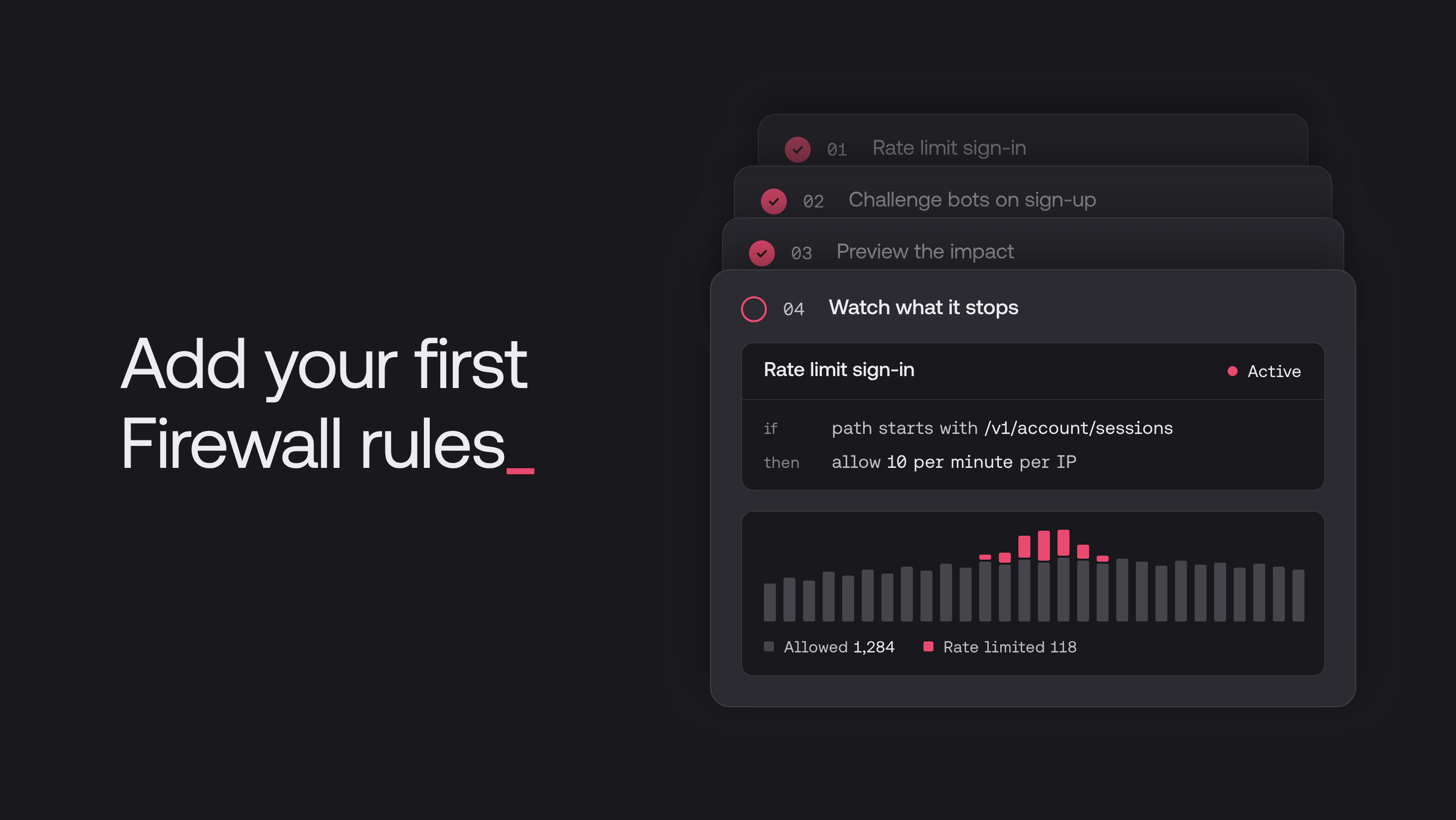
Appwrite's rate limiting applies to authentication endpoints out of the box. Repeated failed login attempts are throttled and eventually blocked. This prevents credential stuffing and brute-force attacks without any configuration on your part.
Rate limit state is communicated via standard HTTP headers (X-RateLimit-Limit, X-RateLimit-Remaining, X-RateLimit-Reset), so your application can surface appropriate feedback to users when limits are hit.
Multi-factor authentication
Appwrite supports multi-factor authentication for both the Appwrite console and end-user accounts in your application. MFA uses TOTP (Time-based One-Time Password) with any standard authenticator app. Recovery codes are generated at setup and can be used to regain account access if the MFA device is unavailable.
Enabling MFA for your users adds a second verification factor that remains effective even when a user's password is compromised, which is exactly the scenario the Vercel incident illustrates.
Session management
Appwrite sessions are generated with cryptographically secure tokens and are invalidated on logout. Session limits are configurable per project (with a default of 10 active sessions per user), which prevents accumulation of stale sessions over time. Session alerts notify users by email when a new session is created for their account, giving users visibility into their own account access and an early signal if something is wrong.
Password policies
Appwrite gives you configurable password policies to enforce security standards for your users:
- Password history: prevents users from reusing recent passwords (configurable up to the last 20)
- Password dictionary: blocks the 10,000 most commonly used passwords
- Personal data restriction: prevents passwords that contain the user's name, email address, or phone number
These policies run server-side, so they can't be bypassed through the client.
Encryption
Data protection means making sure that even if an attacker gains access to a system, the data they find is unreadable. Appwrite applies encryption at multiple levels, covering data in transit, data at rest, and sensitive configuration values like environment variables and secrets.
Encryption in transit
All Appwrite Cloud traffic is served over HTTPS. HTTP requests are automatically redirected to HTTPS (301). Strict-Transport-Security headers are set to prevent protocol downgrade attacks, and TLS certificates are automatically provisioned for all endpoints, custom domains, Functions, and Sites.
For self-hosted deployments, Appwrite supports Let's Encrypt certificate generation. Appwrite Cloud uses Fastly's Certainly CA.
Encryption at rest
Appwrite supports field-level encryption for database columns and stored files, using AES-128 in Galois/Counter Mode (GCM). This means you can designate specific database columns or storage buckets for encryption, and their contents are encrypted at the storage layer, not just the transmission layer.
For applications where data sensitivity varies across fields, this gives you granular control over which data is encrypted at rest without encrypting everything indiscriminately.
Environment variables and secrets
Appwrite encrypts sensitive platform data server-side, including webhook passwords, API keys, and user sessions. For Functions and Sites, environment variables let you pass constants and secrets (like third-party API keys or connection strings) to your deployments without hardcoding them.
Environment variables for both Functions and Sites can also be marked as secret, which hides them from both the Appwrite Console and the API. Once a variable is marked as secret, this action cannot be reversed, ensuring that sensitive values like signing keys or database credentials are never exposed through the dashboard or programmatic access.
Access control
The authorization layer (deciding which users can access which data) is one of the most common sources of application security vulnerabilities. Insecure direct object references, horizontal privilege escalation, and over-exposed API responses all stem from authorization logic that wasn't defined precisely enough.
Permissions system
Appwrite's permissions system lets you define access at the table, row, storage bucket, and individual file level. Permission types cover read, create, update, delete, and write. Roles can be defined for:
- Any visitor (authenticated or not)
- Guests (unauthenticated users)
- All authenticated users
- Specific users by ID
- Teams and team members with specific roles
- Users with specific labels
Permissions default to empty, meaning resources are not accessible until you explicitly grant access. This enforces a least-privilege posture by default rather than requiring you to remember to lock things down after the fact.
API keys with scope restrictions
API keys used in server-side code support granular scope restrictions. You can create API keys that are limited to exactly the actions your server functions need to perform, rather than granting broad administrative access. Scopes that are not needed for a function should not be granted. This limits the blast radius if an API key is ever exposed.
API keys are treated as secrets: they're for server-side use only and should never be embedded in client-side code or committed to version control.
CORS controls
Appwrite restricts API access by origin through CORS configuration. Only whitelisted domains registered as platforms can make requests to your project's APIs. Requests from unregistered origins are rejected, which prevents unauthorized cross-origin access to your project's data.
DDoS protection
Appwrite Cloud includes always-on DDoS protection across multiple layers of the network stack:
- Layer 3 (Network): protection against volumetric attacks including UDP floods and ICMP floods
- Layer 4 (Transport): protection against SYN floods, BGP attacks, and similar protocol-layer attacks
- Layer 7 (Application): traffic pattern monitoring to detect and filter application-layer abuse
This protection is infrastructure-level and requires no configuration on your part.
Audit logs
Appwrite's audit logs record events across all products (authentication, databases, storage, functions, and messaging) including the user, event type, IP address, location, and timestamp for each action.
Audit logs are available at the project level, table or bucket level, and per-user level. For Pro plans, logs are retained for 7 days. For applications where compliance or incident response requires event tracing, audit logs provide the trail needed to understand what happened and when.
Compliance certifications
For applications that operate in regulated environments, Appwrite maintains compliance with several international standards.
SOC 2 Type I
Appwrite has achieved SOC 2 Type I compliance, covering system availability (with a 99.99% minimum uptime commitment), change management, disaster recovery, access control, encryption, and incident response. SOC 2 compliance validates that the controls Appwrite describes are actually in place through third-party audit.
GDPR
Appwrite is GDPR compliant and offers a Data Processing Agreement (DPA) for customers who require one. Users of Appwrite-based applications retain the right to access, correct, and delete their personal data. Appwrite applies industry-standard TLS/SSL and AES encryption, maintains data only as long as necessary, and conducts regular security audits and vulnerability scans.
HIPAA
For applications handling Personal Health Information (PHI), Appwrite supports HIPAA compliance through strict data backup schedules, extended business continuity plans, TLS and HSTS enforcement, MFA requirements for environment access, and intrusion detection with regular penetration testing.
CCPA
Appwrite's CCPA compliance covers California Consumer Privacy Act requirements, including user rights to know, delete, opt out, and correct their data. CCPA terms are included in Appwrite's Data Processing Addendum.
PCI
For applications that involve payment data, Appwrite recommends against storing card data directly and integrates with PCI Service Provider Level 1 partners (like Stripe) for payment handling. Function templates are available for connecting to third-party payment services without routing card data through your Appwrite project.
Backups and disaster recovery
Appwrite supports automated and manual backups for Pro plans and above, with point-in-time recovery and a 7-day retention window. Internal disaster recovery backups run automatically on Appwrite Cloud infrastructure.
Penetration testing
Appwrite conducts regular third-party penetration tests and periodic vulnerability assessments, with external and internal information security risk management processes. Findings drive continuous improvements to the platform's security posture.
What you still own
Appwrite handles the platform security layer. But the shared responsibility model applies: some things remain your responsibility no matter which backend you build on.
- Your application logic: SQL injection, XSS, insecure deserialization, and other application-layer vulnerabilities live in your code, not the platform's.
- How you configure permissions: Appwrite gives you a precise permissions system. Using it correctly (following least-privilege principles, avoiding broad
anyroles on sensitive tables) is your job. - Your API key hygiene: Keep server API keys out of client-side code, out of version control, and scoped to the minimum required permissions.
- Third-party integrations: When your application connects to external services, the security of those connections and data flows is your responsibility.
- Dependency maintenance: Keep your dependencies up to date and scan for known vulnerabilities.
Security is not a checkbox you complete. It's a practice you maintain. The infrastructure you build on shapes how much of that work is done for you by default, and choosing infrastructure with a strong security posture means you start from a better baseline.
Building on a secure foundation
The Vercel incident is a reminder that even well-resourced teams operating production-grade infrastructure face security challenges. That's not a criticism. It's the reality of building on the modern internet, where attack surfaces are complex, third-party integrations expand your exposure, and threats evolve continuously.
What it underscores is the value of defense in depth: multiple independent layers of security so that a compromise at one layer doesn't cascade into a full breach. Argon2 password hashing means compromised session tokens don't also expose credentials. Field-level encryption means a database access incident doesn't expose sensitive fields. Granular permissions mean a compromised API key can only reach what it was scoped to access. MFA means a stolen password alone isn't enough to take over an account.
Each of these is a layer. Together, they're a posture.
Building "secure by default" into Appwrite has been a priority since day one, and it's one we will continue to keep. Security is never done, but Appwrite is designed to give developers a strong posture from the start, without requiring deep security expertise to configure correctly.
Argon2 won the Password Hashing Competition and is the current industry recommendation for credential storage. It is memory-hard, which means attackers cannot just throw cheap GPU cycles at cracking hashes at scale. Passwords are salted automatically, and legacy hashes are transparently upgraded to Argon2 on the next successful sign-in.
Authentication endpoints are rate limited out of the box, with state communicated via standard X-RateLimit-* headers. Repeated failed logins are throttled and eventually blocked without any configuration on your part, and you can layer MFA on top so a leaked password alone is not enough to take over an account.
Sensitive platform data including webhook secrets, API keys, and user sessions is encrypted server-side. You can also enable field-level encryption on specific database columns and storage buckets using AES-128 in GCM mode, so you can encrypt only the data that needs it instead of paying the cost on everything.
Use environment variables and mark sensitive ones (API keys, signing keys, connection strings) as secret. Once a variable is marked secret it is hidden from both the Console and the API, and the action cannot be reversed, so the value cannot leak through the dashboard or programmatic access.
Permissions are defined at the table, row, storage bucket, and individual file level, and cover read, create, update, delete, and write. Roles can target any visitor, guests, all authenticated users, specific users, teams, or team roles, so you can model fine-grained access without writing custom authorization checks on every endpoint.
Appwrite ships session alerts that email users when a new session is created for their account. Combined with configurable session limits (default 10 active sessions per user) and explicit logout invalidation, this gives users early signal if something looks off and prevents stale sessions from piling up.