Announcing Appwrite Push: push notifications without Firebase_
Appwrite Push delivers push notifications from Appwrite straight to your Android, iOS, web, Flutter, and React Native apps, with no Firebase project, service account, or device token to manage.

Push notifications usually take more setup outside your app than anything inside it. Before the first message goes out, you need a Firebase project and its service account key, code that collects each device's token and keeps it current, and a separate APNs setup for iOS.
Today we're announcing Appwrite Push, a push provider built into Appwrite Messaging. The Appwrite SDK in your app keeps a connection open to Appwrite, and the messages you send from the Console or your server are delivered over that connection. Firebase isn't involved, and there are no device tokens to collect or store.
What Appwrite Push gives you
- Message a user on every device they use. Send a message to a user ID and it reaches each device where that user is signed in. You don't have to register their devices first.
- Delivery while the app is closed. On Android, the SDK wakes your app to check for new messages, or keeps a foreground service running for instant delivery. On iOS, it works with APNs to show the message while the app is suspended.
- Nothing lost while offline. Appwrite keeps messages for up to 7 days, so a phone that was offline overnight gets the latest ones it missed, up to five per topic, when it reconnects.
- Notifications and taps handled for you. The SDK shows a system notification with the title, body, and image you sent. When your user taps it, your app gets the data you attached so it can open the right screen.
- Android, iOS, web, Flutter, and React Native. Push is part of the Web, Flutter, React Native, Android, and Apple SDKs and works the same way in each.
- Set up in a minute. There are no keys or config files to upload. Create the provider in the Console and you can start sending.
- Messages reach only the right user. Each device connects with the signed-in user's session and receives only that user's messages and those of topics they're subscribed to. Blocking or deleting a user disconnects their devices right away.
Send your first push in three steps
1. Add the provider
In the Console, go to Messaging > Providers > Create provider and choose Appwrite under Push.
Give the provider a name and click Create provider. There are no credentials to add, and quality of service and message expiry are optional.
2. Subscribe in your app
Push connects to Appwrite with the user's session, so sign the user in first. Then create a Push instance from the same Client and call subscribe with a callback. Without a topic, subscribe listens for messages sent to the signed-in user, and your callback runs for each one while the app is open. This example uses React Native, and the Web, Flutter, Android, and Apple SDKs work the same way.
import { Account, Client, Push } from 'react-native-appwrite';

const client = new Client()
    .setEndpoint('https://<REGION>.cloud.appwrite.io/v1')
    .setProject('<PROJECT_ID>');

await new Account(client).createEmailPasswordSession({ email, password });

const push = new Push(client);

await push.subscribe((message) => {
    const { notification, data } = JSON.parse(message.data);
    console.log(notification?.title, data);
});
3. Send a message
From your server, send to the user like you would with any push provider:
await messaging.createPush({
    messageId: ID.unique(),
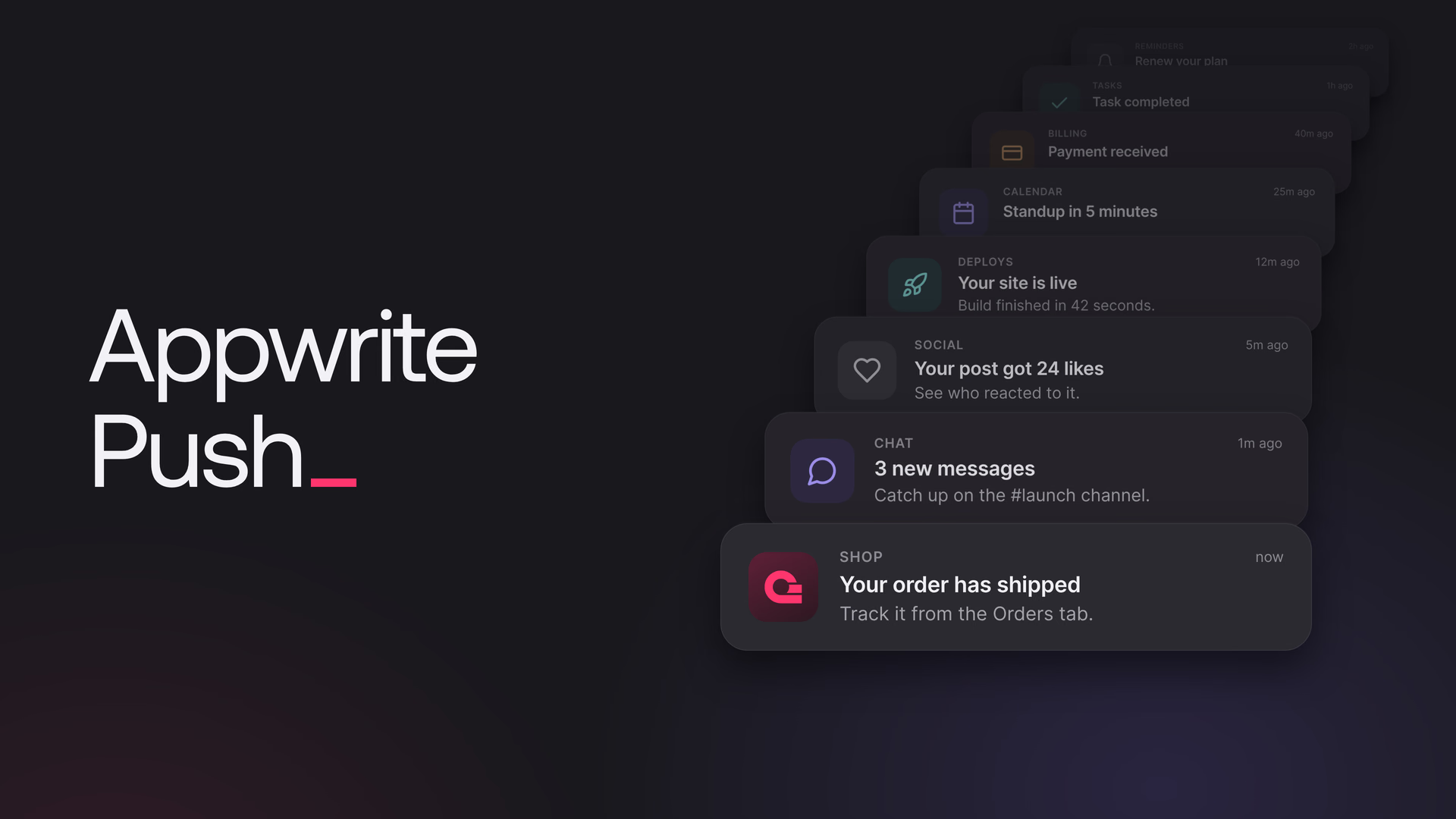
    title: 'Your order has shipped',
    body: 'Track it from the Orders tab.',
    users: ['<USER_ID>'],
    data: { orderId: '<ORDER_ID>' }
});
The message arrives in your callback while the app is open, and as a notification when it isn't.
Open the right screen on tap
The data you send comes back when the user taps the notification:
const opened = await push.getInitialNotification();
if (opened) openOrder(opened.data.orderId);

push.onNotificationOpened(({ data }) => openOrder(data.orderId));
Delivery while the app is closed
Mobile operating systems are strict about background work, so Appwrite Push uses what each platform allows.
On Android, background subscriptions are saved, and the SDK wakes your app on a schedule to reconnect. With exact alarms allowed, messages arrive within about a minute, and in Doze about every nine minutes. For immediate delivery, even in Doze, push.setForeground(true) keeps a foreground service running with a quiet notification. Push.backgroundStatus() tells you which of these your app can rely on.
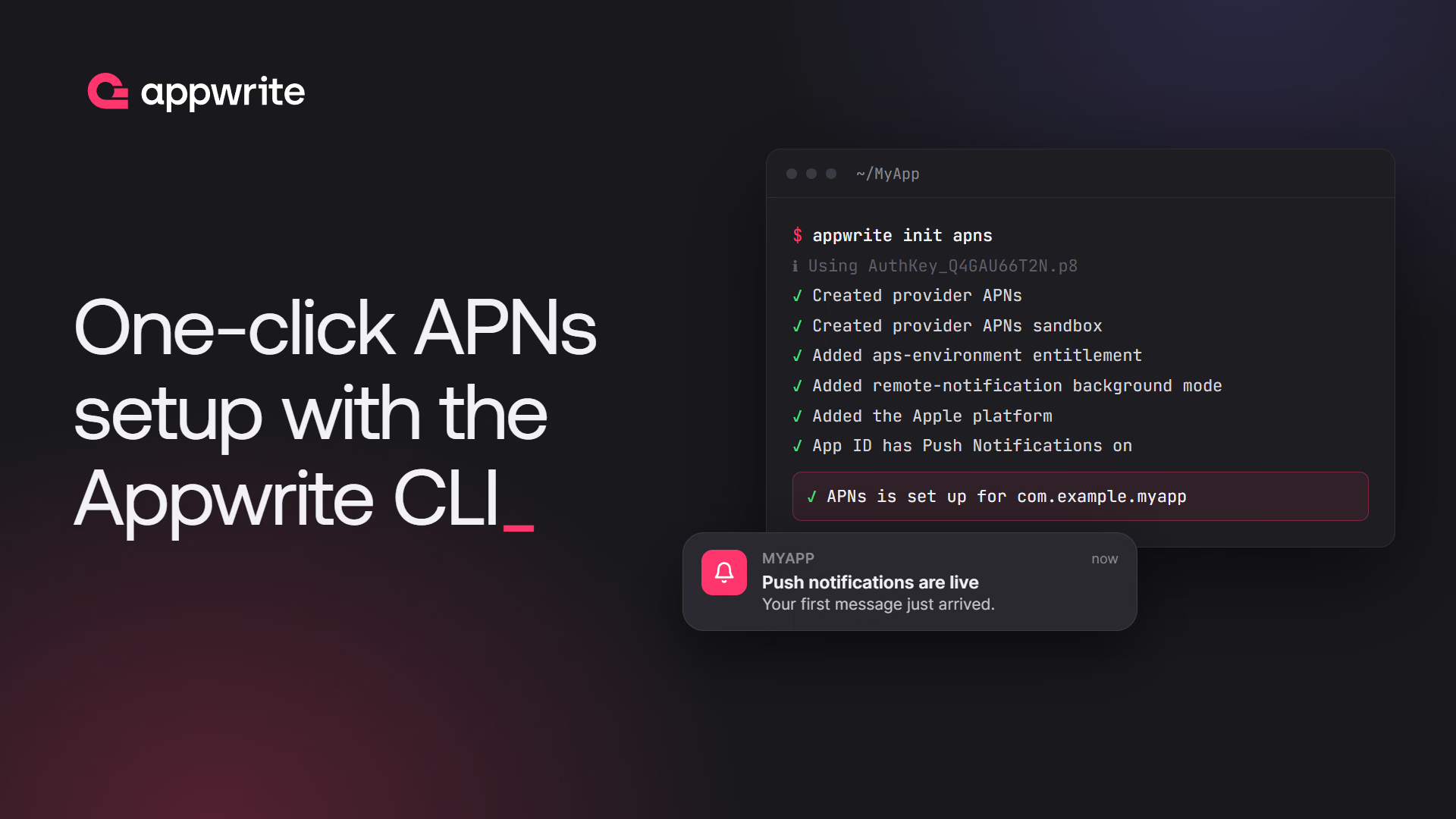
On iOS, a backgrounded app is suspended within seconds, so the Apple SDK uses APNs to reach it. Appwrite sends the device a short APNs wake-up, and a Notification Service Extension fetches the real message and replaces the wake-up before iOS shows it. Setting up APNs takes one command with one-click APNs setup:
appwrite init apns
Then add an extension with one line of code:
import Appwrite

class NotificationService: AppwriteNotificationService {}
The iOS background delivery guide covers the App Group and the Appwrite push target the extension needs.
On the web, messages arrive while the tab is open. Give each browser a stable client ID with client.setPushClientId(), and the ones sent while it was closed are replayed when the page opens again.
When to reach for Appwrite Push
- You are adding push to a new app. Skip the Firebase project and the device token plumbing, and send your first message in minutes.
- You ship on several platforms. One provider and one API cover Android, iOS, web, Flutter, and React Native.
- You self-host. Appwrite Push ships with self-hosted Appwrite from 2.6.0. On Android and the web, messages go from your Appwrite server to your users' devices without passing through a third-party push service.
- You need messages to survive flaky networks. Offline replay delivers what a device missed when it comes back.
FCM and APNs are still there. Use them when you need the operating system's own push channel, such as reaching a suspended iOS app built with Flutter or React Native. You can enable them next to Appwrite Push.
Get started with Appwrite Push
Update to the latest Appwrite SDK for your platform, add an Appwrite provider in your Appwrite Cloud project, and follow the guide.
Appwrite Push is a push notification provider built into Appwrite Messaging. Your app connects to Appwrite's push broker with the Appwrite SDK, and messages you send with createPush or from the Console arrive over that connection. It needs no Firebase project, no service account, and no device token. See the Appwrite Push docs.
Web appwrite 29.0.0, Flutter appwrite 28.0.0, React Native react-native-appwrite 2.0.0, Android io.appwrite:sdk-for-android 30.0.0, and Apple sdk-for-apple 21.0.0, and later versions.
Not when the user has no other push targets. A signed-in user subscribes to their own topic, and a message sent with users: ['<USER_ID>'] reaches all their connected devices. Register an Appwrite push target to use topics or iOS background delivery, or when any of the user's devices also has an FCM or APNs target. See Appwrite push target.
On Android, yes: the SDK wakes the app on a schedule to reconnect, and with a foreground service it delivers immediately, even in Doze. On iOS, the Apple SDK uses an APNs wake-up and a Notification Service Extension to show the real message while the app is suspended. On the web, messages arrive while the tab is open, and with a stable client ID, missed ones are replayed when the page opens again.
With at-least-once delivery, the default, Appwrite keeps each message for up to 7 days and replays the newest messages a device missed, up to five per topic, oldest first, when it reconnects. You can shorten how long messages are kept on the provider or on each topic.
Yes. Appwrite Push is another provider next to FCM and APNs, and you can enable them together. A user with FCM or APNs targets gets the FCM or APNs notification. Register an Appwrite push target for them to also receive messages over Appwrite Push. On iOS, APNs then only wakes the app, so each message shows once. FCM still sends the full notification, so an Android app that registers both should skip duplicates by messageId.
Yes, from Appwrite 2.6.0. Self-hosted Appwrite runs the broker in the appwrite-mqtt container, with MQTT over TLS on port 8883 and secure WebSocket on port 8084. Point a push. DNS record at your server for the mobile SDKs, and set the broker address with client.setPushEndpoint() on web clients.