Announcing force sign out for all your users_
Appwrite Auth can now sign out every user in a project with one click or one API call, so you can cut off stolen sessions in seconds.

When session tokens leak, every one of them is a working login until it expires. Maybe a logging tool captured cookies it shouldn't have. Maybe a dependency in your frontend was compromised. Maybe an admin account was taken over and you can't tell which users it touched.
Until now, the way to end those sessions was a script that walked every user through the Users API and deleted their sessions one by one. On a large project that takes a long time, and every minute it runs is a minute stolen sessions still work.
Today, we are announcing force sign out in Appwrite Auth.
What force sign out gives you
- One action for every user. A single click in the Console or one API call signs out every user in the project.
- Instant, at any scale. Appwrite records one cutoff time on the project, so every older session stops working immediately, whether you have ten users or ten million.
- Every client, every session. Web, mobile, server SDKs, and JWTs created from those sessions are all cut off, and open realtime connections are closed.
- Users get straight back in. Nobody is locked out. Users sign in again as usual and get a fresh session.
- Your servers keep running. API keys are not affected.
How force sign out works
Signing everyone out stores one timestamp on your project. On every request, Appwrite compares that timestamp with the time the session was created. A session created before it is treated as signed out, and the request runs as a guest.
The old session records are then deleted in the background. You don't have to wait for that cleanup, because the cutoff already applies to every request.
Sign out all users from the Console
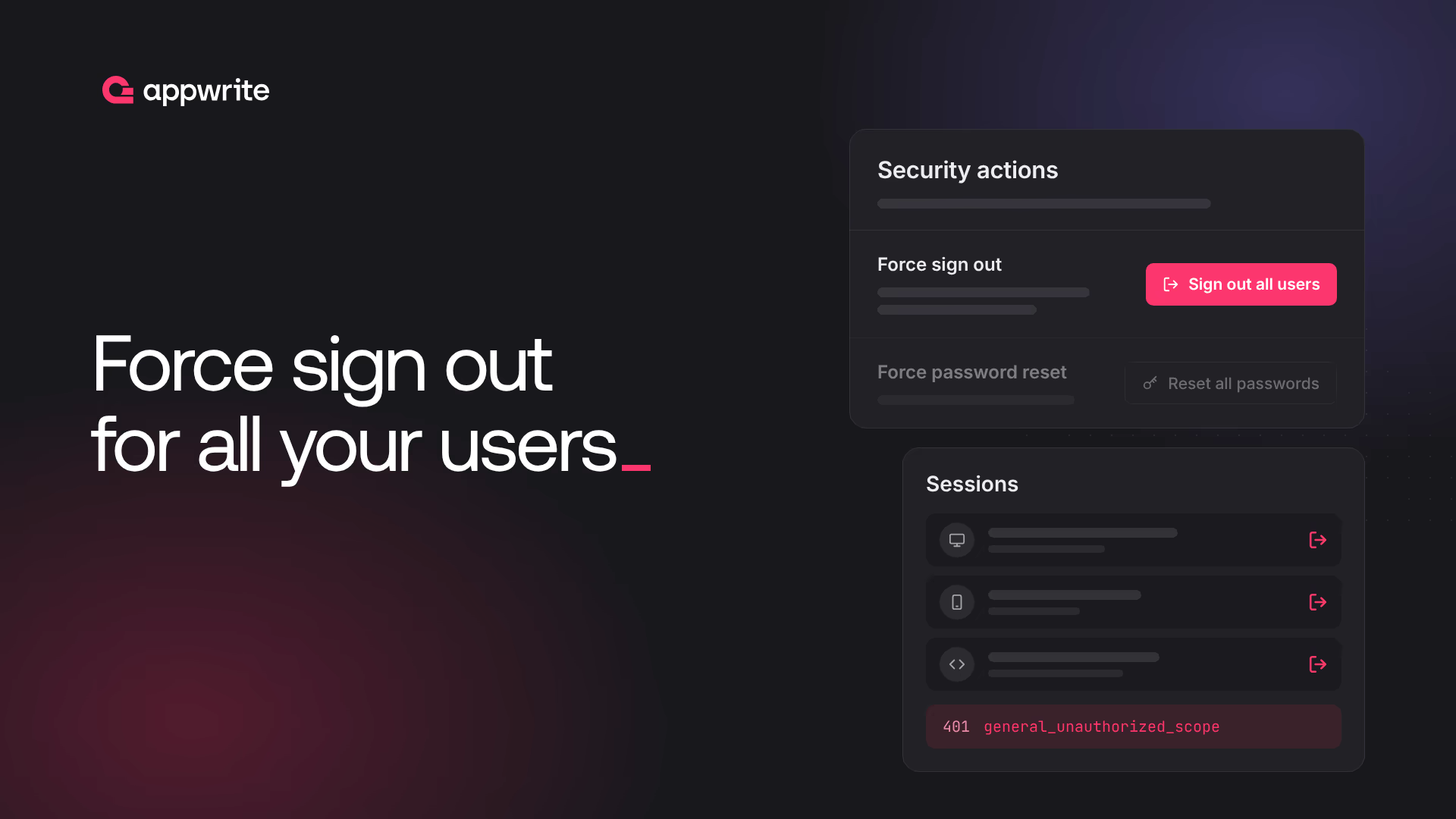
Open your project in the Appwrite Console and go to Auth > Settings. The Security actions card holds the project-wide actions for incidents: Force sign out and Force password reset.
Click Sign out all users and confirm.
Sign out all users from your server
The same action is available as deleteSessions on the Project service. Use an API key with the users.write scope:
import { Client, Project } from 'node-appwrite';

const client = new Client()
    .setEndpoint('https://<REGION>.cloud.appwrite.io/v1')
    .setProject('<PROJECT_ID>')
    .setKey('<API_KEY>');

const project = new Project(client);

await project.deleteSessions();
The action is recorded in your project's audit logs, so you keep a record of when it happened and which key or account triggered it.
Handle the sign out in your app
After a force sign out, a signed-out user's next request runs as a guest, so account.get() fails with a 401. Most apps already send users to the sign-in screen when that happens. If yours doesn't, check for it when your app loads:
import { Client, Account } from 'appwrite';

const client = new Client()
    .setEndpoint('https://<REGION>.cloud.appwrite.io/v1')
    .setProject('<PROJECT_ID>');

const account = new Account(client);

try {
    const user = await account.get();
} catch (error) {
    if (error.code === 401) {
        // The session is gone, show the sign-in screen
    }
}
Anonymous sessions can't be recovered after a force sign out, so those users start over with a new anonymous account.
When to force a sign out
Sign out every user when you have reason to believe sessions are in someone else's hands:
- Leaked session tokens or JWTs, from logs, an error tracker, or a compromised frontend dependency.
- A compromised admin account or API key that could have created sessions for your users.
If passwords may have leaked as well, pair it with force password reset. Otherwise, users whose passwords were stolen are signed out only until the attacker signs back in.
For a single compromised account, you don't need a project-wide sign out. Delete that user's sessions with the Users API, or block the user until you've investigated.
Getting started with force sign out in Appwrite Auth
Force sign out is live on Appwrite Cloud and in self-hosted Appwrite 2.7 and later.
Open your project in the Appwrite Console, go to Auth > Settings > Security actions, and click Sign out all users. You can also call the Project service's deleteSessions method with an API key that has the users.write scope. See Force sign out all users.
Every session in the project created before the action, on every client: web, mobile, server SDKs, and JWTs created from those sessions. Open realtime connections on those sessions are closed too. Sessions created afterwards are not affected.
Yes. Users can sign in again right away with any method your project allows. Anonymous users are the exception: an anonymous session can't be recovered, so those users start over with a new anonymous account.
No. API keys keep working, so your servers and functions that use them are not interrupted.
No. Passwords keep working. If passwords may have leaked too, also use force password reset.
Yes. Force sign out is live on Appwrite Cloud and is included in self-hosted Appwrite 2.7 and later.