Announcing native request and response in Appwrite Functions_
Every Appwrite Functions runtime now hands your code its native request object, and Node.js, Bun, Deno, Python, and Dart functions can return native responses.

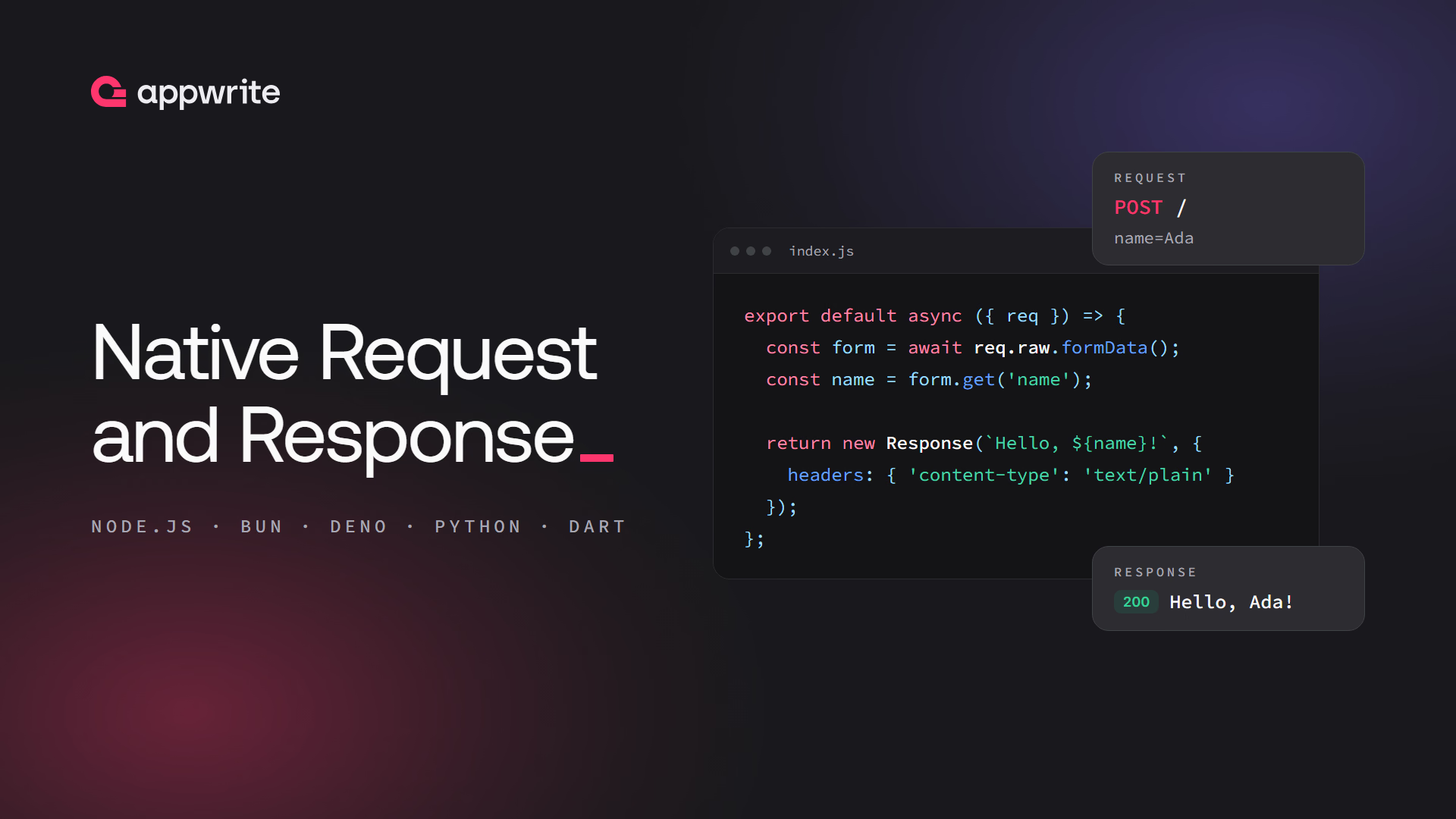
Every Appwrite Functions runtime runs your code inside a web server, and each of those servers has its own request and response types. The JavaScript runtimes use the Fetch API's Request and Response, the same classes behind Bun.serve(), Deno.serve(), Cloudflare Workers, and frameworks such as Hono. Python runs on aiohttp, Dart on shelf, Go on net/http, and .NET on ASP.NET Core.
Until now, your function never saw those objects. context.req held a parsed copy of the request, and you built the answer with context.res.text() or context.res.json(). That works for a single endpoint, but code written for the server's own types had to be converted to context.req and context.res before it could run in a function. Even reading a multipart form in Node.js meant wrapping req.bodyBinary in a temporary Response just to call formData() on it.
Today, we are announcing native request and response support in Appwrite Functions. Every runtime now passes its web server's request to your function as context.req.raw. In Node.js 18 and later, Bun, Deno, Python, and Dart, your function can also return a native response instead of calling a context.res method.
This matters for two reasons. Functions now work as a compatibility layer for the frameworks and libraries already built on these types, so code that takes a Request or returns a Response runs in a function as written. It also makes functions easier for AI agents to write. Agents already know the Fetch API, aiohttp, and shelf, so they can build an Appwrite Function with the request and response types they've seen many times before, instead of first learning the details of the context object.
What native request and response give you
- The server's request in every runtime.
context.req.rawis a Fetch APIRequestin Node.js, Bun, and Deno, an aiohttpweb.Requestin Python, a shelfRequestin Dart, and an*http.Requestin Go. The other runtimes pass their server's request type too. - Standard body parsers in JavaScript.
formData(),json(),text(),arrayBuffer(), andblob()all work oncontext.req.raw, including for multipart uploads. - Native responses in five runtimes. Return a Fetch API
Responsein Node.js, Bun, or Deno, an aiohttpweb.Responsein Python, or a shelfResponsein Dart, and Appwrite sends it to the client as written. - Responses built by other libraries. If a JavaScript library returns a
Response, your function can return it as is. AReadableStreambody is streamed to the client, the same way asres.sendStream(). - Compatibility with Fetch API frameworks. A framework whose app takes a
Requestand returns aResponse, such as Hono, runs in a function when you pass itcontext.req.raw. - Nothing to migrate.
context.reqandcontext.reswork as before, and a function can use both.
Use Request and Response in Node.js, Bun, and Deno
This function takes the Request from context.req.raw and answers with a Response. Everything after the first line uses only the Fetch API built into the runtime, with no Appwrite helpers.
export default async ({ req }) => {
    const request = req.raw;

    if (request.method !== 'POST') {
        return new Response('Send the form with POST', { status: 405 });
    }

    const form = await request.formData();
    const name = form.get('name');

    return new Response(`Hello, ${name}!`, {
        headers: { 'content-type': 'text/plain' }
    });
};
export default async ({ req }: any) => {
    const request: Request = req.raw;

    if (request.method !== "POST") {
        return new Response("Send the form with POST", { status: 405 });
    }

    const form = await request.formData();
    const name = form.get("name");

    return new Response(`Hello, ${name}!`, {
        headers: { "content-type": "text/plain" }
    });
};
context.req.raw has the same URL, method, headers, and body as context.req, including Appwrite headers such as x-appwrite-key and x-appwrite-user-id. You can read its body once, like any Request, and req.bodyText, req.bodyJson, and req.bodyBinary keep working after you do. formData() parses URL-encoded HTML forms and multipart uploads, and form.get('file') returns a File with its name, type, and contents.
Until now, reading a multipart body meant building a Response around the raw bytes, as the email trigger examples do. With context.req.raw, it's one call:
const form = await req.raw.formData();
const form = await new Response(req.bodyBinary, {
    headers: { 'content-type': req.headers['content-type'] }
}).formData();
Return the Response a library builds
Some libraries finish their work by building a Response. The Vercel AI SDK is one. In the streaming announcement, we passed its text stream to res.sendStream(). Now the function can read the prompt from context.req.raw and return the SDK's own response:
import { streamText } from 'ai';
import { openai } from '@ai-sdk/openai';

export default async ({ req }) => {
    const { prompt } = await req.raw.json();

    const result = streamText({
        model: openai('gpt-5-mini'),
        prompt
    });

    return result.toTextStreamResponse();
};
import { streamText } from 'ai';
import { openai } from '@ai-sdk/openai';

export default async ({ req }) => {
    const { prompt } = await req.raw.json();

    const result = streamText({
        model: openai('gpt-5-mini'),
        prompt
    });

    return result.toTextStreamResponse();
};
import { streamText } from "npm:ai";
import { openai } from "npm:@ai-sdk/openai";

export default async ({ req }: any) => {
    const { prompt } = await req.raw.json();

    const result = streamText({
        model: openai("gpt-5-mini"),
        prompt
    });

    return result.toTextStreamResponse();
};
Its body is a ReadableStream, so the reply reaches the browser as the model writes it. The same streaming rules apply as for sendStream(). Clients see the chunks when they call the function through its domain, and the stream ends at the function's timeout or after 60 seconds, whichever comes first.
Run Fetch API frameworks such as Hono
Native request and response also make Functions compatible with many web frameworks. A framework built on the Fetch API exposes your app as a single function that takes a Request and returns a Response. That's the same shape Bun.serve() and Deno.serve() call. Until now, running one of these frameworks in a function meant converting context.req into a Request yourself and copying the Response back into a context.res call. Now you pass context.req.raw in and return what comes out:
export default async ({ req }) => app.fetch(req.raw);
export default async ({ req, res }) => {
    const request = new Request(req.url, {
        method: req.method,
        headers: req.headers,
        body: ['GET', 'HEAD'].includes(req.method) ? undefined : req.bodyBinary
    });

    const response = await app.fetch(request);
    const body = Buffer.from(await response.arrayBuffer());

    return res.binary(body, response.status, Object.fromEntries(response.headers));
};
Hono is one of these frameworks. Its app.fetch() method is that single function, so the last line of this function is all it takes to run a Hono app:
import { Hono } from 'hono';

const app = new Hono();

app.get('/', (c) => c.text('Hello from Hono!'));

app.get('/me', (c) => {
    const userId = c.req.header('x-appwrite-user-id');
    if (!userId) {
        return c.json({ message: 'Sign in first' }, 401);
    }

    return c.json({ userId });
});

export default async ({ req }) => app.fetch(req.raw);
import { Hono } from "npm:hono";

const app = new Hono();

app.get("/", (c) => c.text("Hello from Hono!"));

app.get("/me", (c) => {
    const userId = c.req.header("x-appwrite-user-id");
    if (!userId) {
        return c.json({ message: "Sign in first" }, 401);
    }

    return c.json({ userId });
});

export default async ({ req }: any) => app.fetch(req.raw);
Add hono to your package.json in Node.js and Bun. Deno imports it with an npm: specifier. A few details make this fit the rest of Appwrite Functions:
- Routes match the request path. A request to the function's domain uses the path in its URL. An execution created from an SDK uses the path you pass when you create it, so a signed-in user can call
/mefrom your app. - Appwrite headers come along.
x-appwrite-key,x-appwrite-user-id,x-appwrite-trigger, and the other function headers are on theRequest, so routes read them withc.req.header(). - Logging still works. Pass the function context as Hono's environment with
app.fetch(req.raw, context), then callc.env.log()orc.env.error()inside a route.
Any other framework that exposes its app as a function from Request to Response works the same way.
Return native responses from Python and Dart
Python and Dart functions can return the response type of their runtime's server too. In Python, that's an aiohttp web.Response, including the ones built by helpers such as web.json_response(). In Dart, it's a shelf Response.
This function answers with JSON and sets a cookie. In Python, aiohttp's set_cookie() writes the set-cookie header and its attributes for you.
from aiohttp import web

def main(context):
    response = web.json_response({"theme": "dark"})
    response.set_cookie("theme", "dark", max_age=3600, httponly=True, secure=True)

    return response
import 'dart:async';
import 'dart:convert';

import 'package:shelf/shelf.dart' as shelf;

Future<dynamic> main(final context) async {
    return shelf.Response.ok(
        jsonEncode({'theme': 'dark'}),
        headers: {
            'content-type': 'application/json',
            'set-cookie': 'theme=dark; Max-Age=3600; Path=/; HttpOnly; Secure'
        },
    );
}
A few details differ between the two:
- Python already includes aiohttp. There's nothing to add to
requirements.txt. In Dart, addshelfto yourpubspec.yaml. - Python responses need an in-memory body. Returning a
web.StreamResponseorweb.FileResponsefails the execution, so keep usingcontext.res.sendStream()to stream from Python. - Dart responses can stream. A shelf
Responsewith aStreambody is sent in chunks, the same way assendStream(). - Each cookie keeps its own header. Python and Dart send every
set-cookieheader separately, so browsers store all of them.
Read the native request in every runtime
context.req.raw works in every runtime, not only the ones that accept native responses. Each runtime passes the request object of its own web server, so you can use that server's helpers or hand the request to a library written for it.
| Runtime | context.req.raw is |
|---|---|
| Node.js 18+, Bun, Deno | Fetch API Request |
| Python | aiohttp web.Request |
| Dart | shelf Request |
| PHP | Swoole\Http\Request |
| Ruby | Sinatra::Request |
| Go | *http.Request |
| .NET | ASP.NET Core HttpRequest |
| Kotlin, Java | Javalin Context |
| Swift | Vapor Request |
| C++ | Drogon HttpRequestPtr |
| Rust | http::Request<Vec<u8>> |
Outside JavaScript, keep three details in mind:
- The body is readable again. The runtime reads the body before your function runs, then rewinds or buffers it, so you can read it through
rawas well. In .NET, setContext.Req.Raw.Body.Positionto0first. - Python can't parse multipart bodies from
raw.await context.req.raw.post()handles URL-encoded forms, but fails on multipart bodies because the runtime has already read them. - Go and Rust need newer type packages. Go needs
github.com/open-runtimes/types-for-go/v4v4.0.9or later, and Rust needsopenruntimes-types-for-rust1.0.3or later.
The native request docs show how to read raw in all 14 languages.
When to use native request and response
Reach for context.req.raw and native responses when:
- You need
formData()or another standard body parser in JavaScript. - A library you use takes your runtime's request type or returns its response type.
- You're moving a handler from
Bun.serve(),Deno.serve(), Cloudflare Workers, aiohttp, or shelf and want to keep its request in, response out shape. - One JavaScript function serves several routes and you want a framework such as Hono instead of a hand-written
switchonreq.path.
Stay with context.req and context.res when the function is a single endpoint. req.bodyJson and res.json() are shorter than parsing and building the objects yourself. The context.res methods also look the same in every Appwrite runtime, which helps if your team writes functions in more than one language.
One limit to know about. If a returned Response in Node.js sets more than one cookie, use node-20.0 or later. Earlier Node.js versions join the cookies into a single set-cookie header, and browsers don't split it back into separate cookies. Bun, Deno, Python, and Dart keep them separate.
Getting started with native request and response
Native request and response support is available on Appwrite Cloud today. context.req.raw works in every runtime except the deprecated node-14.5, node-16.0, dart-2.15, and swift-5.5, and native responses work in Node.js 18 and later, Bun, Deno, Python, and Dart. Read the request from req.raw when your server's own type helps, and return a native response when that's simpler than a context.res method.
Return the response type of your runtime's web server instead of calling a context.res method: a Fetch API Response in Node.js 18 and later, Bun, and Deno, an aiohttp web.Response in Python, or a shelf Response in Dart. Appwrite sends its status, headers, and body to the client. See Return a response.
Read context.req.raw. It's a Fetch API Request in Node.js, Bun, and Deno, an aiohttp web.Request in Python, a shelf Request in Dart, and an *http.Request in Go. The other runtimes pass their own server's request type. The parsed fields on context.req keep working after you read its body. See Read the request.
Every runtime has context.req.raw except the deprecated node-14.5, node-16.0, dart-2.15, and swift-5.5 runtimes. Native responses work in Node.js 18 and later, Bun, Deno, Python, and Dart. Functions in PHP, Ruby, Go, .NET, Kotlin, Java, Swift, C++, and Rust answer through the context.res methods.
No. The Python runtime accepts an aiohttp web.Response with an in-memory body, and returning a web.StreamResponse or web.FileResponse fails the execution. Use context.res.sendStream() to stream from Python. Native responses do stream in Node.js, Bun, Deno, and Dart.
No. context.req and the context.res methods work exactly as before. One function can also mix both, for example by reading a form from context.req.raw and answering with context.res.json().
Yes. Hono's app.fetch() takes a Request and returns a Response, so a function that exports async ({ req }) => app.fetch(req.raw) runs a Hono app. Any other framework that exposes its app as a function from Request to Response works the same way.
Appwrite headers such as x-appwrite-key and x-appwrite-user-id are on the request, so a route reads them with c.req.header(). To log, pass the function context to Hono with app.fetch(req.raw, context) and call c.env.log() inside a route.