October product update: Passkeys, MCP and more_
See what's new in Appwrite with passkeys, new OAuth2 providers, email triggers for Functions, MCP Events, a Helm chart, Premium Geo DB, and more.

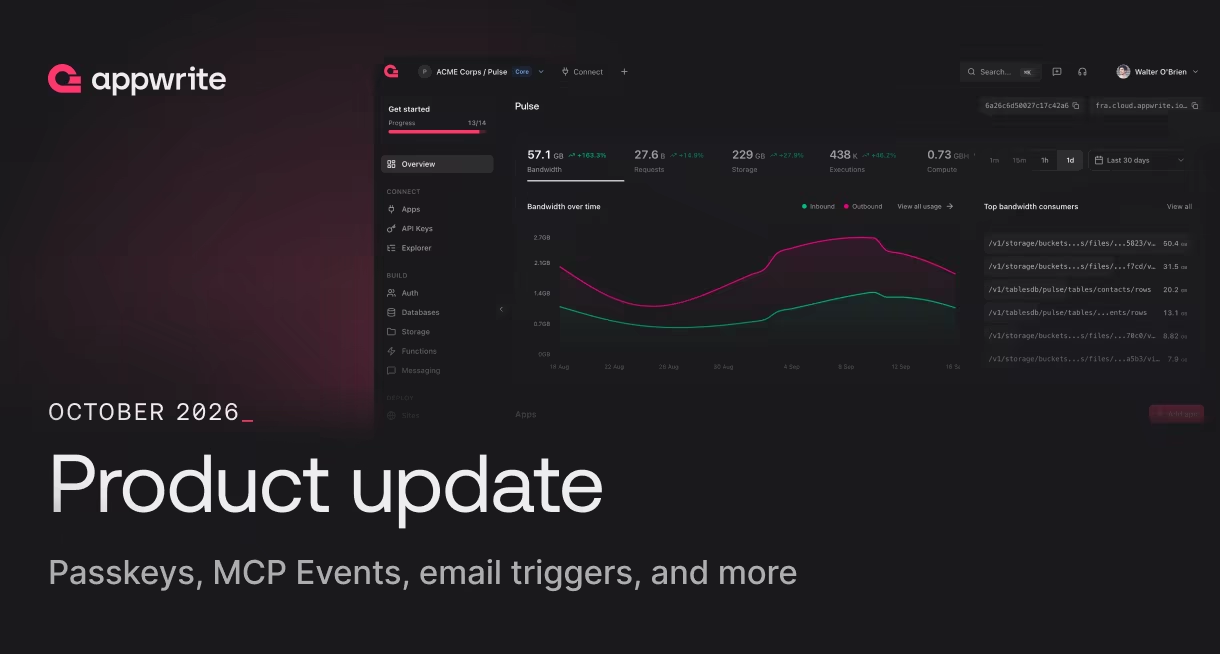
October brought new ways to authenticate users, automate backend workflows, and deploy applications with Appwrite.
We introduced passkeys, expanded OAuth2 support, added email triggers for Functions, and brought real-time events to the Appwrite MCP server.
We also shipped improvements across Storage, caching, self-hosting, and the Android SDK.
Here's everything new in Appwrite this October.
Passwordless authentication with passkeys
Appwrite Auth now supports passkeys, allowing users to sign up and sign in without passwords.
Users can authenticate using Face ID, Touch ID, a fingerprint, or their device PIN. A single passkey works across your website and Android and iOS apps, including Flutter and React Native.
Passkey sessions also satisfy multi-factor authentication (MFA), giving users a simpler sign-in experience without compromising security.
You can enable passkeys directly from your project's Auth settings in the Appwrite Console.
Available on Appwrite Cloud and self-hosted Appwrite 2.5 or later.
Six new OAuth2 login providers
Appwrite Auth now supports six additional OAuth2 providers:
- Hugging Face
- Resend
- Cloudflare
- TikTok
- Kakao
- Webflow
All six work with Appwrite's existing OAuth2 authentication flow, so you can integrate them without building or maintaining a separate authentication system.
These providers give developers more ways to support users signing in with their existing accounts, particularly when building AI tools, developer platforms, or region-specific applications.
All six are available on Appwrite Cloud and in self-hosted Appwrite 2.4 or later.
Explore the new OAuth2 providers
Six-digit codes for email verification and password recovery
Email verification and password recovery can now happen entirely inside your application.
Appwrite Auth supports six-digit verification and recovery codes as an alternative to email links.
Each code expires after 15 minutes, can only be used once, and supports an optional security phrase.
This removes the need to configure redirect pages or deep links, particularly for mobile and desktop applications.
Available on Appwrite Cloud and self-hosted Appwrite 2.3 or later.
Read more about verification and recovery codes
Email triggers for Appwrite Functions
Appwrite Functions can now execute automatically when an email arrives.
Each function gets a built-in email address, with the option to connect a custom domain using MX and TXT records.
Appwrite handles incoming email parsing and passes the email content as JSON, along with attachments as files, directly to your function.
You can use email triggers to automate workflows such as processing support requests, extracting invoice information, or handling monitoring alerts without setting up a separate inbound email provider or webhook endpoint.
Email triggers are available on Appwrite Cloud.
Learn more about email triggers
Schedule Functions with intervals
Appwrite Functions now support interval-based scheduling alongside existing cron expressions.
Instead of specifying the exact time a function should run, you can define how frequently it should execute, such as every 15 minutes or every hour.
Appwrite automatically distributes executions across their intervals rather than starting every scheduled function simultaneously.
This is useful for recurring workflows such as data synchronization, cache refreshes, background processing, and cleanup jobs.
Cron scheduling remains available for tasks that need to run at specific times.
Read more about Function intervals
Real-time events for the Appwrite MCP server
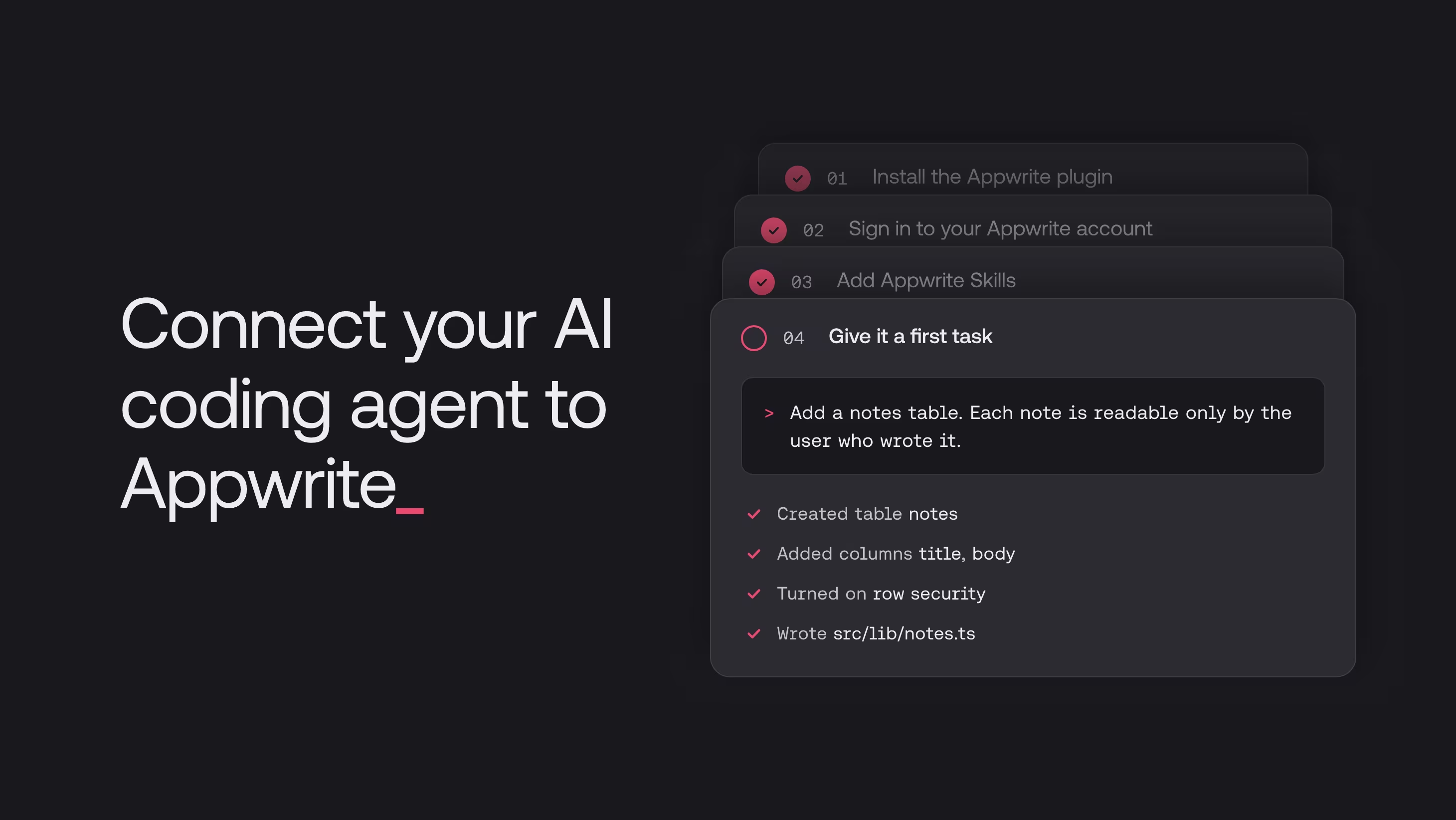
The Appwrite MCP server now supports MCP Events, allowing compatible AI agents to subscribe to changes in your Appwrite projects.
Agents can receive notifications when:
- New users register
- Function executions fail
- Functions and Sites finish deploying
- New database rows are created
- Files are uploaded to Storage
Instead of repeatedly checking for changes, agents can react as events happen.
MCP Events supports both streaming for locally running agents and signed webhooks for hosted agents, making it possible to build more responsive agent-driven workflows.
Appwrite partners with Entire to simplify deployments
Appwrite partnered with Entire to bring Git-based deployments to agent-driven development workflows.
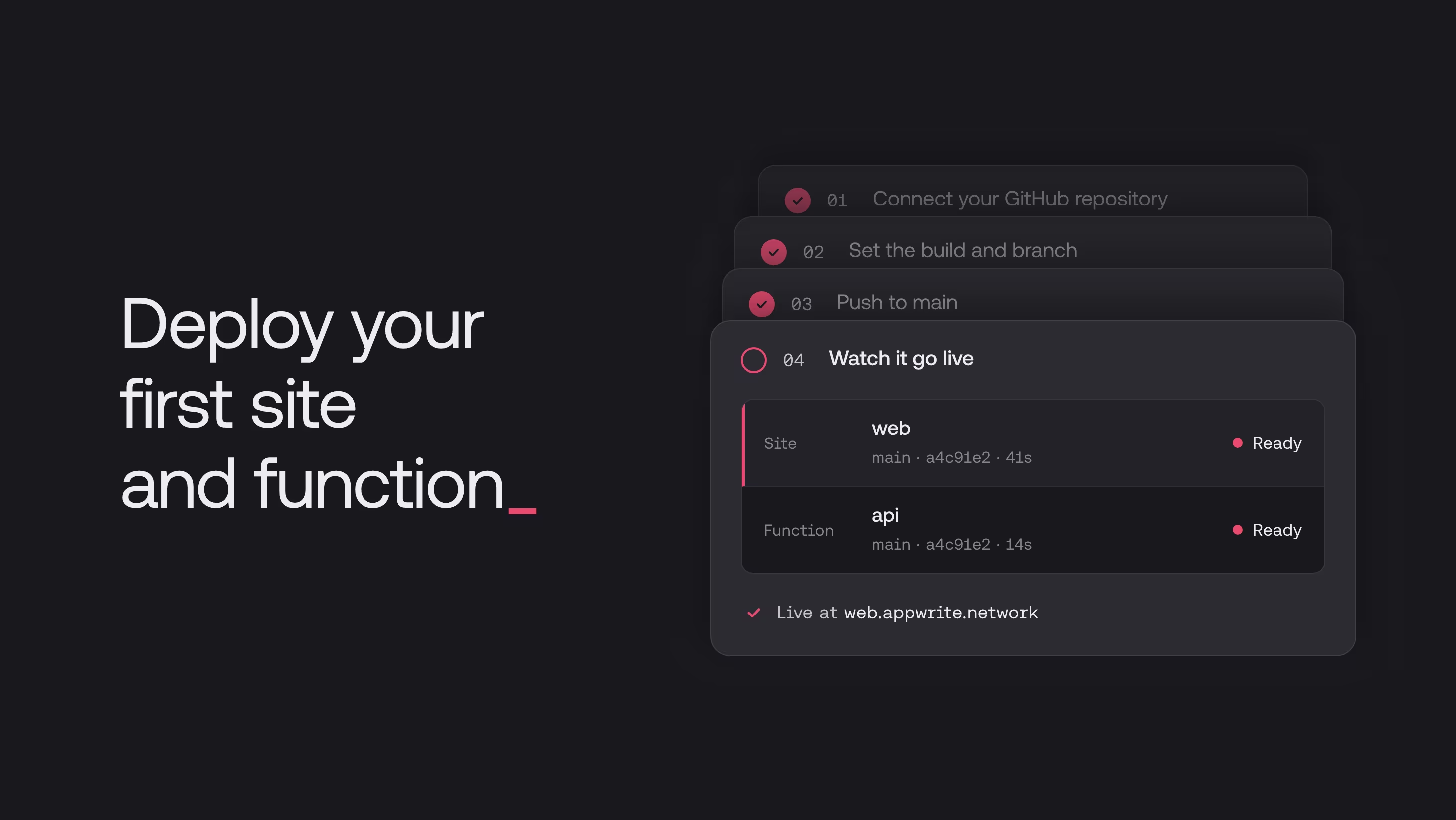
Entire is now supported as a Git provider on Appwrite Cloud, allowing developers to connect their Entire repositories and deploy Appwrite Sites and Functions directly from them.
With this integration, you can:
- Automatically build and deploy changes from your production branch
- Generate private preview links for Sites deployed from other branches
- View deployment results directly on Entire commits
- Configure branch and path filters to control builds
Entire keeps coding-agent sessions connected to the commits they produce, while Appwrite handles building and deploying the application.
The integration is available on Appwrite Cloud.
Read more about the Appwrite and Entire partnership
Self-host Appwrite on Kubernetes with Helm
Developers can now self-host Appwrite on Kubernetes using the official Appwrite Helm chart.
The chart provides a Kubernetes-native deployment setup with support for:
- Built-in or managed PostgreSQL, Redis, and ClickHouse
- S3-compatible object storage
- Functions and Sites running inside your Kubernetes cluster
- Multiple worker configurations for background workloads
- Automated data migrations during upgrades
You can install Appwrite with helm install and manage upgrades using helm upgrade, without maintaining your own Kubernetes manifests for the platform.
Explore the official Appwrite Helm chart
More precise IP geolocation with Premium Geo DB
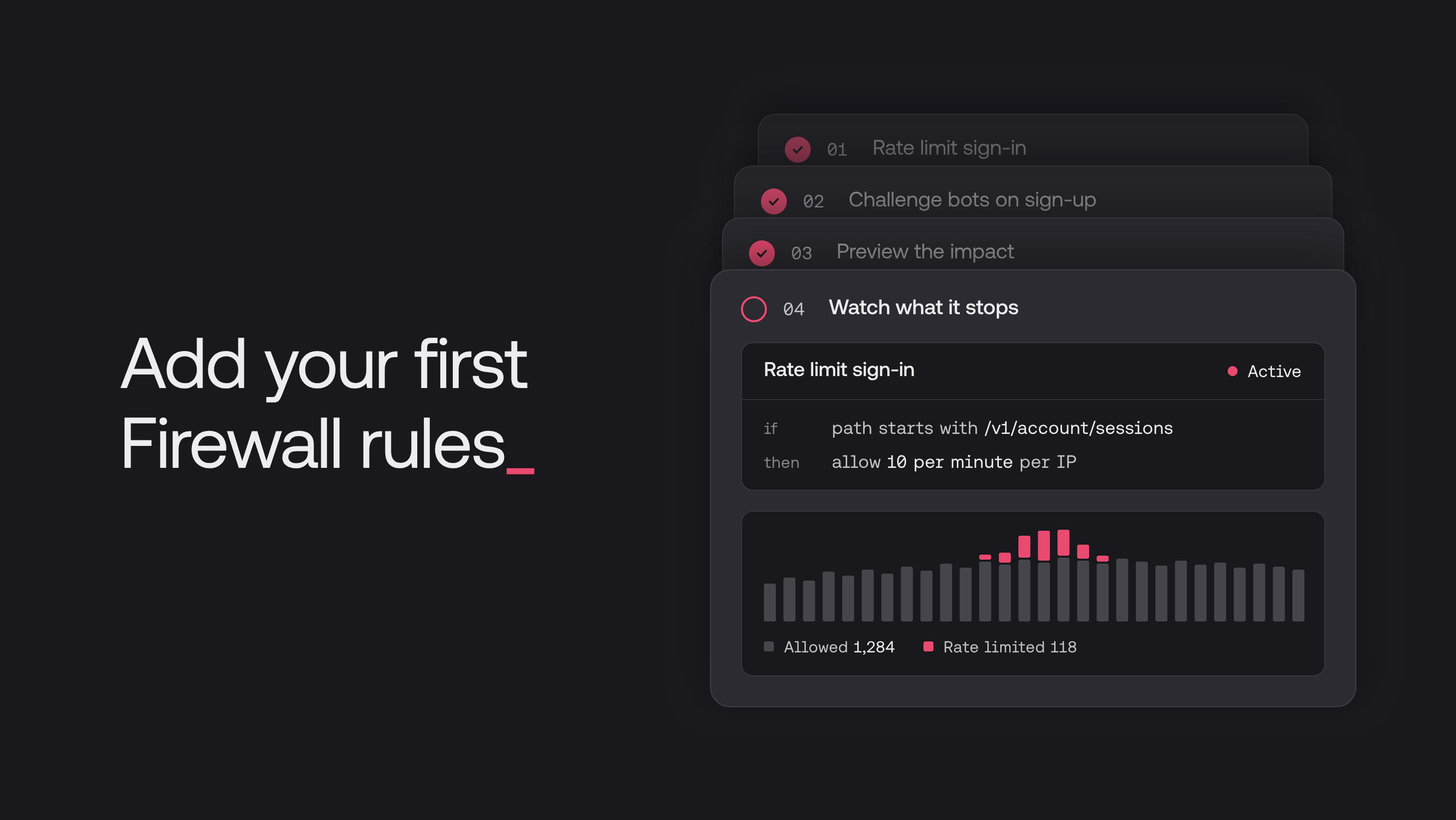
Premium Geo DB is a new add-on for Appwrite Cloud projects, providing more detailed IP geolocation and network information.
It adds data such as city, state, postal code, time zone, ISP, autonomous system number, and connection type.
This additional information is available across Appwrite Firewall, the Locale API, project usage statistics, and authentication sessions.
Premium Geo DB also introduces 13 additional Firewall condition attributes and a preset to block API traffic from hosting and datacenter networks.
The add-on is available on the Pro plan for $10 per project per month.
Read more about Premium Geo DB
Faster list queries with more efficient caching
Appwrite now uses compact binary serialization for its key-value cache instead of JSON.
In benchmarks, the new format delivered:
- Up to 69% less memory usage for cached pages
- Up to 29% more cached list requests per second
- Lower latency when retrieving cached query results
The improvements also extend to cached sessions, API keys, and table schemas.
The binary cache format ships with self-hosted Appwrite 2.3 and requires no code changes or manual migration.
Read more about faster list caching
Android SDK now supports R8 code shrinking
Appwrite Android SDK 29.0.0 now supports R8 full mode, allowing developers to optimize Android release builds without breaking essential SDK functionality.
The update ensures that database queries, Realtime events, and saved authentication sessions continue working correctly in shrunk builds.
The SDK also includes its own R8 rules, reducing the need for manual configuration.
This update helps Android developers prepare for Google Play's February 2027 code optimization requirements.
Read more about Android R8 support
Changes to default deployment retention
Starting November 5, 2026, inactive Appwrite Cloud Sites and Functions deployments will be automatically cleaned up after 30 days by default.
This helps prevent old deployments from consuming unnecessary project storage, especially on the Free plan.
Active deployments and deployments connected to custom domains will remain available regardless of their age.
Developers who need longer deployment history can configure retention settings, with maximum periods depending on their plan.
If you want to retain inactive deployments for longer than 30 days, update your retention settings before November 5.
Learn more about deployment retention
What's next
October brought updates across Appwrite Auth, Functions, MCP, Storage, performance, and self-hosting, giving developers more ways to build and manage their applications.
We'll keep improving the platform and introducing new capabilities in the coming months.
For the latest releases, explore the Appwrite Changelog, or head to the Appwrite Console to try out what's new.
Appwrite released updates across Auth, Functions, MCP, Storage, performance, and self-hosting in October 2026. Major releases included passkeys, six new OAuth2 providers, six-digit verification and recovery codes, email triggers and interval scheduling for Functions, MCP Events, Git deployments from Entire, an official Helm chart, Premium Geo DB, a faster binary cache format, and R8 support in the Android SDK.
Yes. Appwrite Auth supports passkeys, so users can sign up and sign in with Face ID, Touch ID, a fingerprint, or their device PIN. A single passkey works across web, Android, and iOS apps, and passkey sessions satisfy multi-factor authentication. Passkeys are available on Appwrite Cloud and self-hosted Appwrite 2.5 or later.
Yes. Each Appwrite Function gets a built-in email address, and you can connect a custom domain using MX and TXT records. Appwrite parses incoming emails and passes the content as JSON, with attachments as files, to your function. Email triggers are available on Appwrite Cloud.
Yes. Appwrite provides an official Helm chart for self-hosting on Kubernetes. You can install Appwrite with helm install and manage upgrades with helm upgrade, with support for built-in or managed PostgreSQL, Redis, and ClickHouse, and S3-compatible object storage.