Announcing streaming responses for Appwrite Sites and Functions_
Appwrite Sites and Functions now stream their responses, so server-rendered pages show up in parts as they render and AI output reaches your users while the model is still writing.

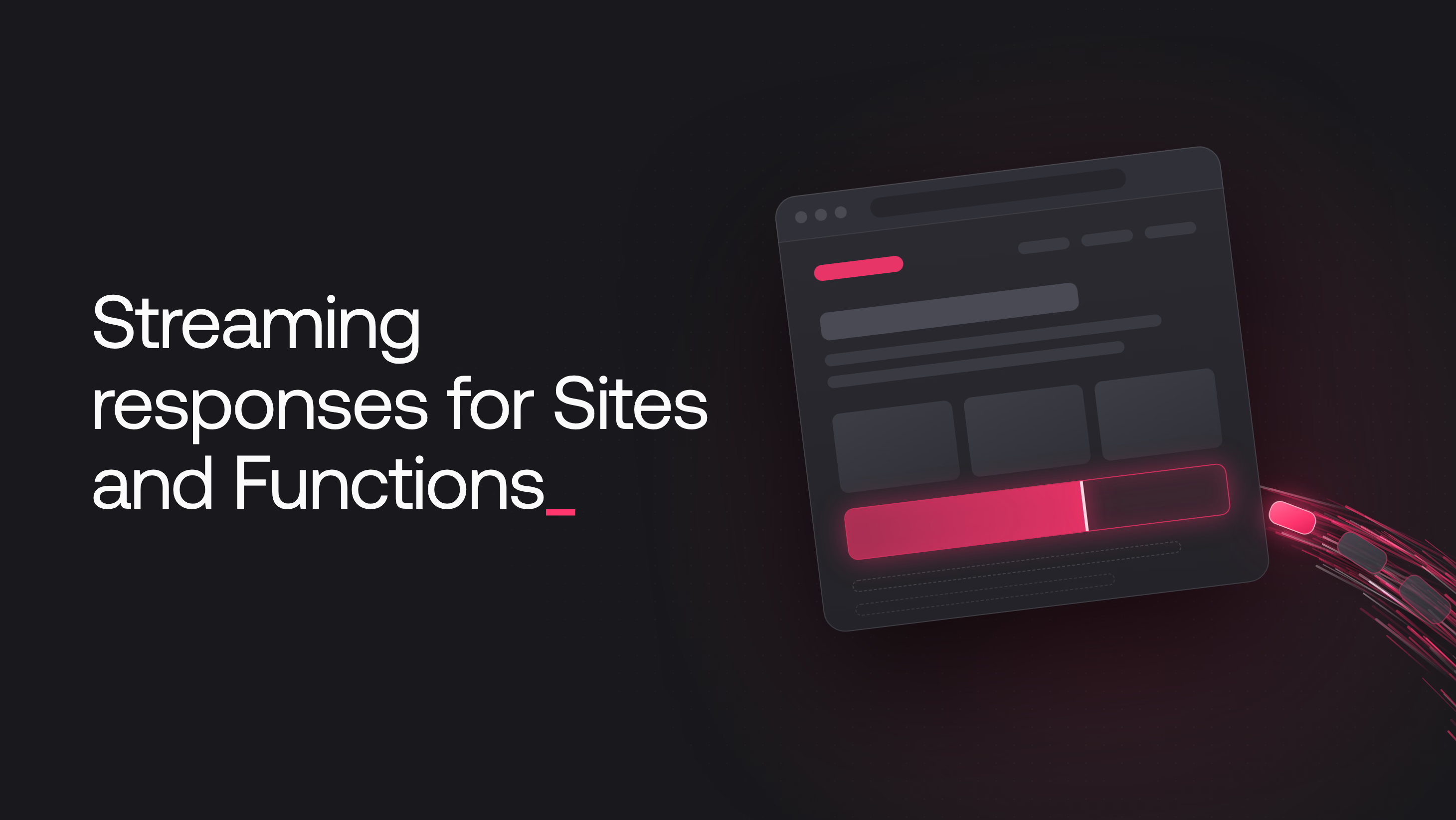
Appwrite Sites and Functions now stream their responses. Each chunk your code writes reaches the browser as soon as it is ready, so your users can see a page's layout while slower sections load, or start reading an AI answer while the model writes the rest.
Streaming is enabled on Appwrite Cloud for every project. Server-rendered sites stream when their framework renders HTML in parts, and functions stream when they return a stream, in every runtime except Rust.
What streaming makes possible
- Pages that render before all their data is loaded. Frameworks such as Next.js, SvelteKit, Astro, Remix, and TanStack Start can send the page shell first and fill in slower sections as their data arrives. Your users see the layout and navigation right away instead of a blank tab.
- AI responses as the model writes them. Chat interfaces, summaries, and agents can show text as the model generates it, so your users start reading before the full answer is ready.
- Progress updates for short jobs. With server-sent events, a function can report each step of an import, a report, or a batch of API calls while the work is still running.
- Large responses without building them first. A function can write an export or a generated file chunk by chunk, so the download starts with the first rows instead of after the last one.
Streaming in Appwrite Sites
If your framework streams HTML in development, it streams the same way on Appwrite Sites, with no adapter settings or configuration flags.
This Next.js page sends its heading immediately and the order list once the query behind it finishes:
import { Suspense } from 'react';

async function Orders() {
    const orders = await getOrders();
    return <OrderList orders={orders} />;
}

export default function Page() {
    return (
        <main>
            <h1>Dashboard</h1>
            <Suspense fallback={<p>Loading orders...</p>}>
                <Orders />
            </Suspense>
        </main>
    );
}
Streamed pages are still compressed with gzip or Brotli when the browser supports it. Static files and other responses with a known size are sent in one piece, as before.
Streaming in Appwrite Functions
A function streams when it returns res.sendStream() with the source of chunks your runtime already uses, such as an async generator in Node.js, a generator in Python and PHP, a Flow in Kotlin, or an AsyncSequence in Swift.
Libraries that already return a stream plug straight in. With the Vercel AI SDK, pass the model's text stream to sendStream() and the reply reaches the browser as the model writes it:
import { streamText } from 'ai';
import { openai } from '@ai-sdk/openai';

export default async ({ req, res }) => {
    const result = streamText({
        model: openai('gpt-5-mini'),
        prompt: req.bodyJson.prompt
    });

    return res.sendStream(result.textStream, 200, {
        'content-type': 'text/plain; charset=utf-8'
    });
};
Call the function through its domain to receive the chunks as they are written. The Create execution endpoint, including calls through an SDK, returns the complete body after the stream ends.
Timeouts and limits
- Streams end at the timeout. On Appwrite Cloud, a site's stream can run until the site's timeout, up to 30 seconds. A function's stream through its domain is limited to the shorter of the function's timeout and 60 seconds. The execution keeps running while the stream is open, so a stream counts toward execution time like any other response. For updates that run longer, use Appwrite Realtime.
- Preview URLs send pages in one piece. HTML pages on a preview URL that shows the Appwrite banner are not streamed. Use the site's own domain to see a page stream.
Get started
Streaming is available on Appwrite Cloud today. Deploy a server-rendered site whose framework streams HTML, or return res.sendStream() from a function, and your users see the first part of a response as soon as it is ready. Dashboards that wait on slow queries and AI features that take seconds to answer can now respond right away, with no extra infrastructure or configuration on your side.
Resources
No Appwrite-specific configuration is needed if your framework already streams HTML. A server-rendered site streams whenever its framework writes the page in parts, as Next.js does with Suspense and loading.js, SvelteKit with streamed promises, and Astro by default. Responses that carry a Content-Length, such as static files, are sent in one piece as before.
Return res.sendStream() with a source of chunks, such as an async generator in Node.js, a generator in Python or PHP, a Flow in Kotlin, or an AsyncSequence in Swift. In Node.js, Bun, and Deno you can also return a Fetch API Response with a ReadableStream body. The stream reaches clients that call the function through its domain.
Every runtime except Rust and the deprecated node-14.5, dart-2.15, and swift-5.5 runtimes. Go functions need github.com/open-runtimes/types-for-go/v4 version v4.0.11 or later.
No. An execution created with the Create execution endpoint, directly or through an SDK, returns the whole body once the stream has ended. Call the function through its domain to receive the stream.
A stream is part of one execution, so it ends when the timeout is reached. On Appwrite Cloud, a site's stream can run until the site's timeout, up to 30 seconds, and a function's stream through its domain is limited to the shorter of the function's timeout and 60 seconds. For updates that run longer, use Appwrite Realtime.
Yes. Streaming is on by default from the first self-hosted release that includes it. Set _APP_COMPUTE_STREAMING to disabled in your .env file to send each response only once it is complete.