Announcing encryption for every file size_
Encrypted buckets in Appwrite Storage now encrypt every file, whatever its size, before Appwrite stores it. The 20 MB limit is gone.

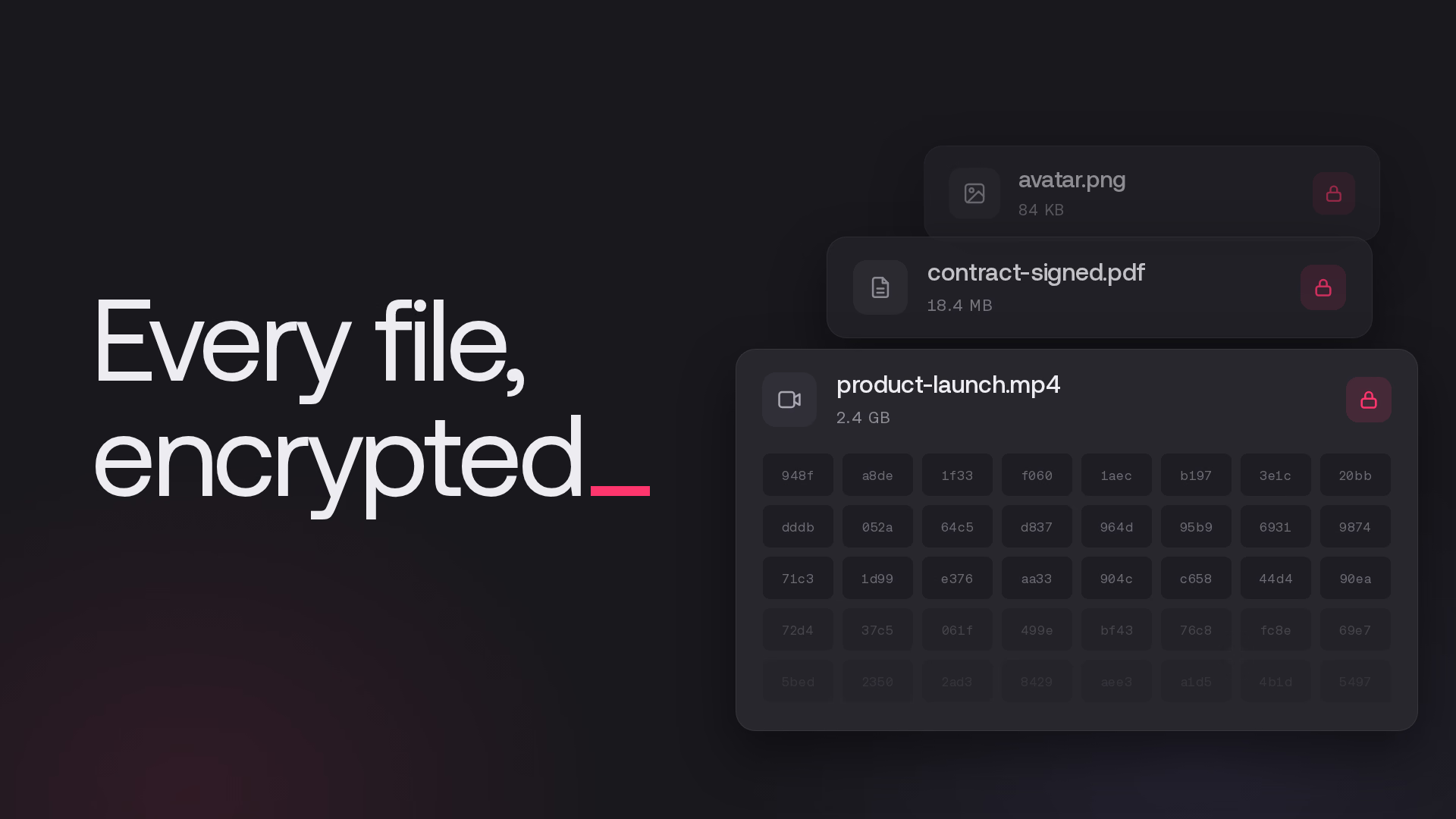
Encrypted buckets in Appwrite Storage now encrypt every file, whatever its size. Until now, encryption stopped at 20 MB. A larger file in an encrypted bucket was stored exactly as it was uploaded, so the videos, backups, and archives in that bucket were the files left unencrypted.
Encrypted uploads now take about as long as unencrypted ones, and reading part of an encrypted file, such as seeking in a video, is about four times faster. The change is live on Appwrite Cloud, and existing apps keep working without code, SDK, or settings changes.
Bucket encryption
Encryption is on by default for new buckets and can be configured in the Encryption card on the bucket's Settings tab. A bucket that S3 tools access through Connect with S3 still needs encryption turned off.
Encrypted files
A 110 MB video uploaded to an encrypted bucket shows Encryption: Enabled in its file details.
Existing files remain readable and are not automatically re-encrypted. Smaller files already encrypted with AES-128-GCM remain in that format; larger files stored unencrypted remain so until uploaded again.
How encryption works
- Keys: Each file gets a random 256-bit key, encrypted with the server's encryption key and stored in internal metadata. The API never returns the file key.
- Segments: AES-256-GCM encrypts files in 64 KB segments. Each segment has a nonce, a value used for encryption, and an authentication tag that checks its integrity, position, and whether it is last.
- Uploads: Appwrite encrypts upload chunks in memory before writing them. Chunked, resumed, and out-of-order uploads continue to work.
- Processing: Compression and image metadata stripping apply to files up to 20 MB. For these options, Appwrite reads the upload back, decrypts and processes it, then encrypts and writes it again.
- Reads: Without compression, range requests decrypt only the segments they cover, and full downloads stream one segment at a time. Compressed files are decrypted and decompressed as a whole.
- Storage: The new format adds 28 bytes per 64 KB segment, about 0.04 percent. Storage usage counts the stored file size, and existing files keep their stored size.
Downloads, views, image previews, messaging attachments, and CSV and JSON imports from storage can read both formats.
Our measurements
We measured median times on the same deployment before and after the change, with every request crossing the public internet. Upload figures show the extra time for encryption over an unencrypted upload.
| Measurement | Before | After |
|---|---|---|
| 100 KB encrypted upload | +155 ms | +20 ms |
| 1 MB encrypted upload | +235 ms | -23 ms (within noise) |
| 5 MB encrypted upload | +435 ms | +110 ms |
| 64 KB range from a 20 MB encrypted file | 869 ms | 208 ms |
The same range read from an unencrypted file took 189 ms. A new 100 MB encrypted file downloaded in time within noise of an unencrypted file.
Protection for every file size
This update helps teams protect large uploads with the same bucket setting as smaller files. We'd love to hear how it works for your team on Discord.
More resources
Yes. Every new upload to an encrypted bucket is encrypted before Appwrite stores it, whatever its size. Encryption is on by default for new buckets.
Existing files remain readable and are not automatically re-encrypted. Files up to 20 MB were already encrypted. Larger files in encrypted buckets were stored unencrypted and remain unencrypted until uploaded again.
No code, SDK, or settings changes are needed. The change is live on Appwrite Cloud. A bucket that S3 tools access through Connect with S3 still needs encryption turned off.
Storage usage counts the stored file size. The new format adds 28 bytes per 64 KB segment, about 0.04 percent. Previously uploaded files keep their stored size.
Yes. In a bucket without compression, a range request decrypts only the segments it covers. Compressed files are decrypted and decompressed as a whole.