Make the best use of Appwrite’s MCP server_
Learn how to make the best use of Appwrite’s MCP server.

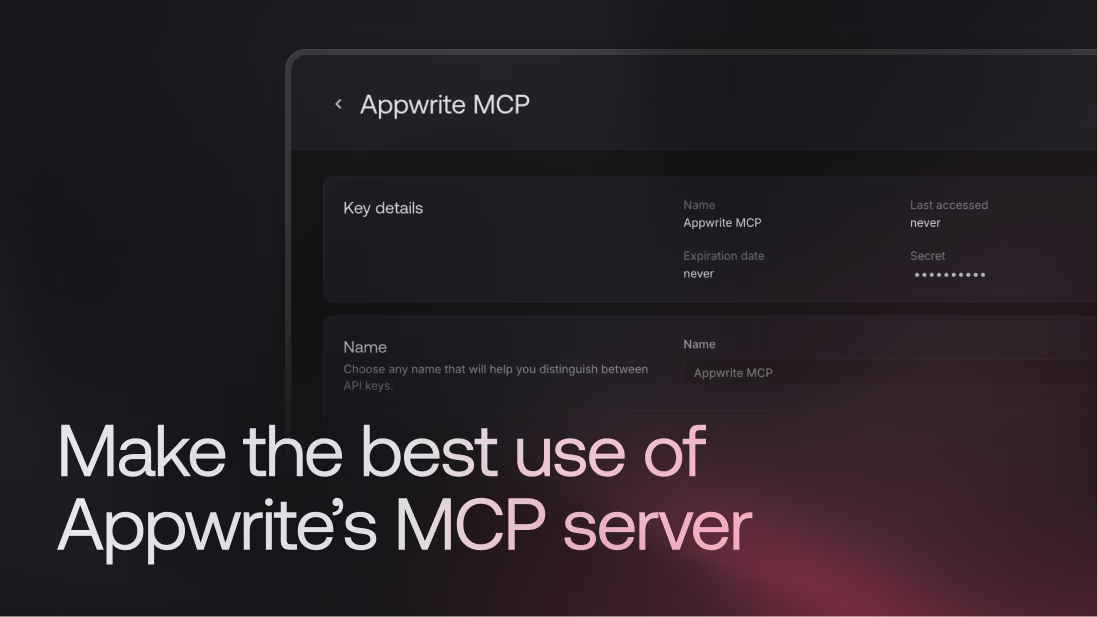
MCP servers are the next big thing in the AI space. Everyone is talking about them. An MCP server allows your AI agents to interact with external services. The use cases are legit, so we launched our own Appwrite MCP server that allows your AI agents to interact with your Appwrite projects. This MCP server unlocks some handy use cases, which we will look at in this article.
Our documentation has a guide for installing and setting up the Appwrite MCP server if you haven't already.
Generating documentation for your project
Since your AI agents can now access your Appwrite projects, you can generate detailed documentation about any resource present in your project. This is particularly useful when generating documentation for your database schema. This way, you don't need to give end developers access to your project and keep them in the loop about the database schema and purpose for each table and column.
Once connected to your project, you can run a prompt similar to the following to generate documentation for your database schema.
Create a new markdown file called `DATABASE.md` and write a detailed documentation for my database named `<DATABASE_NAME>`, make sure you cover all the tables and their columns.
By running this prompt, the AI agent should start accessing your database (if it has access) and analyze all the tables and their columns. A final summary should appear in your DATABASE.md file shortly.
Creating tables dynamically
Instead of opening the Appwrite Console or writing custom scripts, you can ask your AI agents to create/modify tables in your database. This is especially useful when you're vibe coding to build a prototype and you need the model to create tables according to its judgment without you needing to go to Appwrite Console to do it manually. (If you are picking an AI surface for that workflow, Best vibe coding tools in 2026: comparison and tradeoffs compares common IDEs and agents in one place.)
Once connected to your project, you can run a prompt similar to the following to create tables using your AI agent.
Create a new table in the database `db` called `products`. Within the table, create columns for name (string), price (float), and stock (integer). All fields must be required.
By running this prompt, the AI agent should create a new table and then add the specified columns. You can mix this up with a new feature asking your agent to “create required database table schema for the feature”.
Selective CSV export
If you ran the above prompt and now have a products table with all the relevant columns, you can make your AI agents perform queries on your database and take actions with it. For example, you can run a query and export the final data to a CSV file.
In the `products` table in the database `db`, export all the products that cost more than $100 into a new `costly.csv` file.
This will run the necessary database queries and create a CSV file with all the extracted records.
Similarly, you can run this the other way around and import a CSV file with selective requirements, i.e., only importing if the product price is less than $100, for example.
Replicating database schema
Sometimes you need a separate database with the same structure as your main database to test new updates. It could be tedious to manually replicate the database schema each time. Instead, you can ask your AI agent to do the job.
Replicate the database schema for the database `db` (with tables and columns), into a new database called `db2`. Don’t transfer any data; only the schema needs to be replicated.
This should make the AI agent scan through all your database tables, record the schemas, and replicate them into a new database for you.
Wrapping up
Appwrite's MCP server can unlock many different possibilities when powered by an AI agent. These were just a few of the many more use cases you could imagine. If you have any questions, please join our Discord server to connect with the team.
The Appwrite MCP server is a Model Context Protocol implementation that lets AI agents interact with your Appwrite project resources. Agents can read your database schemas, create tables, query records, and run other actions through the protocol. It connects tools like Claude Desktop and Cursor directly to your Appwrite backend.
Installation steps are documented in the Appwrite MCP guide. You configure your AI client (Claude Desktop, Cursor, etc.) to launch the MCP server with your project credentials. After setup, the agent can access your Appwrite resources within the permissions you grant.
MCP (Model Context Protocol) is an open standard for connecting AI models to external systems and data sources. It replaces ad hoc plugin systems with a uniform protocol that any compatible client can use. This means one MCP server works across many AI tools without per platform integrations.
Yes, if you give it credentials with write access, the AI agent can create, modify, or delete resources in your Appwrite project. Treat MCP credentials like any other API key and use a scoped project or service for experimentation. For production work, restrict permissions to the minimum the agent needs.
You can generate documentation from your schema, export selective CSV data based on natural language queries, replicate database schemas between projects, and let agents prototype features by spinning up the supporting backend. Any operation exposed by the Appwrite API can be invoked through the MCP server.
Yes, it works well during rapid prototyping when you want the AI agent to set up backend resources as it generates application code. The agent can create tables, columns, and indexes on demand without you switching to the Appwrite Console. This keeps the build loop tight while you iterate on a prototype.