Updated Appwrite plugins for Claude Code and Codex are live_
The Appwrite plugins for Claude Code and Codex now include the hosted Appwrite MCP server, so your agent can work with your Appwrite project after one OAuth sign-in.

In July we moved the Appwrite MCP server to a hosted server. You no longer need to run the server on your machine or give it an API key. You can sign in with your Appwrite account instead. Our plugins for Claude Code and Codex still carried the old setup, so we had to update both.
The updated plugins are live. The Codex plugin is also part of the official Codex plugin directory now, so you no longer need to add the Appwrite marketplace.
What changed in the plugins
- The hosted MCP server replaces the old MCP servers. Both plugins now connect to
https://mcp.appwrite.io/. Your agent opens a browser window the first time it connects, and you can sign in with your Appwrite account. - Neither plugin asks for an API key. The earlier Claude Code plugin asked for an endpoint, a project ID, and an API key after the install. The earlier Codex plugin had no way to collect those values, so it included only the docs MCP server and could not work with your project. With OAuth, both plugins can work with your project after you sign in with your Appwrite account.
- The skills are unchanged. Both plugins include skills for the Appwrite CLI and the TypeScript, Dart, .NET, Go, Kotlin, PHP, Python, Ruby, Rust, and Swift SDKs. The Claude Code plugin adds
deploy-siteanddeploy-functioncommands, and the Codex plugin includes the same two workflows as skills.
Install the plugin for Claude Code
Run the following command in your terminal:
claude plugin install appwrite@claude-plugins-official
If you installed an earlier version, run /plugins in Claude Code, open the Installed tab, and update the Appwrite plugin.
Install the plugin for Codex
The plugin is available in the ChatGPT desktop app and in the Codex CLI.
In the ChatGPT desktop app:
- Click Plugins in the sidebar.
- Search for
Appwriteand select the Appwrite plugin. - Click Install plugin.
In the Codex CLI:
- Run
codexin your terminal, then run/plugins. - Switch to the OpenAI Curated marketplace.
- Search for
Appwriteand select the Appwrite plugin. - Select Install plugin.
The plugin from the Appwrite marketplace does not include the hosted MCP server. To remove the old plugin, use the following commands:
codex plugin remove appwrite@appwrite
codex plugin marketplace remove appwrite
What this means for building with Appwrite
Appwrite used to have two MCP servers. The docs MCP server searched the Appwrite documentation. The API MCP server worked with your project, and it ran on your machine with an endpoint, a project ID, and an API key that you had to create yourself. The Claude Code plugin asked you for those three values after the install, and the Codex plugin included only the docs MCP server.
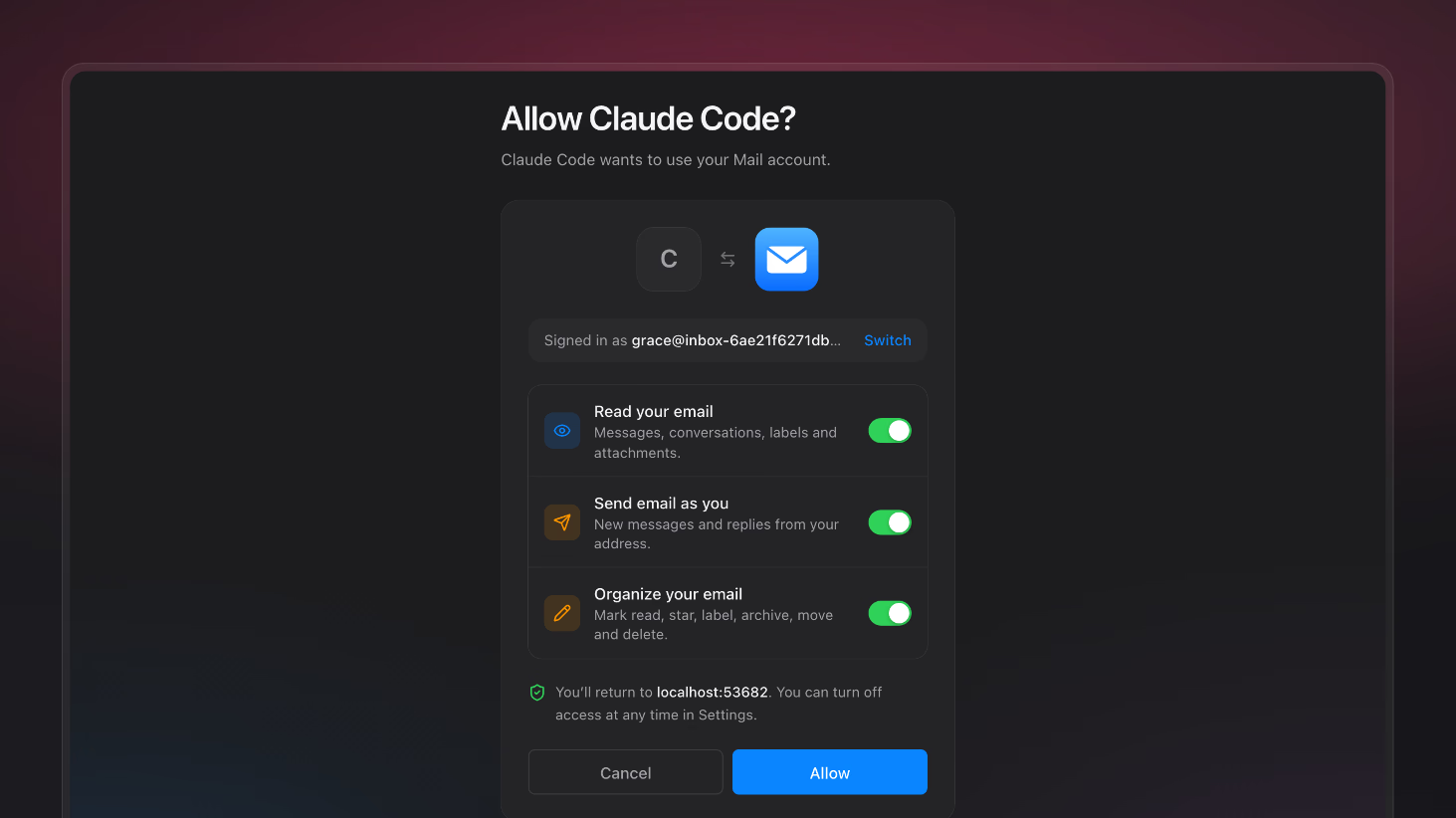
The hosted MCP server merges the two, and it uses OAuth. Your agent connects to one server and opens your browser, where you can sign in with your Appwrite account. You do not need to create an API key or add it to a config file. After you authorize access, your agent can search the docs through that server. It can also create tables, manage users, and deploy functions and sites in your project.
Resources
Both plugins now include the hosted Appwrite MCP server at https://mcp.appwrite.io/, which uses OAuth. The earlier versions bundled local MCP servers that needed an endpoint, a project ID, and an API key.
Run claude plugin install appwrite@claude-plugins-official in your terminal. See the Claude Code docs for the full setup.
In the ChatGPT desktop app, click Plugins in the sidebar, search for Appwrite, select the plugin, and click Install plugin. In the Codex CLI, run /plugins, switch to the OpenAI Curated marketplace, search for Appwrite, and select Install plugin. See the Codex docs for the full setup.
No. The hosted Appwrite MCP server uses OAuth. When your agent connects for the first time, your browser opens so you can sign in to your Appwrite account and authorize access.
No. The plugin is available in the OpenAI Curated marketplace that Codex includes by default, so the codex plugin marketplace add appwrite/codex-plugin step is no longer required.