Announcing relationship queries: Filter across related data with ease_
You can now use filter queries directly on relationship columns, plus enjoy up to 18x faster relationship performance across the board.

If you've worked with relationships in Appwrite, you've likely run into two pain points: they presented performance challenges, and you couldn't query across them. If you wanted to find all posts by a specific author or all orders containing a certain product, you had to fetch everything and filter in your application layer.
Both of those problems are now solved.
As of today, Appwrite Databases supports filter queries on relationship columns and delivers a 12-18x performance improvement for relationship operations. Relationships are no longer just a way to connect data, they're now a fast, queryable foundation you can build on with confidence.
Querying relationships
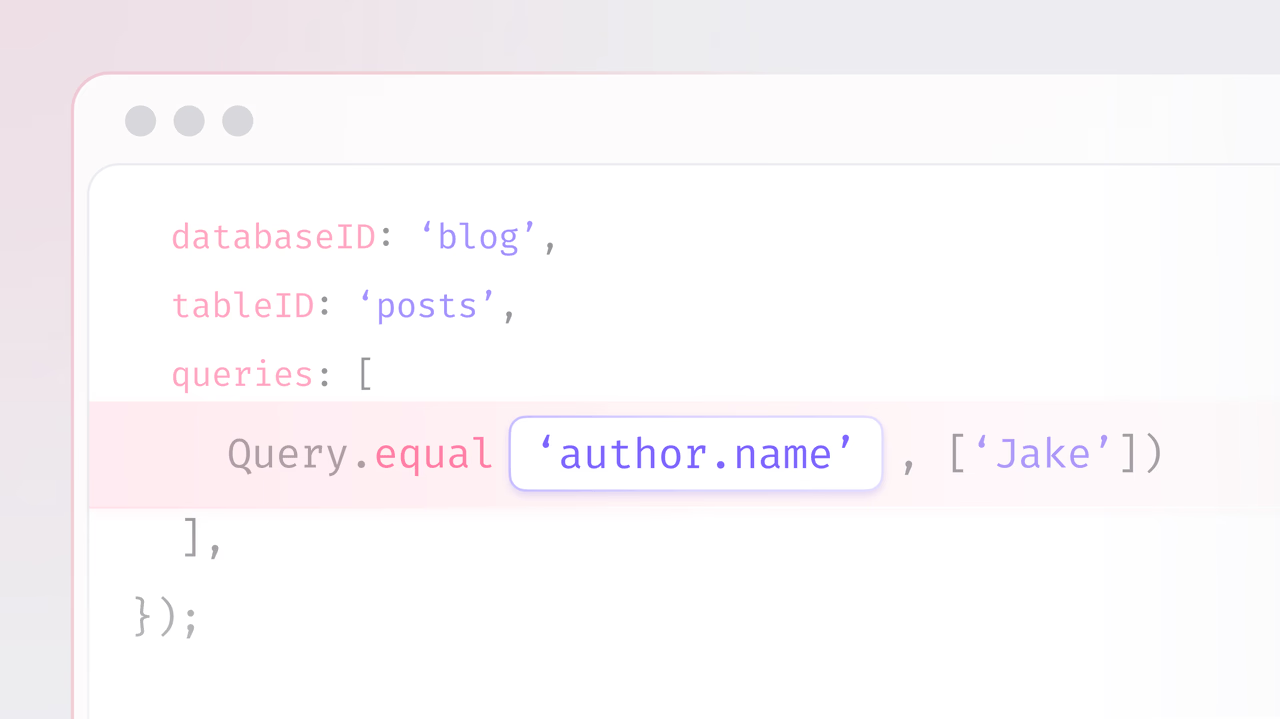
You can now use filter queries directly against relationship columns using dot notation. Reference fields on related rows with the format relationshipKey.field, and Appwrite handles the rest.
const { Client, TablesDB, Query } = require('node-appwrite');

const client = new Client()
    .setEndpoint('https://<REGION>.cloud.appwrite.io/v1')
    .setProject('<PROJECT_ID>');

const tablesDB = new TablesDB(client);

// Get all posts where the author's name is 'Jake'
await tablesDB.listRows({
    databaseId: 'blog',
    tableId: 'posts',
    queries: [
        Query.equal('author.name', ['Jake'])
    ],
});
All comparison operators are supported, including equal, notEqual, greaterThan, lessThan, between, contains, and the full set of spatial queries.
12-18x faster relationship performance
Alongside query support, we've overhauled the internals of how relationships are resolved, delivering a consistent 12-18x speed improvement for relationship operations.
Whether you're loading a user's posts, an order's line items, or a project's team members, the response comes back faster across the board.
These performance gains apply automatically. There's nothing to configure or opt into. If you're already using relationships, they just got faster.
What this unlocks
With queryable, high-performance relationships, you can now build patterns that were previously impractical:
- Filtered views across tables: Show all articles by authors in a specific country, or all products in a category with stock above zero.
- Search with context: Find users whose organization matches a criteria, without fetching and filtering client-side.
- Dashboards and reports: Aggregate and filter data across related tables directly in your queries.
- Faster applications: Reduced response times mean snappier UIs, especially for pages that load multiple levels of related data.
Availability
Relationship queries and performance improvements are available now on both Appwrite Cloud and self-hosted.
If you've been working around the limitations of relationships, now is a great time to revisit your data model. Queries across relationships and dramatically faster performance make them a first-class tool for building connected, real-world data structures.
More resources
Use dot notation in your query, for example Query.equal('author.name', ['Jake']). Appwrite translates the dotted path into a filter on the related table's column. All standard comparison operators are supported, including equality, ranges, contains, and spatial operators.
Appwrite Databases supports one-to-one, one-to-many, many-to-one, and many-to-many relationships. You define them on columns and choose whether deletes cascade, restrict, or set null. Relationships can be queried in both directions when configured as two-way.
Recent improvements deliver a 12 to 18 times performance gain for relationship operations. The gains apply automatically to existing relationships, so loading nested data like a user's posts or an order's line items is significantly faster without any code changes.
No. The performance improvements apply automatically across Appwrite Cloud and self-hosted installations. If you are already using relationships, the same code returns results faster without any configuration changes.
Yes. You can mix relationship filters with regular filters on the parent table in the same queries array. This lets you express conditions like find posts whose author is in a given country and whose status is published in a single query.
Filtering by a relationship uses dot notation to narrow which parent rows are returned based on related data. Loading a relationship hydrates the related rows in the response. With opt-in relationship loading, you can do one without the other, keeping payloads small while still filtering precisely.









