Announcing reasons in Activity: see why every change was made_
Appwrite Activity now shows why each change was made. The MCP server records a reason for every write an AI agent makes, and the CLI and your own code can send one too.

AI agents and scripts now make a large share of the changes in many Appwrite projects. An agent cleans up test data, a CI job pushes new functions, a teammate runs a one-off migration from their terminal. The Activity tab already recorded who made each change and what it touched, but not the one thing a reviewer most wants to know: why it happened.
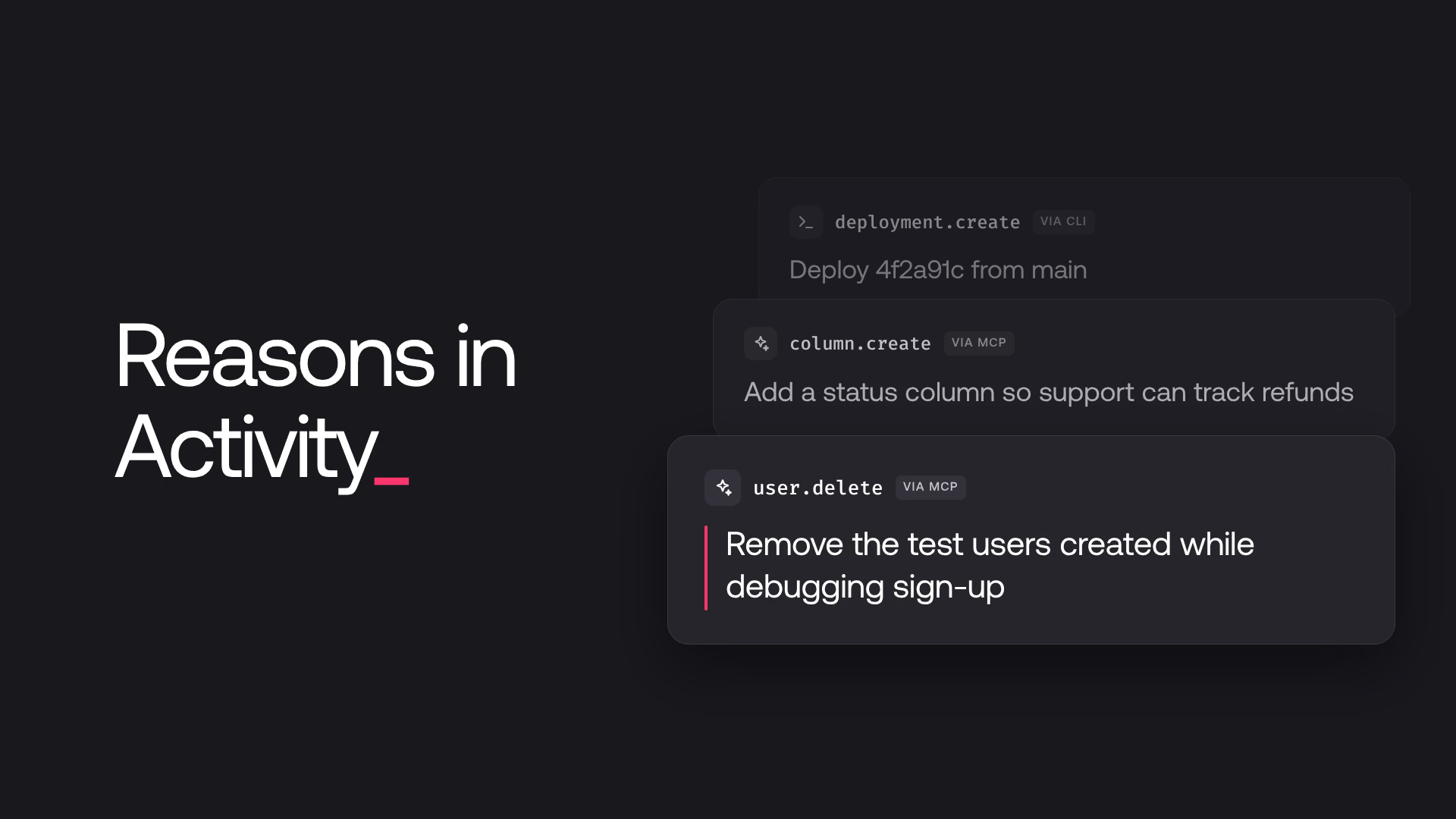
Today, we are announcing reasons in Activity. Every API request can now carry a short note about why it was made, and Appwrite shows that note next to the change it explains. The Appwrite MCP server records a reason for every change an AI agent makes, the Appwrite CLI takes one with a single flag, and any other client can send one with a header.
What's new
- A Reason column in Activity. Each event in your project's Activity tab shows the reason it was made, and the event's details show the full text.
- Reasons for every agent change. The Appwrite MCP server asks the AI agent for a one-line reason with each write and refuses a write without one.
- Reasons from the CLI. Any Appwrite CLI command takes a reason, from a flag or from an environment variable that covers a whole CI job.
- Reasons from any client. Your own scripts and services can send a reason with any API request, so their changes are just as easy to trace.
Review what an AI agent changed
When an agent works on your project through the Appwrite MCP server, every write it makes now comes with a reason. The server's write tool takes a required reason alongside the request, so the agent has to say what it's doing and why before it changes anything.
The reason lands in Activity next to the change, on an event already marked Via MCP. An agent session that cleaned up users, changed a table, and redeployed a function reads as a list of decisions, each with the agent's own explanation, such as "Remove the test users created while debugging sign-up". Reads don't carry a reason, so the log stays focused on what changed.
This works with the hosted MCP server and with the server running locally, in any MCP client.
Record reasons from the CLI and CI
Add --reason to any Appwrite CLI command, and every request the command makes carries it:
appwrite push functions --reason "Release 2.4: move checkout to the storefront site"
In CI, set the APPWRITE_REASON environment variable once for the whole job instead. Tie it to the commit and branch, and every change a deploy makes in your project points back to the run that made it:
env:
  APPWRITE_REASON: "Deploy ${{ github.sha }} from ${{ github.ref_name }}"
A --reason flag takes precedence over the variable, and those events show up in Activity marked Via CLI.
Send a reason from your own code
Any client can send a reason in the X-Appwrite-Reason header. With a server SDK, add the header to the client, and every request that client makes carries it:
const sdk = require('node-appwrite');

const client = new sdk.Client()
    .setEndpoint('https://<REGION>.cloud.appwrite.io/v1')
    .setProject('<PROJECT_ID>')
    .setKey('<API_KEY>')
    .addHeader('X-Appwrite-Reason', encodeURIComponent('Archive orders older than two years'));
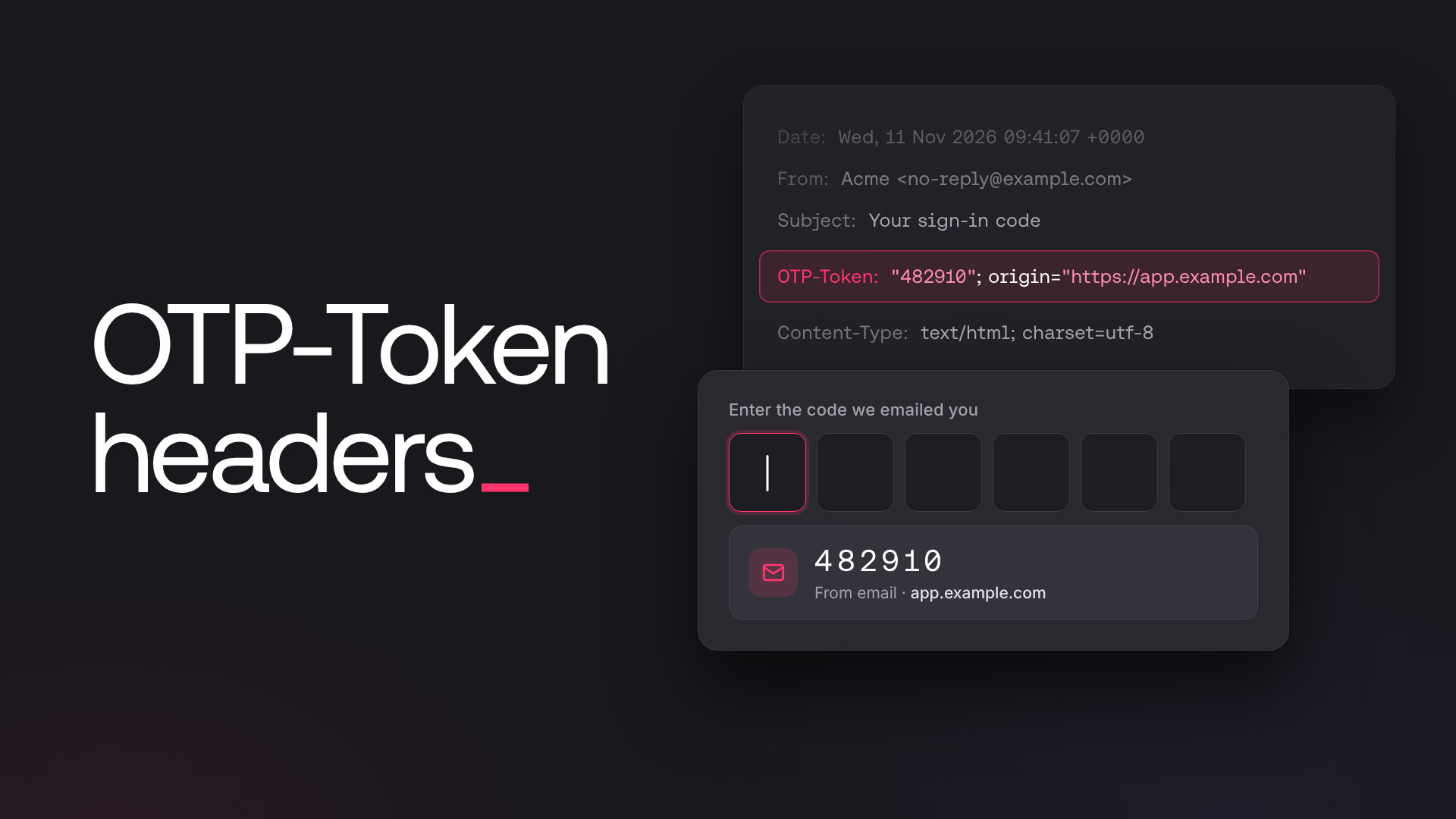
Use a separate client for each reason, so a reason meant for one job doesn't follow unrelated requests. A reason is one line of up to 256 characters, in any language. Appwrite percent-decodes the header, so encode the value with encodeURIComponent or your language's equivalent. A request with an invalid reason, such as one with a line break or a hidden control character, fails before it runs and changes nothing.
Know why every change happened
As more of the work in a project is done by agents and automation, the audit log is where a team builds trust in that work. Reasons turn the log from a record of what happened into a record of what was intended, so reviewing an agent's session or tracking down an unexpected change takes a glance instead of guesswork. We'd love to hear how your team uses them, so share your feedback with us on Discord.
A reason is one line of text that says why an API request was made, such as "Remove the test users created while debugging sign-up". The client sends it in the X-Appwrite-Reason header. Appwrite stores it on the request's audit log entry and shows it in the Reason column of your project's Activity tab and in the event's details.
Connect the agent through the Appwrite MCP server. The server asks the agent for a reason with every change it makes and sends it with the request. Open your project's Activity tab to see each change, marked Via MCP, with the reason the agent gave.
Pass --reason "..." to any command, or set the APPWRITE_REASON environment variable for a whole shell session or CI job. The flag takes precedence over the variable. Every request the command makes carries the reason. See Reason.
Yes. Send the X-Appwrite-Reason header with any API request, percent-encoded with encodeURIComponent or your language's equivalent. With a server SDK, add it to the client with addHeader. See Record a reason.
A reason is one line of valid UTF-8 text of up to 256 characters. Line breaks, tabs, other control characters, and Unicode bidirectional override characters aren't allowed. A request with an invalid reason fails with general_argument_invalid before it runs, so nothing changes.
Not for your own requests or CLI commands; events without one show - in the Reason column. The Appwrite MCP server is the exception: its write tool requires a reason for every change an agent makes, and refuses a write without one before it reaches your project.