Announcing Appwrite MCP Server 2.0_
The Appwrite MCP server has been rebuilt with a compact two-tool architecture that uses less context, requires zero configuration flags, and automatically supports all Appwrite services.

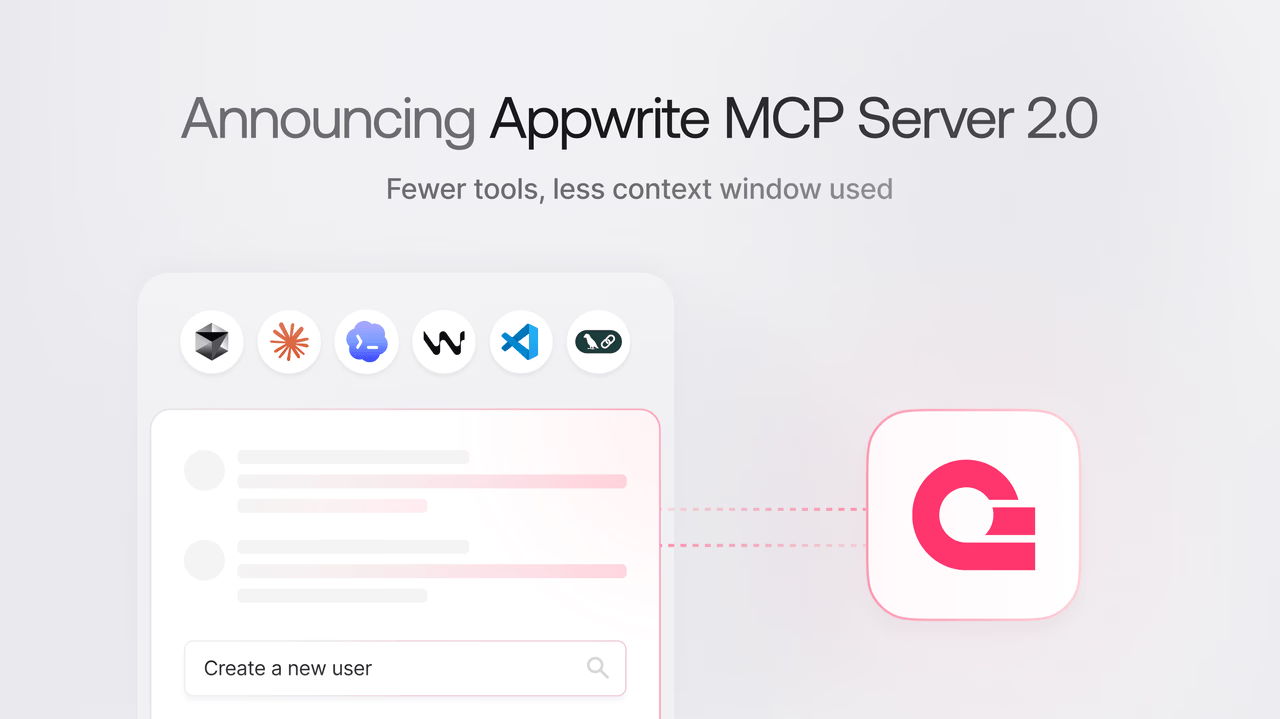
When we launched the Appwrite MCP server, connecting your Appwrite project to AI coding agents was already straightforward. But as the number of enabled services grew, so did the number of tool definitions loaded into the model's context, leaving less room for your actual prompts and code.
Today, we are releasing Appwrite MCP Server 2.0, a ground-up rethink of how the server exposes Appwrite's capabilities to AI models.
No more service flags
The previous version required you to pass flags like --users, --tablesdb, or --storage to enable specific Appwrite services. If you wanted everything, you passed --all and hoped the model could handle the tool count.
That is gone. The server now automatically supports all Appwrite services out of the box. Your MCP configuration goes from this:
{
  "args": [
    "mcp-server-appwrite",
    "--users",
    "--tablesdb",
    "--storage",
    "--functions"
  ]
}
To this:
{
  "args": [
    "mcp-server-appwrite"
  ]
}
All Appwrite services are available by default.
Two-tool architecture
Instead of registering dozens of tools directly with the model, the server now exposes exactly two MCP tools:
appwrite_search_tools: Searches the full Appwrite tool catalog based on the model's intent.appwrite_call_tool: Executes a specific Appwrite operation by name.
The full catalog of Appwrite operations stays internal to the server. When the model needs to interact with Appwrite, it searches for the right tool, gets back the relevant operation, and calls it. This means the model's context is no longer filled with tool definitions it may never use.
How to upgrade
If you are already using the Appwrite MCP server, remove all service flags from the list of arguments from your existing configuration. Using uvx automatically fetches the latest version.
A special thanks to Abid Abdulgafoor from our community, who suggested the two-tool architecture that shaped this release.
Resources
Two big changes. First, no more service flags: the server supports every Appwrite service by default, so configurations no longer need --users, --tablesdb, --storage, and so on. Second, the server now exposes only two tools, appwrite_search_tools and appwrite_call_tool, instead of registering every operation directly, which keeps the model's context free for your actual prompts.
Every tool definition registered with an AI model consumes context tokens, even when unused. By keeping the catalog inside the server and exposing a search-then-call pattern, the model only loads details for operations it actually needs. That leaves more context for your code, files, and conversation history.
If you are using uvx, the latest version is fetched automatically, so the next session uses 2.0. Update your MCP configuration by removing any service flags from the args array. Once that is done, restart your agent and the new server takes over.
MCP is an open protocol developed by Anthropic that defines how AI clients (editors, agents) talk to context and tool servers. An MCP server advertises a set of tools and resources, and any MCP-compatible client can use them. The Appwrite MCP server speaks MCP, so it works with any MCP-aware AI tool.
Yes. The MCP server accepts the same connection settings as the Appwrite SDKs (endpoint, project ID, API key), so you can point it at a self-hosted Appwrite instance. The MCP server documentation walks through configuration for both Cloud and self-hosted setups.