Introducing new text column types for Appwrite Databases_
Appwrite Databases now supports varchar, text, mediumtext, and longtext column types, giving you explicit control over how text data is stored and indexed. The legacy string type is now deprecated.

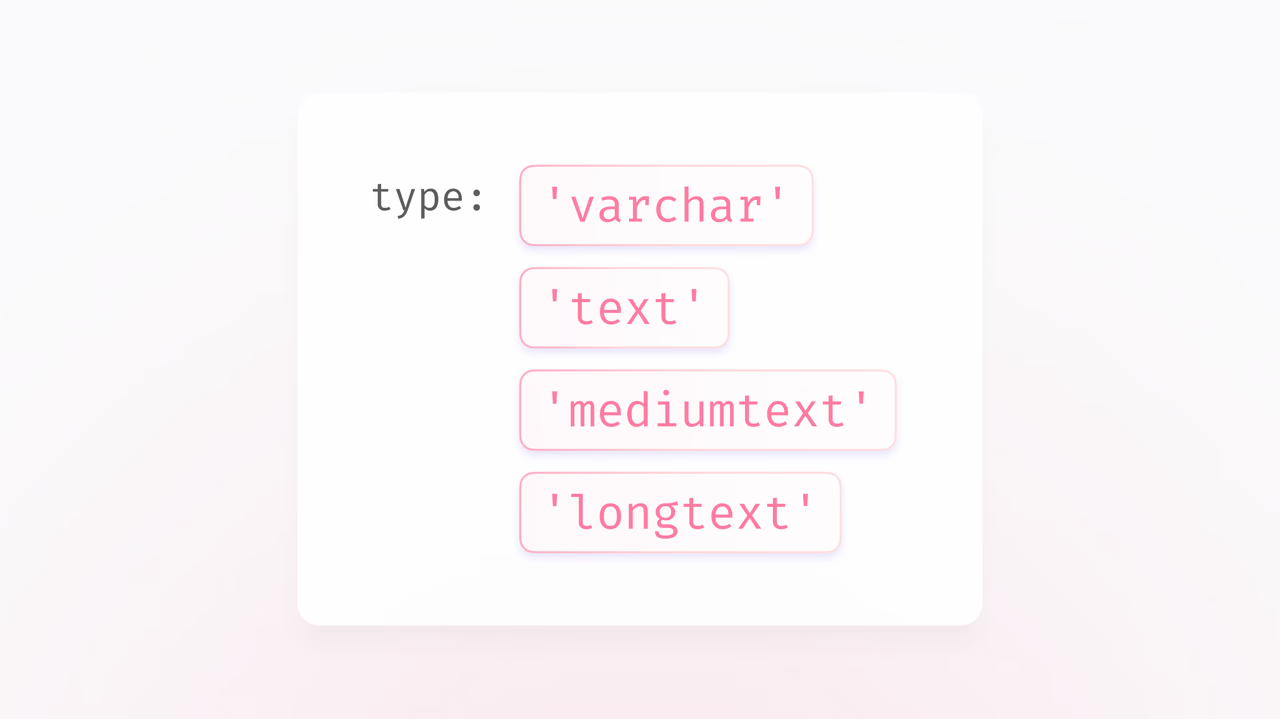
Until now, Appwrite offered a single string column type that abstracted away four different storage types, based on the size you specified. This meant you had no visibility into how your data was actually stored, how it could be indexed, or why certain size limits existed.
Today, we're introducing four explicit text column types: varchar, text, mediumtext, and longtext.
The new text types
Each type has a clear purpose and a defined maximum size:
| Type | Max characters | Indexing |
|---|---|---|
varchar | 16,383 | Fully indexable if size < 768 |
text | 16,383 | Prefix indexing only |
mediumtext | 4,194,303 | Prefix indexing only |
longtext | 1,073,741,823 | Prefix indexing only |
Varchar vs Text
Both varchar and text share the same maximum size, but they behave differently under the hood.
varchar is stored inline in the table row and counts towards the 64KB maximum row size shared across all columns. If the size is less than 768 characters, the column can be fully indexed, making it ideal for short strings you need to query, sort, or filter on, like names, slugs, or identifiers.
text is stored off-page, with only a 20-byte pointer kept in the table row. This means it doesn't eat into your row size budget, but it can only be indexed with prefix or functional indexes. Use text when you need string storage without full indexing, like descriptions or notes.
Mediumtext and Longtext
For larger content, mediumtext supports up to ~4 million characters and longtext up to ~1 billion characters. Both are stored off-page and support prefix indexing only. These are the right choice for storing things like article bodies, logs, or serialized data.
Why we made this change
When we originally designed the string type, the intent was to simplify things. One type, one API, and Appwrite would handle the storage details for you. But over time, through community feedback and our own experience, we realized that this abstraction compromised on important details like visibility and control. Finding the right balance between simplicity and transparency is a difficult task, and we believe responding to user feedback and experience is what makes a product better.
The issue was that the string type hid storage behavior that developers needed to see in order to make informed decisions about their data structures. This led to problems for both human engineers and AI agents alike.
- Hidden storage behavior. The
stringtype required you to specify a size, but gave no indication of how that size mapped to actual storage. There was no way to know thatsize: 10000would produce aVARCHAR(10000)stored inline, whilesize: 20000would quietly switch to aTEXTcolumn stored off-page. Developers were making sizing decisions without seeing the consequences. - Invisible row width limits. Appwrite uses MariaDB under the hood, which has a fixed 64KB maximum row width. Varchar columns are stored inline and count towards that limit. A developer creating a
stringcolumn withsize: 10000(a Varchar internally) for something like blog content would unknowingly consume a large chunk of the row budget, limiting how many other columns the table could have. - Difficult for AI agents to reason about. When AI agents provision database schemas, they need clear type semantics to make good decisions. The
stringtype gave them nothing to work with, no signal about storage trade-offs, no way to differentiate between a short identifier and a long-form text field.
We saw both sides of this problem firsthand while building Imagine, our AI-powered builder for web apps, which uses Appwrite under the hood for out-of-the-box server functionality. Imagine runs an Appwrite Cloud agent that provisions database resources on your behalf using the Appwrite CLI and appwrite.json as the schema. The agent is trained to build sophisticated architectures, and it would easily create just enough inline text columns to hit the row width limit.
We could have fixed this with better prompting for Imagine, but that would only solve it for one tool. Instead, we made the types themselves more explicit, so the right choice is obvious whether you're writing code by hand, using the Console, or letting an AI agent provision your schema. With the new types, both developers and agents can now see exactly what they're working with and make better decisions around their data structures.
Using the new types
Here's how to create a table with the new types using the Node.js SDK:
const sdk = require('node-appwrite');

const client = new sdk.Client()
    .setEndpoint('https://<REGION>.cloud.appwrite.io/v1')
    .setProject('<PROJECT_ID>')
    .setKey('<API_KEY>');

const tablesDB = new sdk.TablesDB(client);

await tablesDB.createTable({
    databaseId: '<DATABASE_ID>',
    tableId: '<TABLE_ID>',
    name: 'articles',
    columns: [
        {
            key: 'title',
            type: 'varchar',
            size: 255,
            required: true
        },
        {
            key: 'summary',
            type: 'text',
            required: false
        },
        {
            key: 'body',
            type: 'mediumtext',
            required: false
        },
        {
            key: 'raw_data',
            type: 'longtext',
            required: false
        }
    ]
});
Deprecation of the string type
The string column type is now deprecated, but we will continue to maintain full backward support for it. Existing string columns will keep working as they do today, and we recommend using the explicit types for all new columns going forward.
Previously, string would internally pick between varchar, text, mediumtext, and longtext based on the size you specified, without giving you any indication of which one was being used. The new types remove that ambiguity entirely.
Available now
These changes are live on Appwrite Cloud. You can start using the new column types today through the Console, SDKs, and CLI.
More resources
Appwrite Databases now supports four explicit text column types: varchar, text, mediumtext, and longtext. Each has a defined maximum size and indexing behavior, so you can pick the right one based on how the data is used. The legacy string type is deprecated but still supported.
varchar is stored inline in the row and counts toward the 64KB row size budget, but it can be fully indexed if the size is under 768 characters. text is stored off page with just a 20 byte pointer in the row, so it doesn't consume row space, but it only supports prefix indexing. Use varchar for short queryable fields and text for longer content.
Use mediumtext for content up to about 4 million characters, like article bodies or longer notes. Use longtext for content up to about 1 billion characters, like full logs or serialized payloads. Both are stored off page and support prefix indexing only.
Yes, the legacy string type is deprecated but Appwrite will continue to maintain full backward support for existing schemas. For new columns, use the explicit varchar, text, mediumtext, or longtext types to make storage and indexing intentions clear.
The single string type hid important storage details, including how large values were stored and which row width limits applied. This made it hard for developers and AI agents to make informed schema decisions. Explicit types expose those tradeoffs so the right choice is visible at design time.
Existing legacy schemas continue to work, and you can add new columns using the explicit types alongside them. There is no forced migration path. If you need to switch, plan a data migration by creating new columns with the desired type and copying data over with a script.









