The hard part of shipping a vibe-coded app is not generating it. The hard part is turning a working preview into something a real user can hit without breaking it. This is a step-by-step guide to deploying vibe coding projects to production, written for the case where you used a tool like Cursor, Claude Code, Windsurf, Bolt, Lovable, or v0 and now have to launch.
The order matters. The same checklist run in the wrong sequence ships secrets to the public domain. The same checklist run correctly takes about an afternoon.
Step 1: Get the code into a real git repository
Some builders give you a clean git remote out of the box. Others keep the code inside their environment until you ask. Either way, the first move is to land everything in a repository you control, with a main branch, a .gitignore that excludes .env and node_modules, and a clean commit history.
This step is also where you catch the most common AI builder mistake: a .env file or an API key committed to the repo at some point. Search the history before you push to a remote. If you find anything, treat every key in the file as compromised and rotate them later in step 3.
Step 2: Decide where the frontend will live
Picking a host is the first decision that locks in a piece of your launch story. The wrong move is to keep your app on the builder's preview URL. The right move is a production host with a real domain, scoped env vars, and a rollback button.
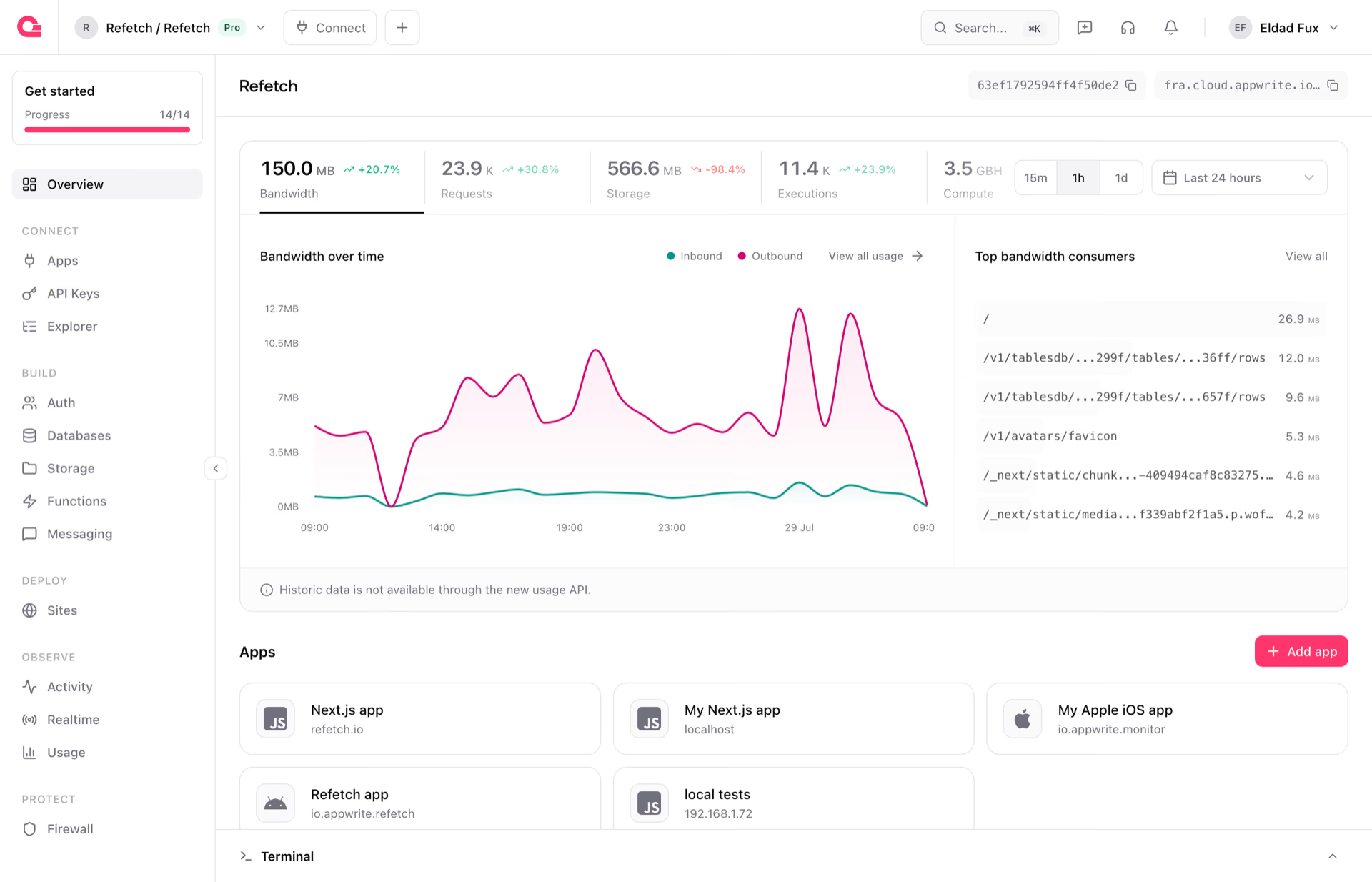
Appwrite Sites is the path of least resistance if your backend is already on Appwrite. You get Git-based deployments so every push to main builds a new deployment, custom domains with automatic SSL, environment variables per environment, deployment logs, and instant rollbacks so the first incident is not an emergency.
If your stack is on Vercel, Netlify, or Cloudflare, the same checklist applies, with different button locations. The non-negotiables are a custom domain, SSL, env vars per environment, and a one-click rollback.
Step 3: Move secrets to server-side environment variables
This is the most common vibe coding failure mode and the single most expensive bug to ship. AI builders happily paste API keys into example components, dump database URLs into client config files, and inline webhook signing keys into the same file as the UI.
The pre-launch fix is mechanical.
- Search the repo for hard-coded secrets: API keys, database URLs, OAuth client secrets, webhook signing keys, third-party provider keys. Move every one to a server-side environment variable.
- Confirm that LLM provider keys, payment provider keys, email and SMS keys all live on a server-side Function, not in the browser bundle.
- Rotate any key that ever passed through a cloud-hosted AI tool. The cost of rotating is hours. The cost of not rotating is years.
- Use separate keys for development, staging, and production.
- Scope each key to the minimum permissions the calling code needs. Avoid master keys outside one-off scripts.
Step 4: Lock down permissions before anyone signs up
The single biggest gap between a vibe-coded prototype and a production app is the permission model. Generated code defaults to writing to a table from the client with whatever role the signed-in user has, without narrowing to the rows the user owns. That is fine for a demo. It is not fine when user B can read user A's data.
Before launch:
- Review every table and confirm read and write permissions are scoped to the right roles. Default-deny, then add the minimum.
- Check row-level permissions for any table that stores per-user data: profiles, orders, messages, uploads. Appwrite Databases expose row-level permissions per row.
- Confirm that file buckets do not allow public uploads unless the product requires them. Appwrite Storage exposes per-bucket and per-file permissions, plus antivirus and encryption flags.
- For collaboration, use Appwrite Teams instead of broadening table access.
- Sign in as user A and try to read user B's data. You should fail.
Step 5: Wire auth against a real inbox
Auth is the second most common gap. The signup flow works on the demo account and the builder's preview mailer, so the assumption is that the rest is fine. It usually is not.
- Decide which identity methods you actually support and remove the rest from your Appwrite Auth project: email and password, magic URL, email OTP, OAuth, phone OTP, anonymous.
- Turn on email verification.
- Require a minimum password length and block obvious common passwords.
- Configure session length and confirm you can revoke a session if a user asks.
- Offer MFA for admin and billing surfaces. Appwrite supports TOTP-based MFA on the account.
- Test the password recovery flow on a working inbox, not the AI builder's mailer.
- If you use OAuth, register production callback URLs and remove dev URLs from the provider config.
- Rate-limit signup, login, and password reset endpoints.
- Remove every test account the AI tool created during prototyping.
Step 6: Add a custom domain and SSL
Production lives on your domain, not the builder's preview URL. The setup is mechanical and worth doing before the first user signs up so old links never break.
- Register the production domain you want users to remember.
- Attach the custom domain to your site and confirm SSL is issued.
- Redirect the preview domain to the custom domain so old links keep working.
- Update OAuth callback URLs to the production domain.
Build fast, scale faster
Backend infrastructure and web hosting built for developers who ship.
Start for free
Open source
Support for over 13 SDKs
Managed cloud solution
Step 7: Turn on logs on every server-side function
The first time you need logs is always worse than any later one. Vibe-coded apps frequently ship without logs because the generator did not enable them and the developer did not check.
- Enable execution logs for every production Function.
- Decide on a log retention window that matches your compliance needs.
- Add a log line per meaningful branch: success, validation error, downstream error.
- Confirm auth audit events are accessible so you can investigate suspicious sign-ins.
- Set up at least one basic alert for error spikes. A weekly email is better than no alert.
Step 8: Confirm backups and a rollback path
The moment your UI lets a user delete something, you need a story for getting it back. The moment a deploy ships, you need a story for un-deploying it.
- Confirm your backend's backup cadence and retention. Write it where the team can see it.
- Test restoring from a backup into a staging project at least once before launch.
- For tables holding irreplaceable data, add a soft-delete pattern so a misclick is recoverable.
- On Appwrite Sites, confirm instant rollbacks are one click away. The first incident is not the moment to learn the rollback story.
Step 9: Read every AI-generated server-side function
Generated server-side code is a first draft that needs the same review you would give a teammate.
- Read every server-side Function the agent produced. If you would not merge it from a teammate, do not ship it.
- Look for inputs that go straight from request body to database without validation.
- Look for authentication checks that are missing, commented out, or stubbed with a TODO.
- Look for queries built by string concatenation where the backend expects structured query objects.
- Look for secrets that ended up in client code, config files, or example payloads.
- Delete unused endpoints. Dead generated code is an attack surface.
Step 10: Run the pre-launch review in order
If you only have one hour before launch, follow the order from the backend checklist for vibe-coded apps before launch:
- Secrets out of the client.
- Table, row, and file permissions closed down.
- Custom domain attached with SSL.
- Auth flows tested on a working inbox.
- Logs enabled on every production Function.
- Backup cadence confirmed and one restore tested in staging.
- Rollback path confirmed.
- AI-generated Functions read end to end.
Each step is small. The combination is the difference between a launch that holds and a launch that does not.
Step 11: Hook your agent to production safely
If you want to keep using your agent against the production project, scope the API key it uses. Avoid handing it a master key. The Appwrite API MCP server registers every service automatically, so the API key's scopes are what decide which resources the agent can actually touch. The Docs MCP server keeps the agent on current docs, which reduces the rate of generated code that calls methods that no longer exist.
Editor plugins for Claude Code and Cursor install the MCP servers, Agent Skills, and SDK context in one step, which is the cheapest way to keep the post-launch loop working.
Shipping vibe-coded apps with Appwrite
A vibe-coded launch is not about courage. It is about running the same checklist every time and committing to the order. The faster your build loop is, the more often the launch checklist becomes the bottleneck, and the more value there is in having a host, a backend, and an agent surface that fit together.
Appwrite Cloud covers Auth, Databases, Storage, Functions, and Sites under one platform, with MCP support and Agent Skills for every major SDK. Start the next vibe-coded launch on a stack built for it.