Introducing Type generation: Automate your type definitions with Appwrite_
Automatically generate types from your tables with support for multiple languages.

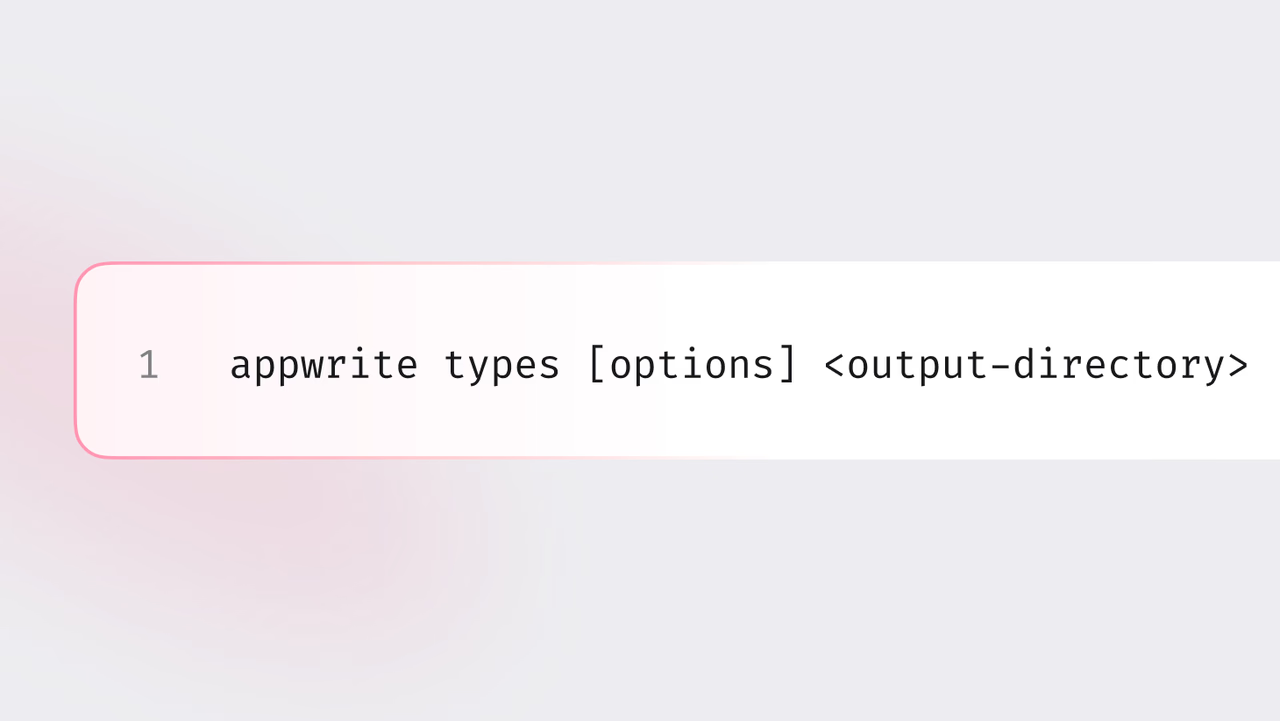
We're excited to announce Appwrite’s newest CLI feature, Type generation. Designed specifically to enhance your developer experience. Type generation automates the creation of type definitions directly from your database tables, seamlessly integrating with your preferred programming language.
Say goodbye to manual mapping
Manually creating and maintaining complex type definitions can be tedious, error-prone, and time-consuming. With Type generation, Appwrite does the heavy lifting for you. Automatically generate accurate and up-to-date type definitions, ensuring your code always syncs with your database schema.
Effortless multi-language support
Whether you work with PHP, Swift, Dart, TypeScript, JavaScript, Java, or Kotlin, Type generation has you covered. The Appwrite CLI automatically detects your project's language and generates the appropriate type definitions, handling complex scenarios including Enums, class relationships, and language-specific semantics. We will continue to add support for more languages over time.
Simplified workflow, immediate benefits
Using Type generation is straightforward.
First, ensure you have the Appwrite CLI installed and your project is initialised. Then, run the following command in your terminal to pull tables from your Appwrite project:
appwrite pull tables
To generate types, you can use the Appwrite CLI command:
appwrite types [options] <output-directory>
To automatically detect the language used in your project, you can skip the [options] parameter.
appwrite types <output-directory>
Better experience
- Time savings: Eliminate hours of manual work and dedicate your time to building impactful features.
- Reduced errors: Keep your types consistently aligned with your database schema, drastically reducing outdated and mismatched types.
- Faster iterations: Automatically propagate schema changes, allowing for rapid development and seamless collaboration.
Built with you in mind
Type generation was built explicitly for developers, addressing key pain points and enhancing your productivity. Whether using Appwrite in a cloud environment or self-hosted, Type generation fits seamlessly into your workflow.
Many other solutions offer type generation limited to TypeScript, Appwrite expands your capabilities with robust multi-language support, ensuring you have flexibility and comprehensive integration, regardless of your preferred technology stack.
By simplifying integration and reducing friction, type generation helps accelerate onboarding and ensures long-term satisfaction, significantly benefiting developer teams and their organizations.








