Next.js standalone builds now supported on Appwrite Sites_
Deploy Next.js apps in standalone mode on Appwrite Sites with full Next.js 16 support, smaller builds, faster cold starts, and lighter deployments.

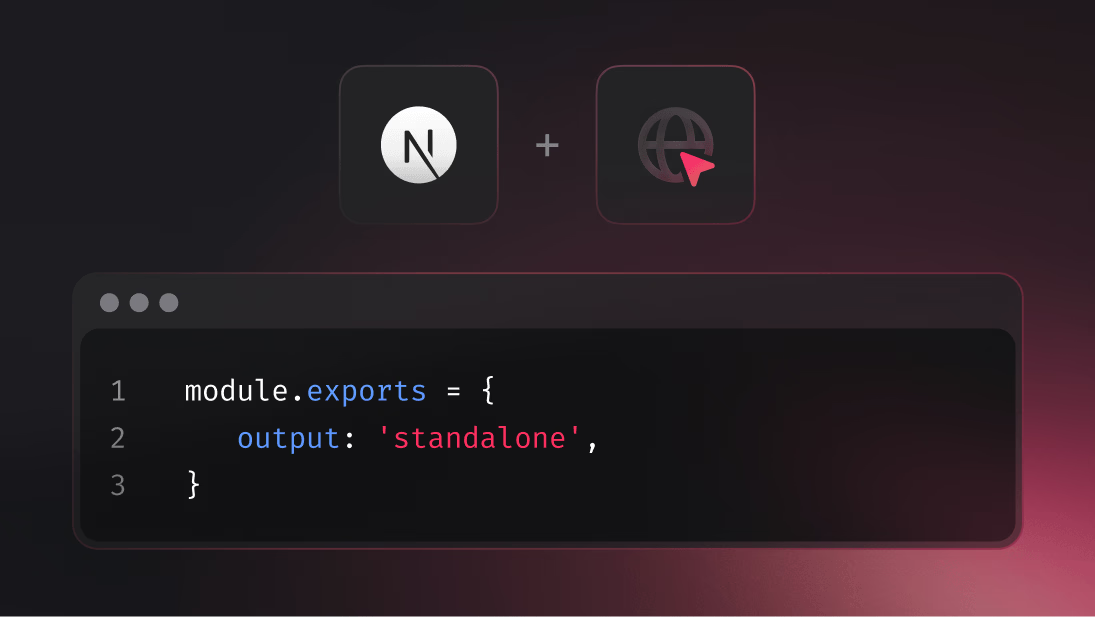
You can now deploy Next.js apps built in standalone mode on Appwrite Sites, with full support for Next.js 16. In standalone mode, the build process creates a smaller package that includes only the files your app needs to run in production, leaving out development tools and unused parts of the framework.
Why standalone mode?
In our benchmarks, build size dropped by about six times on average, and cold start times were 2x faster. Deployments are lighter with faster build times, and sites start responding more quickly after going live.
This work began with a report by a community member, Warfin, about build issues in Next.js 16. Those discussions led to deeper improvements in how Appwrite handles builds, which made standalone support possible.
How to enable Next.js standalone mode
To enable standalone mode, open your next.config.js file and add output: 'standalone' to your existing configuration:
/** @type {import('next').NextConfig} */
module.exports = {
  output: 'standalone',
};
Then build your project as usual. Appwrite Sites now recognizes that output automatically, so you can deploy it directly with no further changes.
This update also lays the groundwork for broader improvements as we better understand how we can apply the same benefits to all Next.js builds, and eventually to all SSR builds.
We're excited to see what you ship next!










