Announcing time helper queries: Cleaner, more expressive time-based queries_
Handle time-based filtering directly in your queries using new helpers for created and updated timestamps.

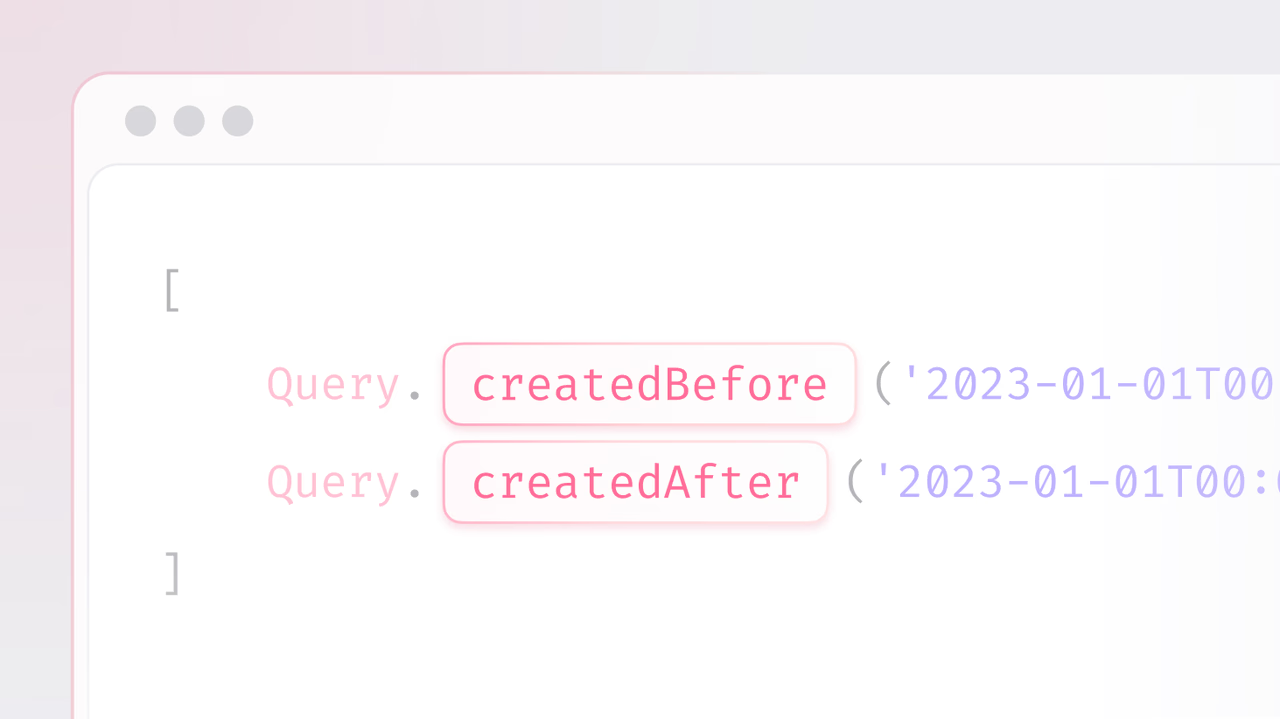
If you’ve ever built a feed, a dashboard, or an audit report, you know how often you need to slice data by time. “Show me posts from last week,” “Export everything updated after the last backup,” or “Delete anything created before a certain retention window.”
These time-based queries show up in so many of the apps you build, and when you’re working with dates, you naturally think in terms of before and after.
To make this workflow smoother, we’re excited to announce time helper queries: A new way to filter rows by creation and update times using simple, expressive syntax.
A better way to query by dates
Many workflows depend on knowing when a row was created or last updated. Whether you’re loading new items into a feed, exporting data that has changed since the previous run, or applying retention rules, you often need to filter by time.
Previously, this meant comparing against $createdAt or $updatedAt using range operators. That approach works, but it adds extra noise to your queries. To make this more direct, you can now use dedicated helpers that map exactly to these common cases:
createdBefore: Find rows created before a given datecreatedAfter: Find rows created after a given dateupdatedBefore: Find rows updated before a given dateupdatedAfter: Find rows updated after a given date
import { Client, Query, TablesDB } from "appwrite";

const client = new Client()
    .setEndpoint('https://<REGION>.cloud.appwrite.io/v1')
    .setProject('<PROJECT_ID>');

const result = await tablesDB.listRows({
    databaseId: '<DATABASE_ID>',
    tableId: '<TABLE_ID>',
    queries: [
        Query.createdBefore(new Date('2023').toISOString()),
        Query.createdAfter(new Date('2000').toISOString()),
        Query.updatedBefore(new Date('2025').toISOString()),
        Query.updatedAfter(new Date('2000').toISOString())
    ]
})
Where does this help?
Time-based filtering shows up in countless scenarios:
- Feeds & timelines: Fetch everything after a user’s last session.
- Analytics dashboards: Chart data for “last 7 days” or “last quarter.”
- Exports & reports: Generate monthly summaries or audits.
- Archival & compliance: Isolate data for retention or deletion policies.
- Incremental jobs: Process only rows updated after your last run.
Immediate benefits
Here are some tangible benefits these new set of queries bring in:
- Readable queries: Express intent directly (
createdBefore) instead of referencing$createdAtfields. - Less boilerplate: Faster to write, easier to maintain.
- Predictable behaviour: Filters are range-exclusive, keeping boundaries clean.
- Error resistant: Fewer chances of typos or mis-referencing internal attributes.
For devs, it’s about code clarity and scalability. Clean, expressive queries reduce friction in reviews, onboarding, and long-term maintenance.
Get started
Time helper queries are live on Appwrite Cloud and Self-Hosted. They are designed to make time-based filtering more intuitive and maintainable as your applications scale.
Instead of cluttered conditions around internal fields, you now have simple operators that make intent explicit, reduce boilerplate, and help ensure your queries remain clean and predictable even as datasets grow larger and more complex.









