Announcing force password reset for all your users_
Appwrite Auth can now force every user in a project to reset their password with one click or one API call, so you can respond to a password leak in seconds.

When passwords may have leaked, the fix everyone agrees on is the hardest to carry out: make every user pick a new one. Maybe a database export ended up somewhere it shouldn't. Maybe you imported users from a system that just disclosed a breach. Maybe a credential-stuffing wave is hitting your sign-in page with combinations that work.
Until now, Appwrite had no single action for this. You could sign out every user, but the stolen passwords still worked the moment those users signed back in. The alternative was a script that walked every user through the Users API and overwrote each password, which takes a long time on a large project and leaves users locked out without a clear path back.
Today, we are announcing force password reset in Appwrite Auth.
What force password reset gives you
- One action for every user. A single click in the Console or one API call requires every user in the project to choose a new password.
- Instant, at any scale. Appwrite records one cutoff time on the project instead of updating users, so the reset takes effect immediately whether you have ten users or ten million.
- A clear error to handle. Sign-ins with an old password fail with
user_password_reset_required, the same error that breached password detection uses. If your app already handles it, it handles this too. - Nothing leaked to attackers. Appwrite checks the reset only after the password is verified. A wrong password still returns the generic
user_invalid_credentialserror. - Any new password lifts the block. Password recovery, a password change from an existing session, and a new password set through the Users API all work.
- Composable with force sign out. Sessions stay active, so you decide whether to sign users out as well.
How force password reset works
Forcing a reset stores one timestamp on your project. On every email and password sign-in, Appwrite compares that timestamp with the time the user last set their password. If the password is older than the reset, the sign-in is refused with user_password_reset_required and no session is created.
Setting a new password moves the user past the cutoff, so they sign in normally from then on. Users who sign up after the reset are never affected, and users who don't have a password, such as those who only sign in with OAuth2, magic URL, email OTP, phone, or passkeys, never notice. API keys keep working.
Because no user documents change, nothing about your users' data is lost. Their password hashes stay stored. Appwrite just stops accepting them for sign-in.
Force a password reset from the Console
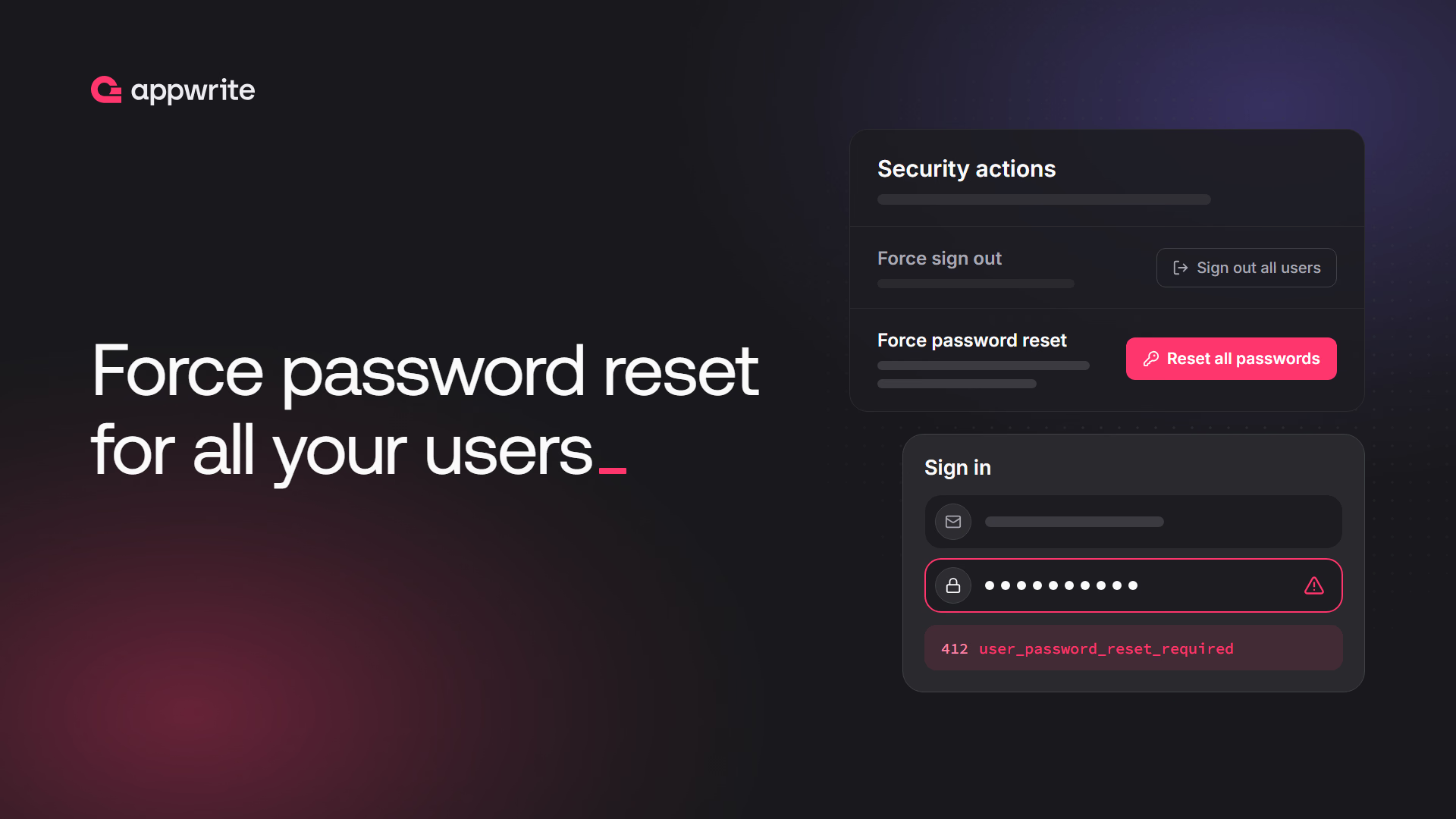
Open your project in the Appwrite Console and go to Auth > Settings. The Security actions card holds the project-wide actions for incidents: Force sign out and Force password reset.
Click Reset all passwords and confirm. The reset can't be undone, so the dialog spells out what happens before you commit.
Force a password reset from your server
The same action is available as deletePasswords on the Project service. Use an API key with the users.write scope. If sessions may also be compromised, call deleteSessions in the same script to sign everyone out:
import { Client, Project } from 'node-appwrite';

const client = new Client()
    .setEndpoint('https://<REGION>.cloud.appwrite.io/v1')
    .setProject('<PROJECT_ID>')
    .setKey('<API_KEY>');

const project = new Project(client);

// Refuse every password set before now
await project.deletePasswords();

// Optional: sign out every user as well
await project.deleteSessions();
The reset fires the projects.[projectId].passwords.delete event and is recorded in your project's audit logs, so you keep a record of when it happened and which key or account triggered it.
Handle the reset in your sign-in flow
When a sign-in fails with user_password_reset_required, send the user a password recovery email and tell them why. Once they set a new password, they sign in as usual.
import { Client, Account } from 'appwrite';

const client = new Client()
    .setEndpoint('https://<REGION>.cloud.appwrite.io/v1')
    .setProject('<PROJECT_ID>');

const account = new Account(client);

try {
    await account.createEmailPasswordSession({
        email: 'user@example.com',
        password: '<PASSWORD>'
    });
} catch (error) {
    if (error.type === 'user_password_reset_required') {
        // Explain the reset, then send a recovery email
        await account.createRecovery({
            email: 'user@example.com',
            url: 'https://example.com/recovery'
        });
    }
}
Users who are still signed in can also change their password from inside your app with account.updatePassword, which lifts the block for them without a recovery email.
When to force a password reset
Force a password reset when you have reason to believe many passwords are known to someone else:
- A leak of your user data, including password hashes, from a backup, an export, or a compromised admin account.
- A breach at a system you imported users from, where users are likely to have reused the same password.
- A credential-stuffing attack that is getting through, where you can't tell which accounts were hit.
A forced reset is one step of an incident response, not all of it. Sign out every user if sessions may be stolen too. Turn on password history so users can't pick the leaked password again, and breached password detection so they can't pick one that's already public. Then email your users about what happened. A recovery email that arrives without warning looks a lot like phishing.
For a single compromised account, you don't need a project-wide reset. Set a new password for that user with the Users API, or block the user until you've investigated.
Getting started with force password reset in Appwrite Auth
Force password reset is live on Appwrite Cloud today. Add handling for user_password_reset_required to your sign-in flow now, so the button is ready the day you need it.
Open your project in the Appwrite Console, go to Auth > Settings > Security actions, and click Reset all passwords. You can also call the Project service's deletePasswords method with an API key that has the users.write scope. See Force password reset.
An email and password sign-in with a password set before the reset is refused with the user_password_reset_required error, and no session is created. The user signs in normally again after setting a new password through password recovery.
No. Existing sessions stay active, so users who are signed in can keep using your app and even change their password from their session. If sessions may be compromised too, also use force sign out to sign out every user.
No. Appwrite stores one cutoff time on the project and refuses any password set before it at sign-in. No user document is touched, so the request takes the same time for ten users or ten million.
Every user whose password was set before the reset. Users who sign up afterwards, users who sign in without a password (OAuth2, magic URL, email OTP, phone, or passkeys), and API keys are not affected.
No. Once you force a reset, every affected user has to set a new password before they can sign in with email and password again. Changing a user's password with the Users API lifts the block for that user.
Force password reset is live on Appwrite Cloud and ships in the next self-hosted Appwrite release.