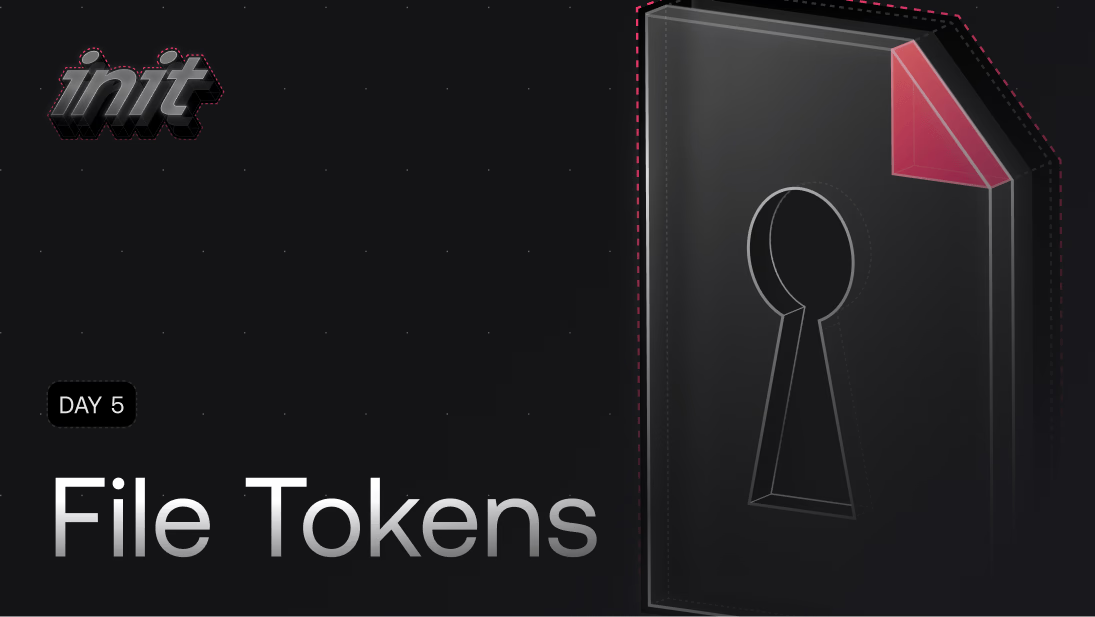
Announcing File Tokens: secure file sharing without the hassle_
File Tokens make sharing files from Appwrite simple, secure, and hassle-free. It’s the fastest way to collaborate externally without compromising control.

Until now, sharing files from Appwrite often meant navigating permissions, managing access, or making files public, even when all you wanted was to send a file to someone outside your project. With Appwrite 1.7, we have introduced a new feature that will make file sharing a whole lot easier.
Introducing File Tokens.
This feature lets you share files easily and securely, without modifying permissions or changing project access. Just generate a token and share the link.
Simplifying file access
Appwrite Storage has always made it easy to upload, store, and manage your files. But sharing them? That required extra steps.
With File Tokens, you can now share files with anyone, without needing to:
- Change file permissions
- Make files public
- Invite users to your project
Just create a token and send the link. The file is accessible; no account or permissions are needed.
Important features
- Secure token-based sharing: Generate a token and share the file link instantly.
- No permission changes required: Keep your file rules intact; tokens work independently.
- Configurable expiration: Just like API Keys, File Tokens come with configurable expiration logic, giving you control over how long access is available.
- Perfect for external collaboration: Great for sharing assets, reports, or temporary resources with clients, teammates, or partners.
- Works with Cloud and Self-hosted: Full support across all Appwrite environments.
Everything happens through the Appwrite Console or API, and works seamlessly with your existing files.
Why it matters
Today, sharing files externally means breaking your app’s permission model or onboarding outside users. That’s not scalable, and it creates friction.
File Tokens fix this. They give you a simple, secure way to share files without reworking your setup or exposing your project to risk.
Built for flexibility
File Tokens were designed for developers, teams, and organizations that need to collaborate beyond their apps. Whether you’re sharing mockups with a client, logs with a teammate, or documents with a partner, File Tokens gives you a flexible and secure solution.
How to get started
File Tokens are available now in your Appwrite Console. Pick a file, create a token, and share the generated link. Visit the documentation to learn more.
One link, no limits
You needed a better way to share files, and File Tokens deliver. Whether you collaborate with people outside your app or just want a faster way to get files into the right hands, this feature is for you. File Tokens work seamlessly with the preview, view, and download endpoints, making secure file access straightforward and flexible.
Try File Tokens today on Appwrite Cloud or in your self-hosted project.
File Tokens are short-lived, scoped tokens that grant access to a specific file in Appwrite Storage without modifying that file's permissions. You generate a token, share the URL, and anyone with the link can access the file until the token expires. No login or project membership required.
Public files are reachable by anyone forever, and granting permissions usually requires adding users to your project. File Tokens sit in between: they let you share a single file externally without making it public or onboarding new users. Each token is independent and revocable.
Yes, File Tokens come with configurable expiration, similar to API keys. You decide how long the link should be valid based on your use case, whether that's a few hours for a draft asset or a few weeks for a client deliverable. Once expired, the link stops working.
Yes, File Tokens work seamlessly with the preview, view, and download endpoints, so the same token can deliver a thumbnail in a browser, render a file inline, or trigger a download. You don't need separate tokens per endpoint.
Open the file in the Appwrite Console Storage section, generate a token with your chosen expiration, and copy the resulting URL. You can also do this through the API if you want to issue tokens programmatically (for example, from a backend after a checkout).
File Tokens are signed and scoped to a single file, so a leaked token only exposes that one resource. Combined with expiration, you can keep the blast radius small. Treat the URL like any other secret link: don't paste it into public channels and rotate when needed.