Introducing Dodo Payments templates for Appwrite_
Sell one-time products and subscriptions with Dodo Payments and Appwrite Functions. Two new templates store paid orders and grant subscriber access for you.

Adding payments to an app takes more than a checkout button. You need a checkout page, a webhook endpoint that verifies every event, a way to tie each payment back to a user, and access rules that follow the payment. Once you sell to customers in other countries, VAT, GST, and sales tax become your problem too.
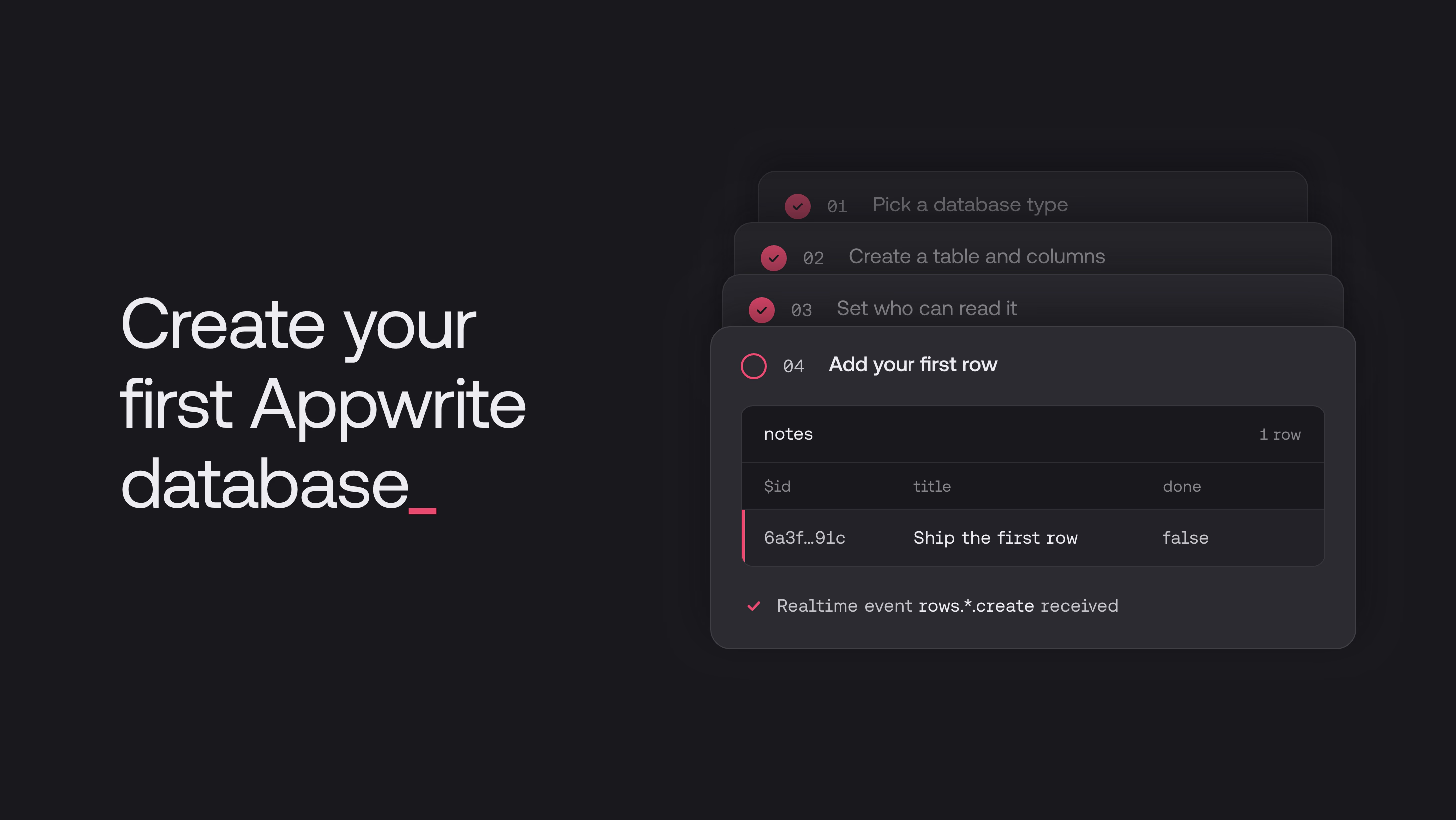
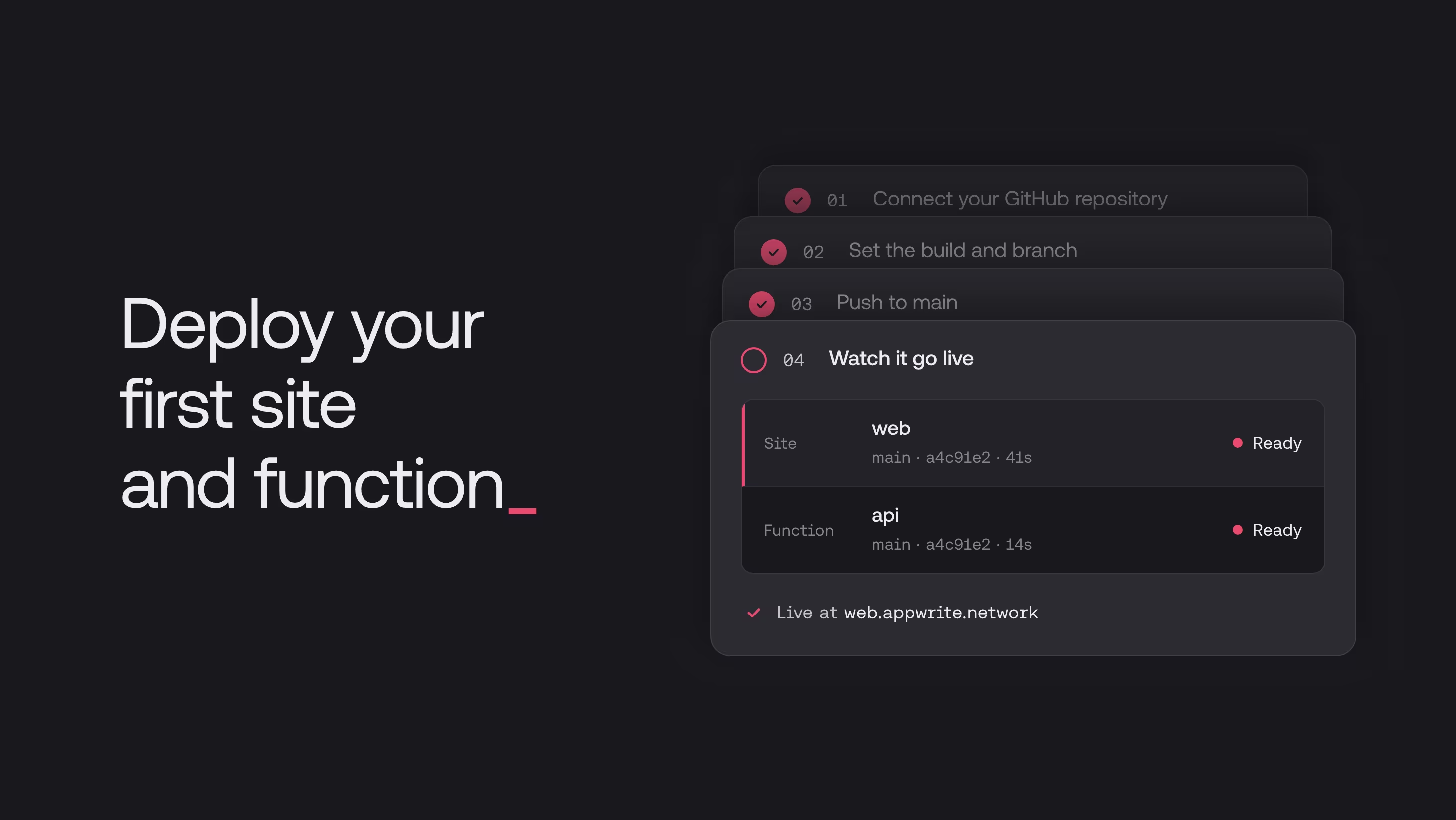
Today, we are announcing two new Appwrite Function templates built with Dodo Payments: Payments with Dodo Payments for one-time purchases and Subscriptions with Dodo Payments for recurring plans. Each one deploys a working checkout, verified webhooks, and a demo page in a few minutes. You'll find both in the Appwrite Console under Functions > Templates.
What is Dodo Payments
Dodo Payments is a Merchant of Record for SaaS, AI, and digital products. A Merchant of Record is the legal seller of your product. Instead of you selling to each customer and handling their local tax rules, Dodo Payments sells to them in 220+ countries, then calculates and remits the tax on each sale. Fraud screening and chargebacks are handled on their side too, and you receive payouts.
Its hosted checkout supports 40+ payment methods, including cards, wallets, and bank debits, and shows prices in local currencies. It bills one-time payments, subscriptions, and usage-based plans, and a separate test mode lets you build without moving real money.
A Merchant of Record is not the only way to accept payments. With a payment processor, you stay the seller and keep more control over pricing and checkout, but you remain responsible for registering, collecting, and remitting tax. If you sell globally as a small team and would rather not register for tax in every market you reach, a Merchant of Record removes that work entirely.
How Dodo Payments fits with Appwrite
Dodo Payments and Appwrite own different halves of a paid product. Dodo Payments owns the money: checkout, tax, payment methods, renewals, refunds, and disputes. Appwrite owns everything the payment unlocks: the user, their data, and what they are allowed to access.
The templates connect the two with an Appwrite Function. Each checkout is tied to the signed-in Appwrite user, and Dodo Payments sends its webhooks to the function's own domain, so there is no server to run. The result lands where your permissions already live: a row that only the buyer can read, or a label on the user.
Payments with Dodo Payments
The Payments with Dodo Payments template sells a single one-time product. It fits anything a customer buys once: a course, an e-book, a lifetime license, or a pack of credits.
When a payment succeeds, the function stores the order as a row in an Appwrite table that only the buyer can read. Your app lists a user's purchases with the client SDK, and the row permissions make sure each user only sees their own.
Subscriptions with Dodo Payments
The Subscriptions with Dodo Payments template sells a recurring plan and turns the subscription's status into access. It fits SaaS plans, memberships, and anything else billed on a schedule.
While the subscription gives access, the user has the subscriber label. When it stops, the label is removed. Grant access to Role.label('subscriber') in the permissions of the rows, files, or tables that only paying users should see. Appwrite enforces that permission on every request, so there's no separate subscription check to write in your app.
Start selling with Dodo Payments and Appwrite
The Dodo Payments templates are available on Appwrite Cloud and in self-hosted Appwrite 2.6.0 and later. Open Functions > Templates in the Appwrite Console and search for Dodo. Pick the payments template if customers pay once, or the subscriptions template if they pay on a schedule.
Each template needs a product, an API key, and a webhook endpoint from the Dodo Payments dashboard. The integration guides walk through setup in test mode, explain how the function handles each webhook, and show how to use the result in your own app:
They are two function templates that connect Dodo Payments to an Appwrite project. Payments with Dodo Payments sells a one-time product and stores each paid order as a row in an Appwrite table. Subscriptions with Dodo Payments sells a recurring plan and adds a subscriber label to the user while the subscription is active. Find both in the Appwrite Console under Functions > Templates by searching for Dodo.
The payments template handles the payment.succeeded webhook and writes an order row that only the buyer can read, which fits courses, e-books, lifetime licenses, and credit packs. The subscriptions template handles every subscription.* webhook and adds or removes the subscriber label based on the subscription's current status, which fits SaaS plans and memberships.
Create a product, an API key, and a webhook endpoint in the Dodo Payments dashboard, then create a function from the template under Functions > Templates in the Appwrite Console and fill in its variables. The Payments with Dodo Payments and Subscriptions with Dodo Payments integration guides walk through each step, including the API key permissions and webhook events each template needs.
Grant access to Role.label('subscriber') in the permissions of the rows, files, or tables you want to protect. The subscriptions template adds the subscriber label while a subscription is active or past_due and removes it when the subscription is cancelled, paused, on hold, expired, failed, or pending, so access follows the subscription automatically.
Yes. Keep the Dodo Payments dashboard in test mode, leave DODO_PAYMENTS_ENVIRONMENT at its default of test_mode, and pay on the template's demo page with the Dodo Payments test card 4242 4242 4242 4242. Test mode and live mode have separate API keys, products, and webhooks, so you create new ones before going live.