Introducing Appwrite Skills: Give your AI agents Appwrite expertise_
Appwrite Skills are open source markdown files that give AI agents deep, language-specific knowledge of Appwrite SDKs. Install once, and your agents generate correct Appwrite code automatically.

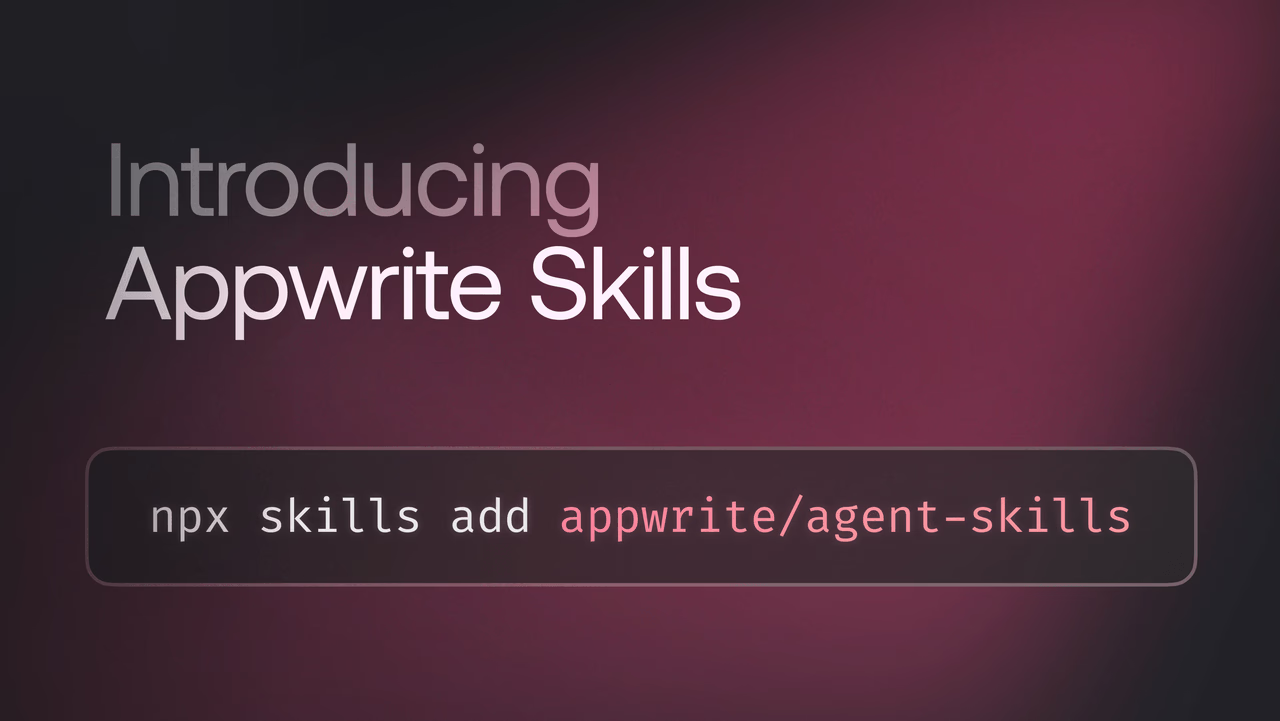
You're building with Appwrite, and you're using an AI coding agent to move faster. But every time you ask it to write Appwrite code, you get something that looks right but doesn't quite work. Wrong method signatures. Outdated SDK patterns. Missing parameters. You end up pasting docs into the prompt, hoping it gets the hint.
That ends today.
Introducing Appwrite Skills.
Skills are open source markdown files that give AI agents deep knowledge of Appwrite SDKs and services. When installed, skills provide your AI tools with accurate, language-specific context about Appwrite APIs, so they generate correct code without needing to look up documentation. No more copy-pasting docs into your prompt. No more fixing hallucinated method calls. Just accurate, idiomatic Appwrite code from your agent, every time.
You can find all Appwrite Skills on GitHub.
Why Skills?
AI coding agents are powerful, but they're only as good as the context you give them. Without the right context, agents guess, and guessing means bugs.
Skills solve this by providing agents with curated, SDK-specific knowledge. Each skill is a structured markdown file that covers method signatures, best practices, and usage patterns for a specific Appwrite SDK. When your agent has a skill installed, it doesn't need to guess. It knows.
Here's what that means for you:
- Accurate code generation: Correct SDK usage patterns, method signatures, and best practices for your chosen language.
- No manual context needed: Instead of pasting documentation into prompts, skills give agents the context they need automatically.
- Language-specific: Each skill is tailored to a specific SDK, so agents generate idiomatic code for your language and framework.
- Always up to date: Skills are maintained alongside the SDKs, so agents always have access to the latest APIs and patterns.
- Works with any compatible agent: Claude Code, Cursor, Windsurf, and any other AI tool that supports skills. Install once and use everywhere.
Supported SDKs
Skills are available for the Appwrite CLI and all major SDKs:
- TypeScript
- Dart
- .NET
- Go
- Kotlin
- PHP
- Python
- Ruby
- Swift
Whether you're building a Flutter app, a Node.js backend, or a Python script, there's a skill for your stack.
How to install
Getting started takes one command:
npx skills add appwrite/skills
Run it in your project directory, and you'll be prompted to:
- Select skills: Pick the SDKs you use in your project.
- Select tools: Choose which AI agents should use the installed skills.
- Select scope: Install at the project level or globally across all your projects.
- Choose installation method: Select symlink so your skills stay in sync across all your AI tools.
That's it. Your agent now has Appwrite expertise.
What's next?
We've been running experiments to find out which AI models work best with Appwrite, how they handle SDK patterns, function deployments, database operations, and more. We'll be sharing our findings soon, so stay tuned.
Resources
Visit our documentation to learn more, check out the skills repo on GitHub, or join us on Discord to let us know what you think.








