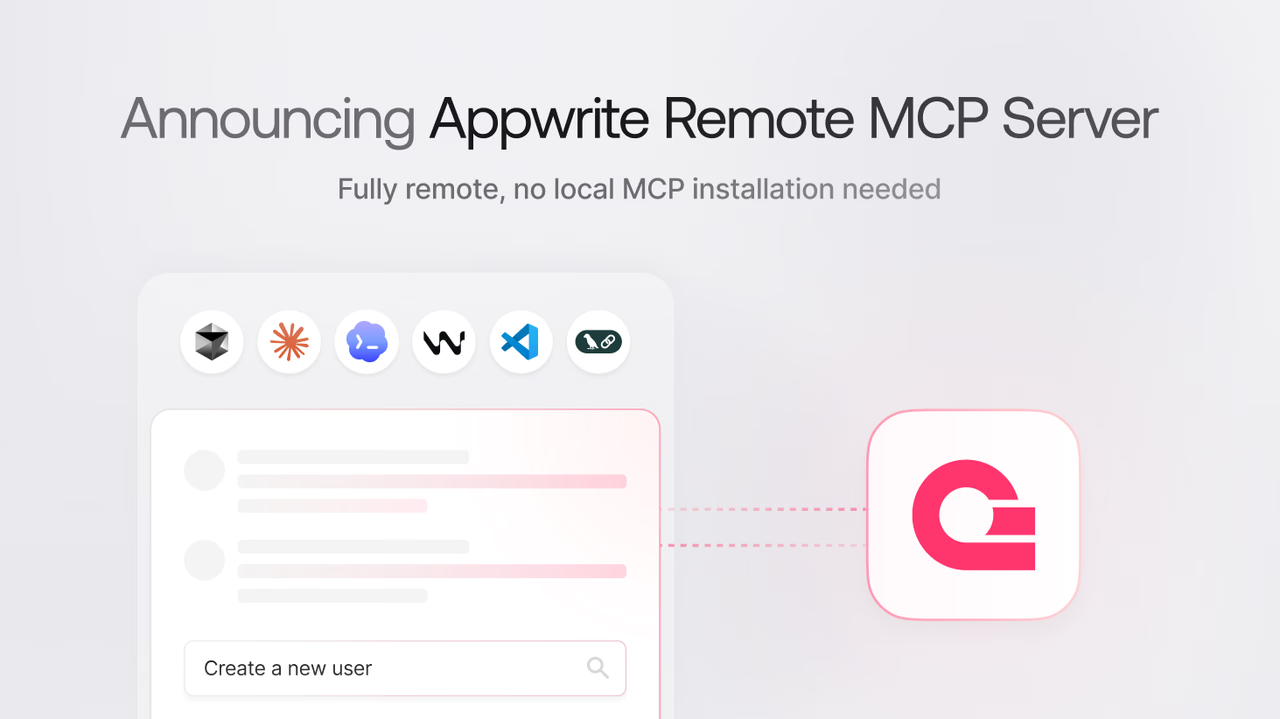
The Appwrite MCP server is now available as a hosted remote server over the HTTP transport at https://mcp.appwrite.io/.
Previously, connecting an AI tool to your Appwrite project meant running the MCP server locally: installing uv, creating an API key with the right scopes, and adding your endpoint, project ID, and key to every tool's MCP configuration.
The remote server removes all of that. You add one URL to your AI tool and sign in with OAuth in the browser. There is nothing to install, no keys to manage, and nothing to keep updated.
The remote server keeps the compact architecture from MCP Server 2.0, exposing only a small set of MCP tools to the model:
appwrite_get_context: Returns a summary of your workspace, including your account, organization, and projectsappwrite_search_tools: Searches the full Appwrite tool catalog at runtimeappwrite_call_tool: Calls a specific Appwrite tool by nameappwrite_search_docs: Semantically searches the Appwrite documentation
All Appwrite services stay available without filling the model's context with unused tool definitions. Documentation search is built in, so the separate Appwrite docs MCP server is no longer needed: one connection covers both your project and the docs.
If you run a self-hosted Appwrite instance, the local MCP server is still available and connects to your instance with an API key.