Skip to content

Changelog

  • Up to 7x faster Appwrite Storage uploads with parallel chunks

    Appwrite SDKs now upload Storage file chunks in parallel where the host runtime supports overlapping HTTP requests. Chunking, concurrency limits, and ordering are handled inside the client; your createFile calls stay the same.

    In our Node SDK benchmarks, a 1.28 GB upload dropped from 4 minutes 44 seconds to under 40 seconds, up to a 7.10x improvement at the default concurrency of 8. Smaller files see proportionally smaller gains since they have fewer chunks to overlap.

    Available on Appwrite Cloud today.

    Read the announcement

  • Announcing Email policies for Appwrite Auth

    Appwrite Auth now supports Email policies, letting you restrict which email addresses can be used for user creation and email updates on a project. Three independent toggles cover the most common signup hygiene problems: free providers like Gmail and Yahoo, aliased addresses such as subaddresses and provider-specific variations of one inbox, and disposable providers like Mailinator.

    Each policy is its own toggle, so a B2B product can require corporate addresses without also blocking disposable ones, and a consumer product can keep free providers open while shutting out throwaway inboxes. The policies run at signup and on email updates only. Existing users keep their sessions and can still log in.

    Configure email policies from the Console under Auth > Security, or through any server SDK using the Project service.

    Read the announcement

    Email policies in the docs

  • Bun and Deno are now build runtimes for Sites

    Appwrite Sites now supports Bun (1.0, 1.1, 1.2, 1.3) and Deno (1.40, 1.46, 2.0, 2.5, 2.6) as build runtimes for every Node-based framework.

    Switch the build runtime per site under Site settings, in the Runtime settings section. The change applies on the next deployment, your active deployment is not affected until you redeploy.

    Read the announcement

  • Announcing deployment retention for Functions and Sites

    Appwrite now supports deployment retention for Functions and Sites, letting you automatically delete old non-active deployments after a retention window you control. Deployment artifacts count toward your project's storage allowance on Appwrite Cloud, so retention reclaims that space and reduces storage overage on builds you would never roll back to.

    The active deployment is always kept. Set deploymentRetention to 0 to keep non-active deployments forever, or choose a day-based value up to 36500 days. You can configure it from the Console or through the Functions and Sites APIs.

    Read the announcement

  • Database relationships are out of beta

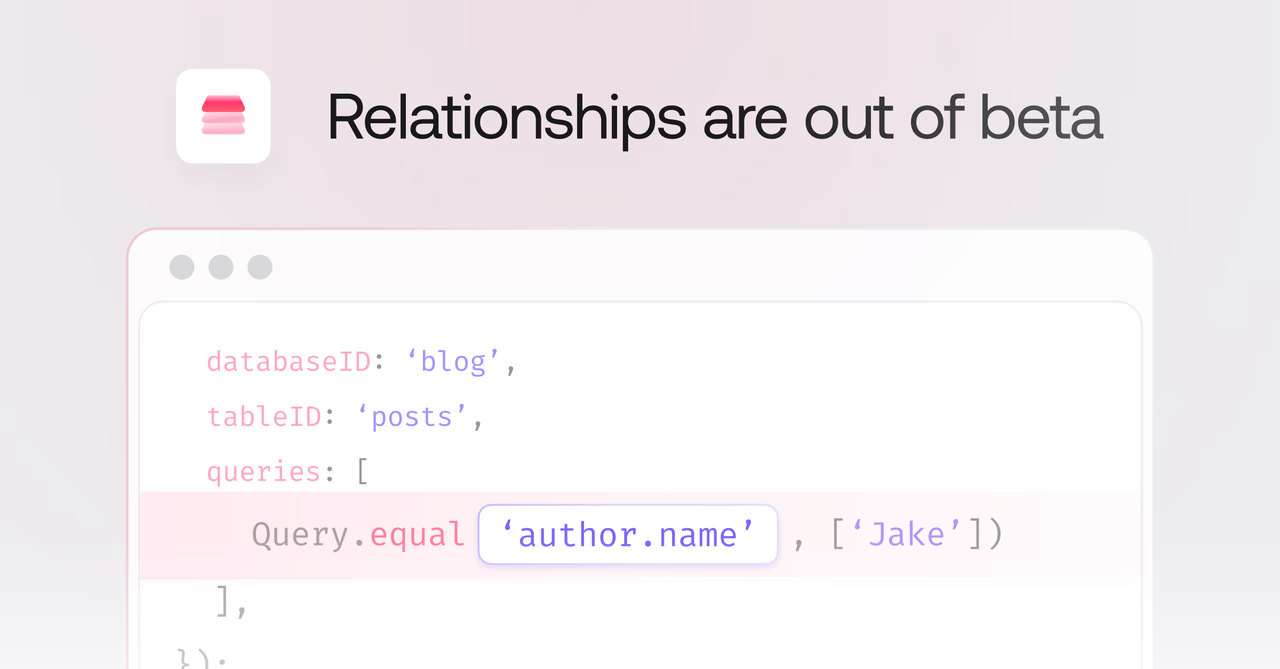
    Database relationships in Appwrite are graduating from experimental to production-ready. After a year of performance, ergonomics, and capability improvements, they are now a first-class way to model connected data.

    What's shipped over the past year

    • Opt-in relationship loading: Related rows are no longer pulled in automatically, you select exactly which relationships to load using query selection. Smaller payloads, faster responses.
    • Filter queries on relationships: Filter across related data using dot notation, like Query.equal('author.name', ['Jake']). All comparison operators are supported, including equal, notEqual, greaterThan, lessThan, between, contains, and spatial queries.
    • 12-18x faster relationship operations: A full internal overhaul made every relationship read, write, and join dramatically faster, with no configuration changes required.
    • CSV export support: Relationship fields export cleanly as IDs from the Console.

    Read the announcement to learn more

  • Store 64-bit integers with BigInt columns

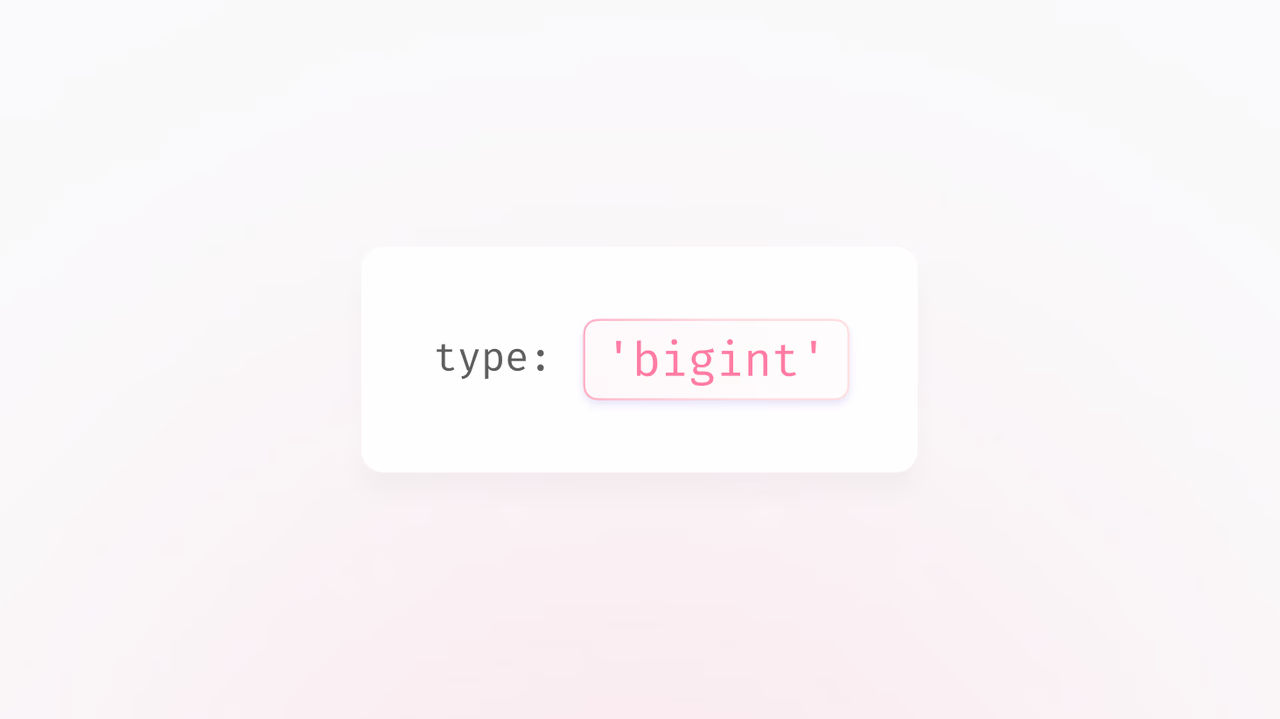
    Appwrite Databases now supports BigInt columns, giving you a 64-bit signed integer type alongside the existing 32-bit integer. Use BigInt when your values may exceed the ±2.1 billion range of a regular integer, for example large counters, high-resolution timestamps, or external IDs from systems that use 64-bit keys.

    BigInt columns accept optional min, max, and default parameters and work with Operators for atomic server-side updates, just like regular integers.

    Read the announcement

  • Appwrite plugin for Codex

    The Appwrite plugin is now available for Codex. Install it to get agent skills for the Appwrite CLI and every major SDK, two guided deployment skills for Sites and Functions, and the Appwrite Docs MCP server, all in a single setup.

    Read the announcement

  • Appwrite CLI now supports multi-file project configuration

    Appwrite CLI 20.0.0 adds support for splitting large appwrite.config.json files into multiple local JSON files with a new includes field.

    You can move supported resource arrays, such as functions, sites, tablesDB, tables, topics, teams, buckets, webhooks, and messages, into their own files while keeping init, pull, push, and run workflows unchanged. The CLI reads included resources into the same in-memory config shape and writes updates back to the file where each resource is defined.

    Function and site paths are resolved relative to the file that defines them, so nested workspaces, packages, and submodules can keep resource configuration and source paths together.

    JSON
    {
        "projectId": "<PROJECT_ID>",
        "endpoint": "https://<REGION>.cloud.appwrite.io/v1",
        "includes": {
            "functions": "./appwrite/functions.json",
            "sites": "./appwrite/sites.json",
            "buckets": "./appwrite/buckets.json"
        }
    }
    

    Learn more about multi-file configuration

  • Configurable start command for SSR Sites

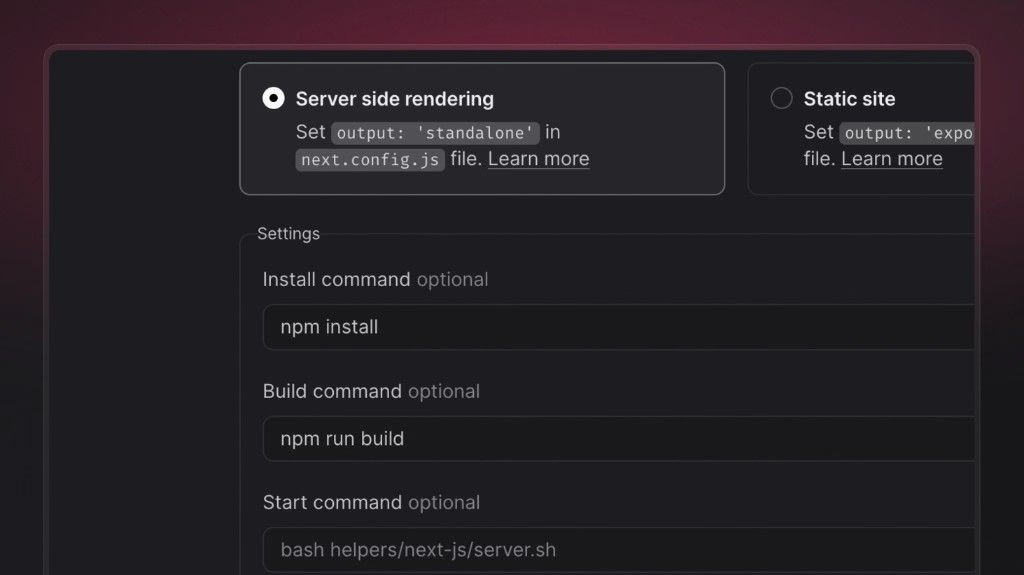
    You can now set an explicit start command for server-side rendered (SSR) Sites in the Appwrite Console, alongside your existing build settings (install command, build command, and output directory). After a successful build, Appwrite uses this command to start the Node.js process that serves your app at runtime.

    Framework presets still supply sensible defaults for common stacks. When you need more control, a dedicated start command helps you:

    • Point Appwrite at the exact script or binary that boots your server (for example a custom server.js, a framework CLI wrapper, or a workspace-specific package.json script).
    • Run monorepos and multi-package layouts where the server lives under a subpath or a different package than the build root.
    • Match team conventions (pnpm, yarn, npx) or CI-style commands without relying on whatever the preset inferred from the framework alone.
    • Try diagnostics or staging behavior at boot (for example extra logging or guarded startup) while keeping your build commands unchanged.

    Configure it under your site’s Settings → Build settings when Server side rendering is enabled, then redeploy so the new command takes effect.

    Appwrite Sites documentation

  • Rust runtime for Appwrite Functions

    Appwrite Functions now supports Rust 1.83 as a first-class runtime. You can write functions in Rust, deploy them through the Appwrite CLI or Console, and pair them with the official Appwrite Rust SDK for type-safe, async access to every server API.

    The runtime gives you compiled, memory-safe performance for the hot paths in your backend, payment and webhook signature verification, image processing, data transformation, and any workload where latency and predictability matter. It is available on Appwrite Cloud today.

    A new Starter template for Rust is available in the function templates catalog, and the Functions documentation covers the runtime contract, request and response helpers, environment variables, dynamic API keys, and end-to-end examples for the new runtime.

    Read the announcement

Start building like a team of hundreds today_

Free
$0

A great fit for passion projects and small applications.

Start project
Pro Popular
$25 /month

For production applications that need powerful functionality and resources to scale.

Start project
Enterprise
Custom

For enterprises that need more power and premium support.

Contact us