Native databases vs Appwrite databases: which one should you pick?_
Appwrite offers two kinds of databases. This guide explains how TablesDB, DocumentsDB, and VectorsDB differ from native PostgreSQL and MySQL, and how to choose between them for your project.

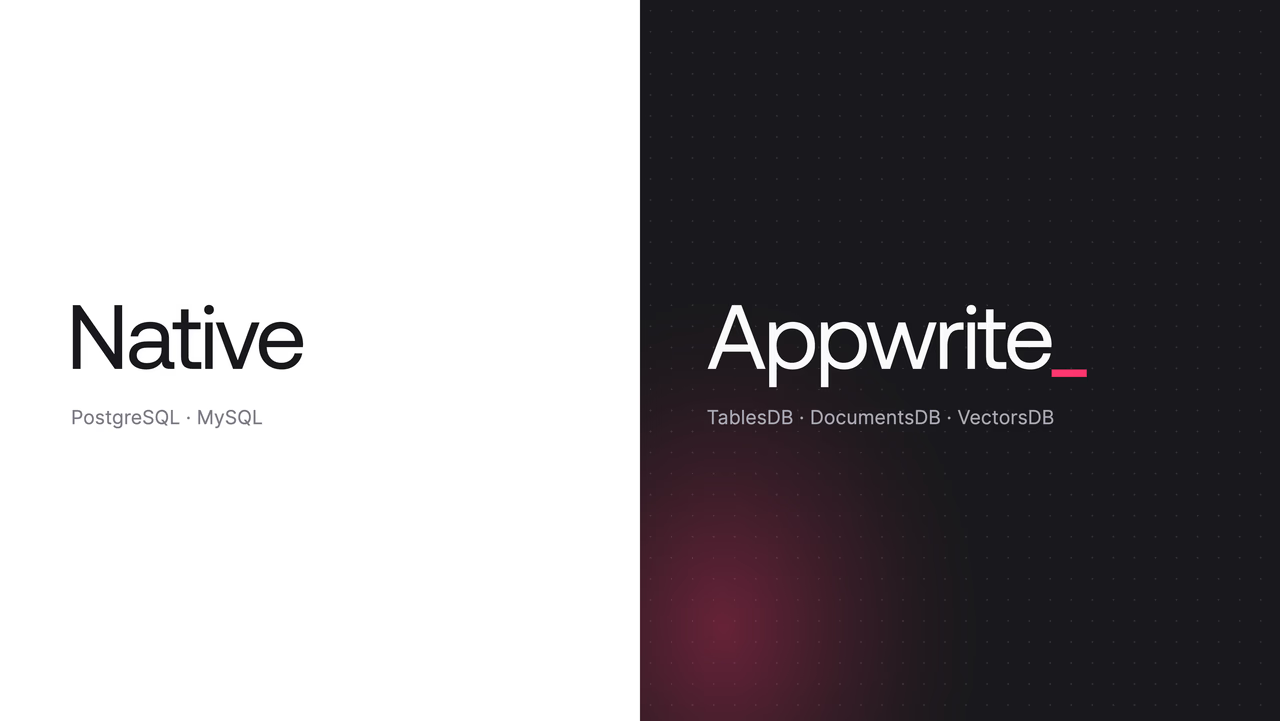
You open Databases in the Console, click Create database, and get a choice. On one side are TablesDB, DocumentsDB, and VectorsDB. On the other are PostgreSQL and MySQL. Both groups store data, both are managed by Appwrite, and both live in the same project. Picking wrong is not a disaster, but it costs a rewrite later.
This guide explains what each group is, what you give up and gain with each, and which one fits which kind of work.
Two kinds of databases
The short version comes down to how your code talks to the data.
An Appwrite database puts an API between your code and the storage engine. You call the Appwrite SDK, the SDK calls Appwrite, and Appwrite applies permissions, runs the query, emits realtime events, and triggers functions before the result reaches you. Your client apps can talk to it directly because Appwrite decides what each user is allowed to see.
A native database is the engine with nothing in front of it. Appwrite provisions PostgreSQL or MySQL on dedicated compute, hands you a hostname and credentials, and keeps the engine running with backups, replicas, and upgrades. Your code connects with a driver or an ORM and sends SQL. The Appwrite SDKs manage the database instance, but they do not query its tables.
Appwrite databases
TablesDB, DocumentsDB, and VectorsDB share the same platform features. Whichever one you pick, you get:
- Permissions at the row, document, and table level, so a client app can read and write without a backend in between.
- Queries, ordering, and pagination through the SDK
Queryhelpers. - Realtime subscriptions to changes.
- Functions and webhooks that fire on create, update, and delete events.
- Transactions, bulk operations, and atomic numeric operations.
- The same client and server SDKs you already use for auth, storage, and functions.
The trade is that you work inside what the API offers. There is no raw SQL, no custom extensions, and no way to bring an ORM that expects a SQL connection. In exchange, a lot of backend code disappears. A mobile app can write a row and a second device can receive it over realtime without you writing an endpoint, an auth check, or a websocket server.
Inside the family, the three databases differ in how they model data.
TablesDB
TablesDB is relational. You define tables with typed columns, add indexes, and link tables with relationships. Every row follows the schema, and the schema is checked on write.
import { Client, TablesDB, Query } from "appwrite";

const client = new Client()
	.setEndpoint("https://<REGION>.cloud.appwrite.io/v1")
	.setProject("<PROJECT_ID>");

const tablesDB = new TablesDB(client);

const orders = await tablesDB.listRows({
	databaseId: "<DATABASE_ID>",
	tableId: "orders",
	queries: [
		Query.equal("status", "shipped"),
		Query.orderDesc("$createdAt"),
		Query.limit(20),
	],
});
The permissions on each row decide what this call returns for the signed-in user. Two users run the same code and get different rows.
Pick TablesDB when your data has a known shape and you want the database to enforce it. Orders, profiles, inventory, and anything with foreign keys belong here.
DocumentsDB
DocumentsDB is schemaless. A collection holds JSON documents, two documents in the same collection can have different fields, and adding a field means writing it.
import { Client, DocumentsDB, ID } from "appwrite";

const client = new Client()
	.setEndpoint("https://<REGION>.cloud.appwrite.io/v1")
	.setProject("<PROJECT_ID>");

const documentsDB = new DocumentsDB(client);

await documentsDB.createDocument({
	databaseId: "<DATABASE_ID>",
	collectionId: "events",
	documentId: ID.unique(),
	data: {
		type: "page_view",
		path: "/pricing",
		referrer: { source: "newsletter", campaign: "august" },
	},
});
The same permissions, queries, and realtime apply. What changes is that nothing checks the shape of data.
Pick DocumentsDB when the shape of your data changes faster than you want to run migrations, or when you store payloads you do not control, such as webhook bodies, third-party API responses, or user-generated content with optional fields.
VectorsDB
VectorsDB stores embeddings. Each collection has a fixed dimension, each document holds one embeddings vector and optional metadata, and an HNSW index makes similarity search fast. You can generate embeddings from text with built-in models, so a search feature does not need a separate embedding service.
import { Client, VectorsDB, Query } from "appwrite";

const client = new Client()
	.setEndpoint("https://<REGION>.cloud.appwrite.io/v1")
	.setProject("<PROJECT_ID>");

const vectorsDB = new VectorsDB(client);

const matches = await vectorsDB.listDocuments({
	databaseId: "<DATABASE_ID>",
	collectionId: "articles",
	queries: [
		Query.vectorCosine("embeddings", queryEmbedding),
		Query.limit(5),
	],
});
Pick VectorsDB when the question is "what is similar to this" rather than "what matches this filter". Semantic search, recommendations, and retrieval for AI features are the usual cases. Keep the source records in TablesDB or DocumentsDB and store the embedding plus a reference in VectorsDB.
Native databases
A native database is a PostgreSQL or MySQL instance provisioned for your project. You pick a compute specification, Appwrite starts the engine in your project's region with its own storage and credentials, and you get a hostname secured with TLS.
From there it is PostgreSQL or MySQL, with everything that implies. You connect with psql, the mysql client, or any driver, and Prisma, Drizzle, Django, Rails, Spring Boot, EF Core, and GORM work with the connection string alone. Appwrite ships integration guides for each.
Appwrite runs the operational side:
- Scheduled backups and point-in-time recovery
- Branches created from storage snapshots
- High availability with up to five replicas
- Online compute resizing and storage autoscaling
- Connection pooling and IP allowlists
- Online version upgrades
You run the application layer. That changes three things compared to an Appwrite database:
- Permissions. There are none on the rows. The database does not know who your users are, so your backend decides what each request may read.
- Client access. Realtime, functions triggers, and the client SDKs do not apply. If a browser needs the data, your server serves it.
- Flexibility. You get the full query language, joins across as many tables as you like, window functions, stored procedures, custom types, and on PostgreSQL, extensions like PostGIS, pgvector, and pg_trgm.
That last point is the reason to pick one. If your team already has a way of working with SQL that it likes, a native database lets you keep it.
PostgreSQL
PostgreSQL 18 is the default, with 17 also available. Extensions are the standout: pgvector for embeddings inside your relational data, PostGIS for geospatial queries, pg_trgm for fuzzy text search.
Pick PostgreSQL when you want the largest ecosystem and the most room to grow into advanced features.
MySQL
MySQL 8.4 is the default, with 8.0 also available.
Pick MySQL when your tooling, team, or existing schema already assumes MySQL. Laravel, WordPress-style stacks, and many PHP and Java codebases fall here.
How to decide
Two questions settle most cases.
1. Does a client app need to read or write this data directly?
- Yes. Pick an Appwrite database. Permissions, realtime, and the client SDKs exist so a browser or a phone can talk to the database without a backend you maintain. A native database needs a server in between, and that server is the layer Appwrite databases already give you.
- No. The data is consumed by a backend service. Go to question 2.
2. Does that backend service need SQL, an ORM, or a database feature the Appwrite API does not expose?
- Yes. Pick a native database. Complex joins, reporting queries, PostGIS, a migration tool your team trusts, or a framework that expects a connection string all point here.
- No. Pick an Appwrite database. A server-side SDK call replaces a driver, a connection pool, and an ORM.
Side by side
| Appwrite databases | Native databases | |
|---|---|---|
| Engines | TablesDB, DocumentsDB, VectorsDB | PostgreSQL, MySQL |
| How you access data | Appwrite SDKs and REST API | Drivers, ORMs, psql, mysql |
| Query language | SDK Query helpers | SQL |
| Permissions | Row, document, and table level, enforced by Appwrite | Database credentials and IP allowlists; per-user access in your code |
| Direct client access | Yes | No |
| Realtime subscriptions | Yes | No |
| Functions and webhook triggers | Yes | No |
| Schema | Typed columns (TablesDB), schemaless (DocumentsDB), fixed vector shape (VectorsDB) | Whatever you define in SQL |
| Extensions and custom types | No | Yes (PostgreSQL extensions, stored procedures, custom types) |
| Managed by Appwrite | Storage, scaling, backups | Compute, storage, backups, replicas, upgrades |
| Best for | App data that clients touch | Backend services that need SQL |
Resources
An Appwrite database (TablesDB, DocumentsDB, or VectorsDB) is a managed data store you work with through the Appwrite SDKs and APIs. Permissions, queries, realtime, and functions triggers are built in. A native database (PostgreSQL or MySQL) is the database engine itself, provisioned for your project. You connect to it with standard drivers, ORMs, and SQL clients, and the Appwrite SDKs do not manage its data.
No. Data in a native database is accessed with PostgreSQL or MySQL drivers, ORMs, and clients. The Appwrite SDKs manage the database itself, such as creating it, taking backups, or scaling it, but they do not query its tables.
No. Appwrite permissions apply at the row, document, and table level inside Appwrite databases. A native database uses its own access model. You control who can connect with database credentials and IP allowlists, and you enforce per-user access in your own application code.
Yes. A project can hold several databases of different types. A common split is TablesDB for user-facing app data that clients access directly, and a native PostgreSQL database for a backend service that needs SQL.
Pick TablesDB for structured data with a known shape and relationships. Pick DocumentsDB for JSON whose shape changes often or varies between records. Pick VectorsDB for embeddings and similarity search. All three share the same SDKs, permissions, and platform features.