Introducing Realtime queries: Server-side event filtering for subscriptions_
Pass SDK queries when subscribing to realtime channels to automatically filter events server-side, so your callbacks only receive the updates you care about.

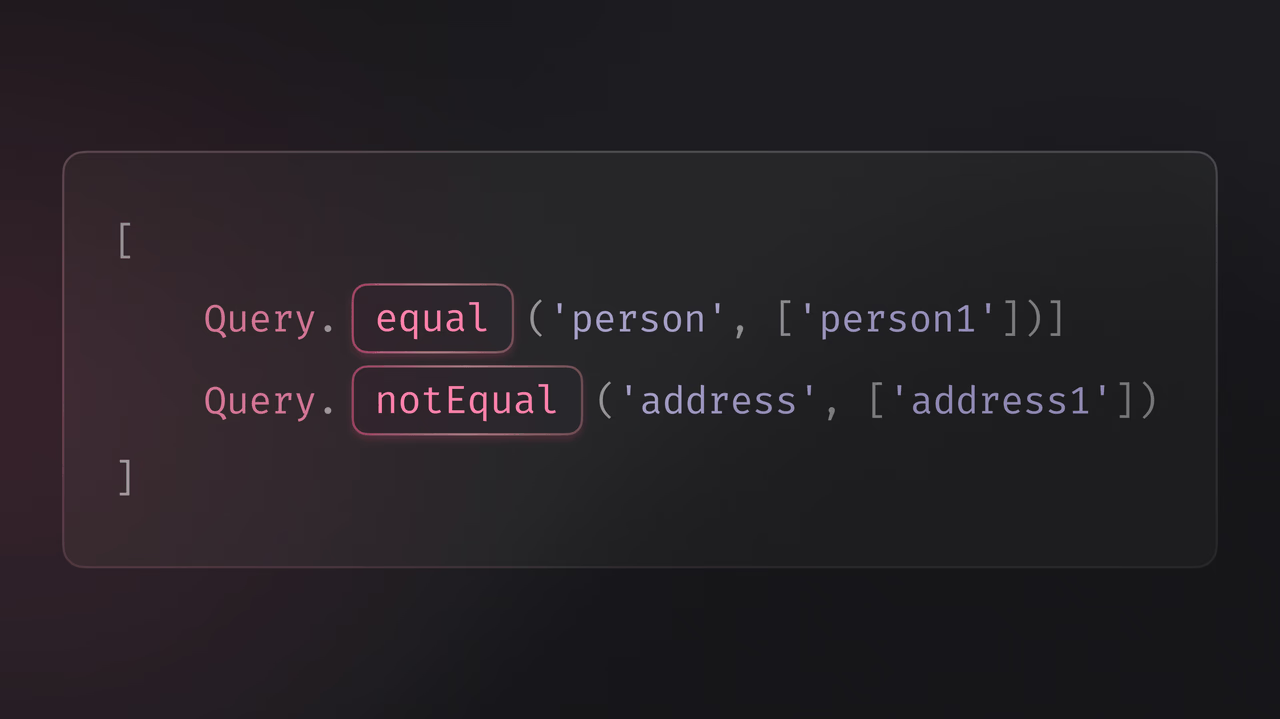
If you've built realtime features with Appwrite, you've likely written filtering logic inside your subscription callbacks: checking payload fields, comparing values, and discarding events you don't need. While this works, it adds boilerplate to your client code and means you're still receiving and processing every event on the channel, even the ones you'll throw away.
To make realtime subscriptions more precise, Appwrite now supports Realtime queries: pass SDK queries when subscribing to automatically filter events server-side.
Filter at the source, not in your callback
Realtime queries let you pass SDK queries as a parameter when subscribing to a channel. Events are filtered on the server based on your queries, so your callback only fires when the payload matches your conditions.
This means less client-side filtering logic, fewer unnecessary callback invocations, and a cleaner subscription model overall.
How it works
Realtime queries use the same Query helpers you already use with Appwrite's database and other services. Pass an array of queries when subscribing, and only events matching those conditions will trigger your callback.
import { Client, Realtime, Channel, Query } from "appwrite";

const client = new Client()
    .setEndpoint('https://<REGION>.cloud.appwrite.io/v1')
    .setProject('<PROJECT_ID>');

const realtime = new Realtime(client);

// Subscribe to all updates on the channel
const allVotes = await realtime.subscribe(
    Channel.tablesdb('<DATABASE_ID>').table('<TABLE_ID>').row(),
    response => {
        console.log(response.payload);
    }
);

// Subscribe only to updates where person equals 'person1'
const person1Votes = await realtime.subscribe(
    Channel.tablesdb('<DATABASE_ID>').table('<TABLE_ID>').row(),
    response => {
        console.log(response.payload);
    },
    [Query.equal('person', ['person1'])]
);

// Subscribe only to updates where person is not 'person1'
const otherVotes = await realtime.subscribe(
    Channel.tablesdb('<DATABASE_ID>').table('<TABLE_ID>').row(),
    response => {
        console.log(response.payload);
    },
    [Query.notEqual('person', 'person1')]
);
Without queries, the first subscription receives every event on the channel. With queries, the second and third subscriptions only receive events where the payload matches the specified conditions. No manual filtering required.
Supported queries
Realtime queries support a subset of the full SDK query methods, focused on value comparison and logical composition:
- Comparison:
Query.equal(),Query.notEqual(),Query.greaterThan(),Query.greaterThanEqual(),Query.lessThan(),Query.lessThanEqual() - Null checks:
Query.isNull(),Query.isNotNull() - Logical:
Query.and(),Query.or()
These cover the most common filtering patterns for realtime events. You can combine multiple queries to build precise conditions for your subscriptions.
Key benefits
- Server-side filtering: Events are filtered before reaching your client, reducing unnecessary processing
- Consistent API: Uses the same
Queryhelpers from Appwrite's database APIs - Cleaner code: Eliminate manual filtering logic inside subscription callbacks
- Available across all platforms: Supported in Web, Flutter, Apple, and Android client SDKs









