Two years ago, vibe coding was a half joking phrase from a tweet. Today it is how millions of developers ship software.
You describe what you want. The AI writes the code. You steer the result. You ship. The unit of work has moved from the line to the feature, and the bottleneck has moved from typing speed to taste.
If you have been on the fence about going all in, this guide will catch you up. We will cover what vibe coding actually means in 2026, the workflow that holds up in production, the stack worth your time, and the traps that still catch people. By the end, you will have a clear playbook for building real apps without writing every line by hand.
What is vibe coding?
Vibe coding is a development practice where you communicate intent in natural language and let an AI model translate that intent into working code. The phrase was popularized by Andrej Karpathy in early 2025, and it has since evolved from a casual experiment into a full discipline.
The "vibe" part is the key. You are not dictating syntax. You are describing the feel, the behavior, the user experience, the data model. The AI handles the rest. You review, refine, and redirect.
A few defining traits:
- You write in plain English, or any spoken language.
- The AI generates, edits, and refactors entire files.
- You read code more than you write it.
- You judge output by behavior, not by lines.
- You ship faster, and you fix faster.
This is not the same as no code. No code platforms abstract the codebase away entirely. Vibe coding keeps real source files at the center. You still own the repo, the deployment, and the architecture. You just stop hand typing the boilerplate.
Why vibe coding matters in 2026
The shift was not just better models. It was the surrounding ecosystem catching up. In 2026 we have:
- Coding agents that hold the full repo in context.
- Backend platforms that expose entire stacks through a single SDK call.
- Generated UI components that match your design system out of the box.
- Evaluation and test agents that catch regressions before you do.
- Open source workflows that make AI generated commits as auditable as human ones.
Put together, the friction between idea and production has collapsed. Solo founders ship apps that used to need a team of five. Enterprise teams cut feature timelines from weeks to hours. What changes is not the craft of engineering. It is the leverage one engineer can apply.
The vibe coding workflow that actually works
Most failed vibe coding attempts share the same mistake: treating the AI like a magic wand. The teams winning in 2026 follow a tighter loop.
1. Start with a clear spec
The vaguer your prompt, the messier your output. Before you open your editor, write a short brief. What does the feature do? What does success look like? What edge cases matter? Five lines of clear intent beat a one line wish every time.
2. Pick the right stack upfront
You can vibe code anything, but you cannot vibe debug everything. Choose a stack with strong AI training data behind it, clear documentation, and an open ecosystem. The more your AI has seen, the cleaner the output, and the less time you spend correcting hallucinated APIs.
3. Generate in small slices
Ask for one component, one route, one function at a time. Smaller slices mean tighter feedback and easier review. Big prompts produce big messes, and big messes are slow to untangle.
4. Always review the diff
Read every change. The AI is a fast junior developer with infinite patience. It will hallucinate APIs, invent libraries, and miss security holes. Your review is the safety net, and it is the difference between vibe coding and gambling.
5. Test as you go
Pair every feature with a generated test. The AI can write the test before, after, or alongside the implementation. The key is to never skip this step, especially when the code feels obviously correct.
6. Refactor when patterns emerge
After three similar prompts, you have a pattern. Pause. Refactor. Otherwise your codebase becomes a quilt of half matched approaches that the AI keeps reinforcing because that is what it sees in your repo.
The 2026 vibe coding stack
You do not need every tool on the market. You need one good choice in each of these layers:
- An AI coding agent that lives in your editor and holds repo context.
- A model router so you can switch providers without rewriting prompts.
- A backend platform that handles auth, database, storage, and functions without infrastructure work.
- A component library with AI friendly primitives.
- An evaluation tool to catch regressions across prompt changes.
- A version control workflow that treats AI commits with the same scrutiny as human ones.
The backend layer is where most vibe coded projects stall. You can generate a beautiful frontend in minutes, but if you spend the rest of the day wiring up databases, authentication, file storage, and serverless functions, the speed advantage disappears. A good backend platform keeps your AI focused on what is unique about your product, not on plumbing.
Build fast, scale faster
Backend infrastructure and web hosting built for developers who ship.
Start for free
Open source
Support for over 13 SDKs
Managed cloud solution
Common vibe coding pitfalls
A few traps still catch even experienced teams.
Prompting like a search query. "Make a login page" is not a prompt. It is a wish. Add context, constraints, and examples.
Skipping the read. If you accept code you have not read, you are not vibe coding. You are gambling with your codebase.
Letting context drift. Long sessions cause models to forget early decisions. Restart the conversation, summarize the state, and continue.
Ignoring security. Generated code often skips input validation, rate limiting, and auth checks. Always ask for them explicitly, and verify them in review.
Choosing tools that do not integrate. If your backend, your AI agent, and your deployment platform do not speak to each other, you will spend more time gluing than building.
Where Appwrite fits in your vibe coding workflow
The fastest vibe coders in 2026 share one thing in common. They do not waste cycles on infrastructure. They keep their AI focused on what makes their product unique, and they let a backend platform handle the rest.
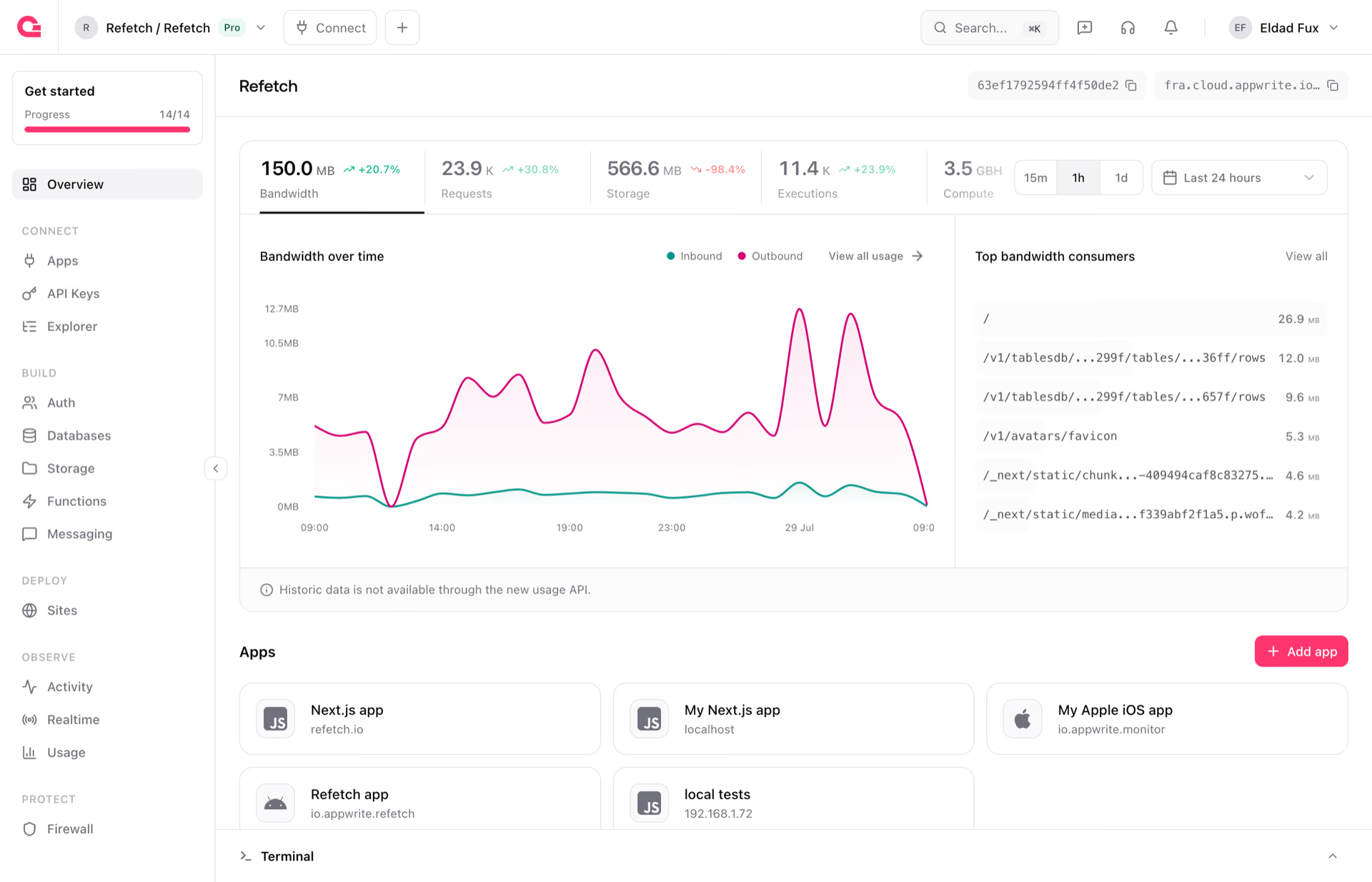
That is exactly what Appwrite is built for. Auth, databases, storage, functions, messaging, and real-time, all available through a single SDK that your AI assistant already understands. Prompts like "add Google login," "store the user's avatar," or "send a welcome email" translate directly into Appwrite SDK calls, with no infrastructure setup required.
It goes a step further if you are coding with Claude or Codex. The Appwrite plugin for Claude Code and the Appwrite plugin for Codex drop our MCP servers and SDK skills straight into your editor, so your assistant queries the real Appwrite API and reads the real docs instead of guessing at them. You can also generate an AGENTS.md for your project so any agent picks up the right conventions from the start. Fewer hallucinated endpoints, fewer broken calls, more code that works on the first try.
Appwrite is open-source, self-hostable, and built for developers who want to ship fast without surrendering control. Whether you are building a side project on a weekend or scaling a serious product, the platform stays out of your way and lets your AI assistant do its best work.
Start vibe coding with Appwrite
Vibe coding rewards developers who pair fast AI with solid infrastructure. Appwrite gives you both. A backend that AI assistants speak fluently, and a platform that scales with whatever you build next.
We post weekly roundups of product announcements, AI updates, and developer insights on dev.to and Medium, so pick whichever reader you already live in. Recent releases have added MongoDB support, Appwrite 1.90, realtime upgrades, and new AI tooling, with more landing every few weeks.
Sign up for Appwrite Cloud or spin up a self-hosted instance in minutes, and ship your next idea before the coffee gets cold.