Appwrite documentation is available as Markdown, making it easy to use with AI-powered development tools, code editors, and LLMs.
Markdown lets AI tools process more content within their context limits and focus on the documentation itself instead of parsing HTML. This leads to more accurate responses based on official documentation.
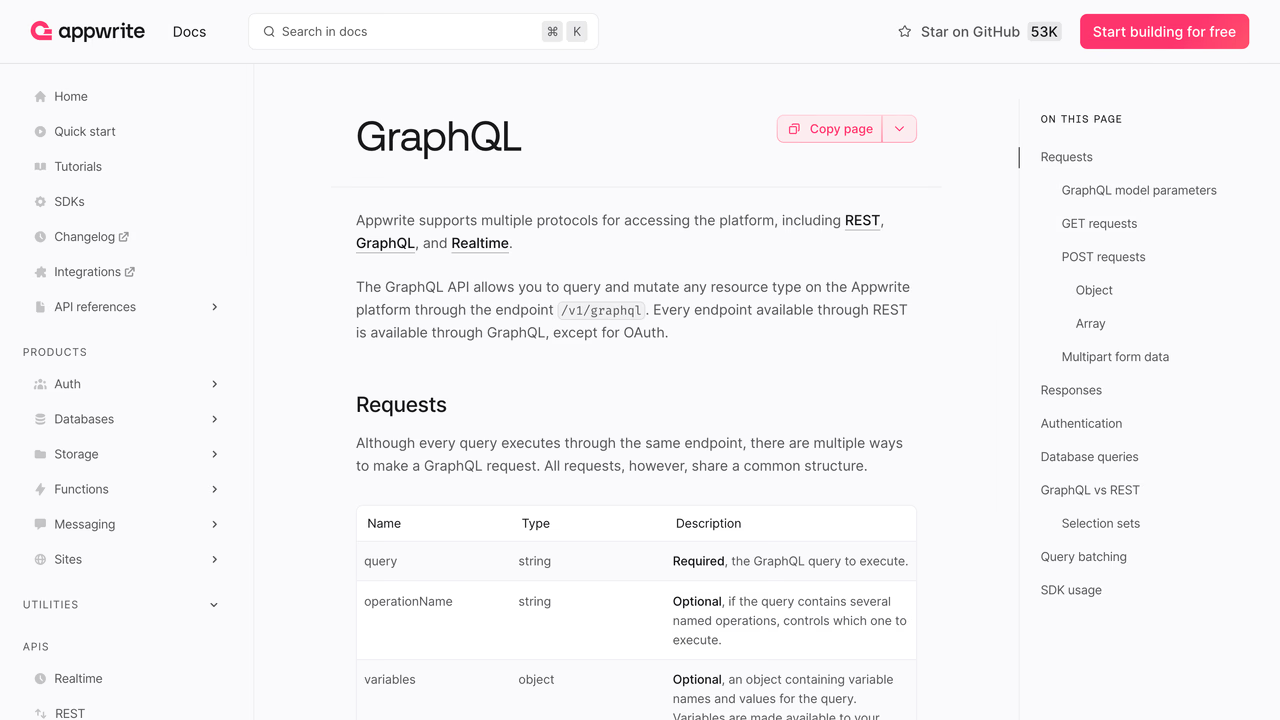
Copy as Markdown
Every page in the Appwrite documentation includes a Copy page button that copies the entire page content as Markdown to your clipboard.
This is useful when you want to:
- Paste documentation into an AI chat for context
- Include documentation in your project's reference files
AI-ready prompts
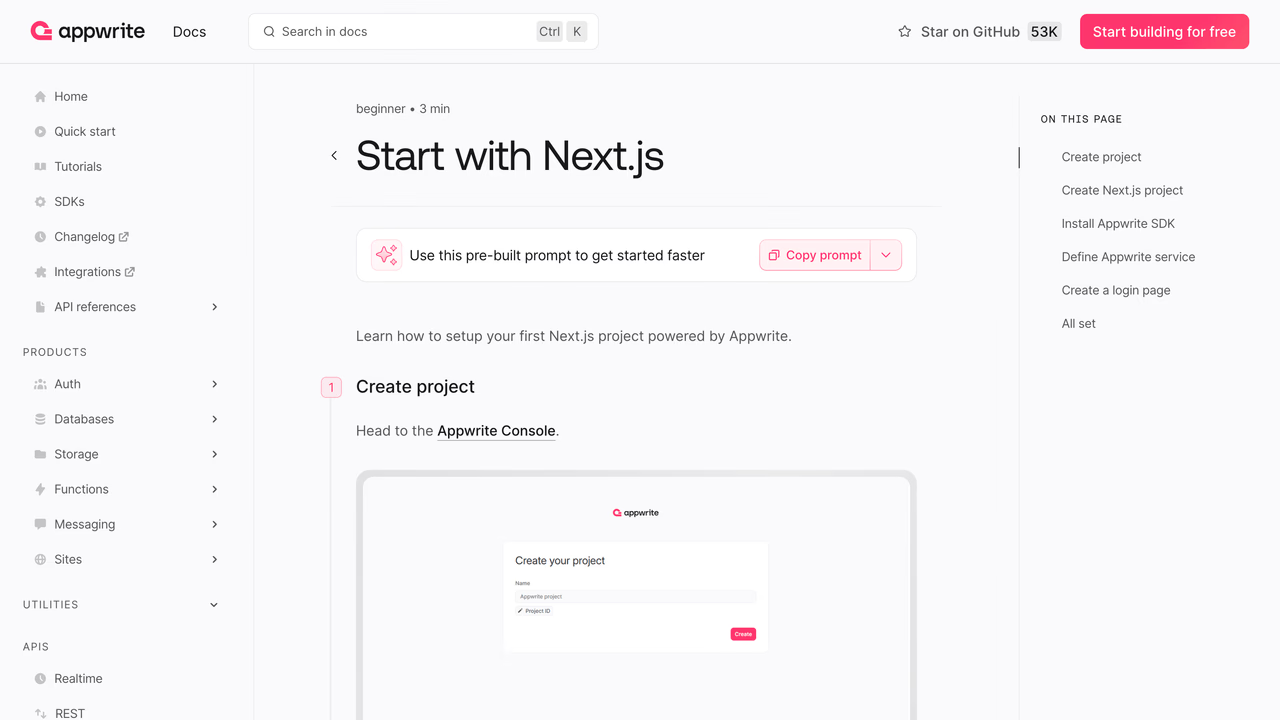
Some pages, like the quick start guides, include prompts designed for AI agents. These pages have options to open the prompt directly in AI tools like Cursor or copy it to your clipboard.
Markdown URLs
You can access any documentation page as raw Markdown by appending .md to the URL. Here are some examples:
https://appwrite.io/docs/apis/graphql→https://appwrite.io/docs/apis/graphql.mdhttps://appwrite.io/docs/products/auth→https://appwrite.io/docs/products/auth.mdhttps://appwrite.io/docs/quick-starts/nextjs→https://appwrite.io/docs/quick-starts/nextjs.md
This allows AI tools and scripts to fetch documentation directly without parsing HTML.
Was this page helpful?
Share what worked or what we should fix. Once approved, our agents automatically apply suggested updates to the docs.