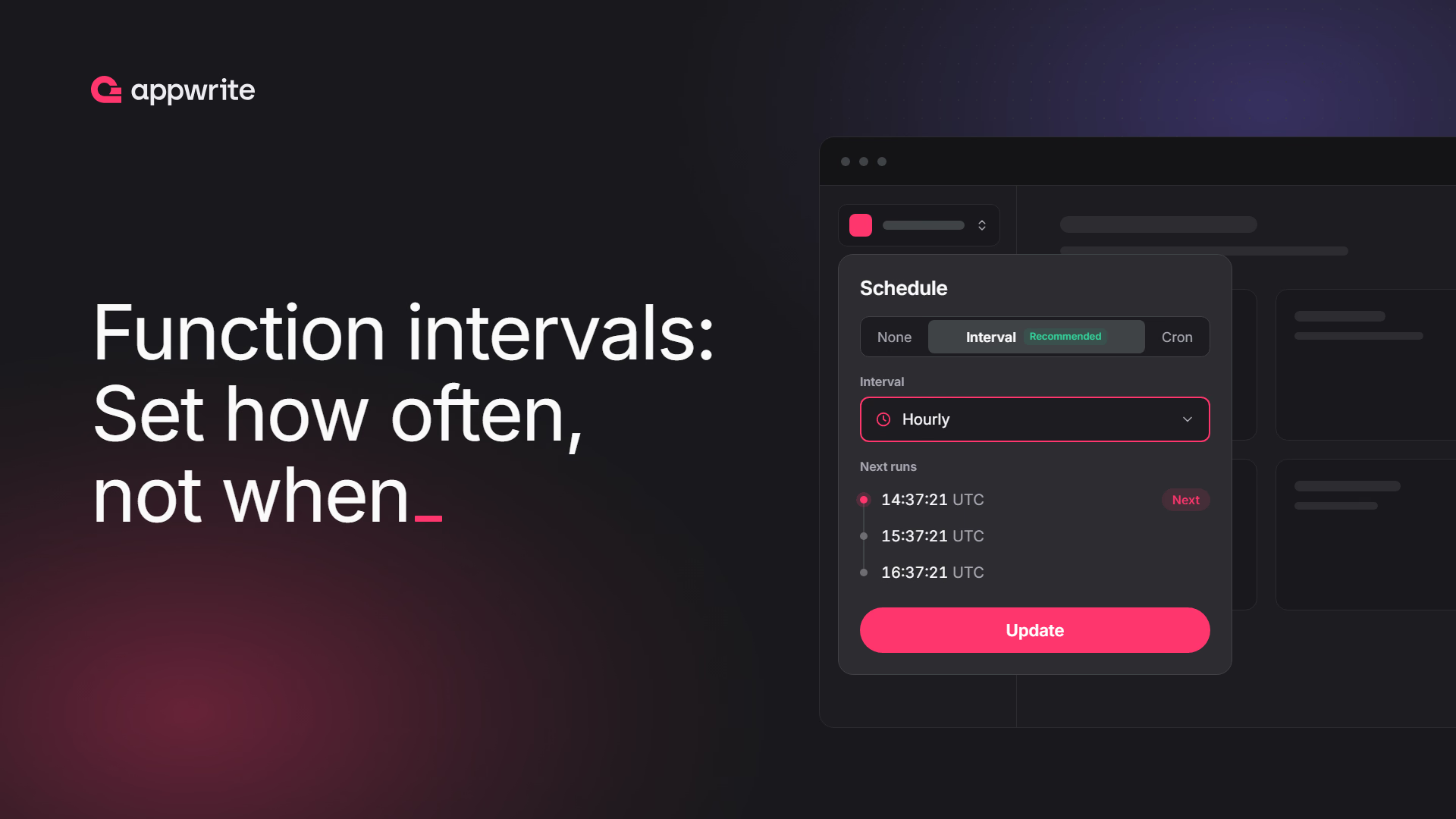
Functions can now run on an interval as well as a cron expression. An interval works like cron where Appwrite picks the time for you: an hourly interval runs at the same point in every hour, such as 37 minutes and 21 seconds past, chosen for your function, so functions with the same interval no longer all start at the same moment.
- Interval: every N minutes, for work that needs to run regularly but not at an exact time.
- Cron: the times in a cron expression, for work tied to the clock, such as a report at 09:00 on Mondays.
Choose Interval in your function's Settings > Executions > Schedule, or pass interval (in minutes) to functions.create and functions.update in the latest Server SDKs and CLI (--interval). On Appwrite Cloud, intervals start at 1 minute on paid plans and 60 minutes on the Free and Education plans. Cron expressions are unchanged on every plan. Run times are fixed to the UTC clock, so the first run after you set an interval can be up to one full interval away.