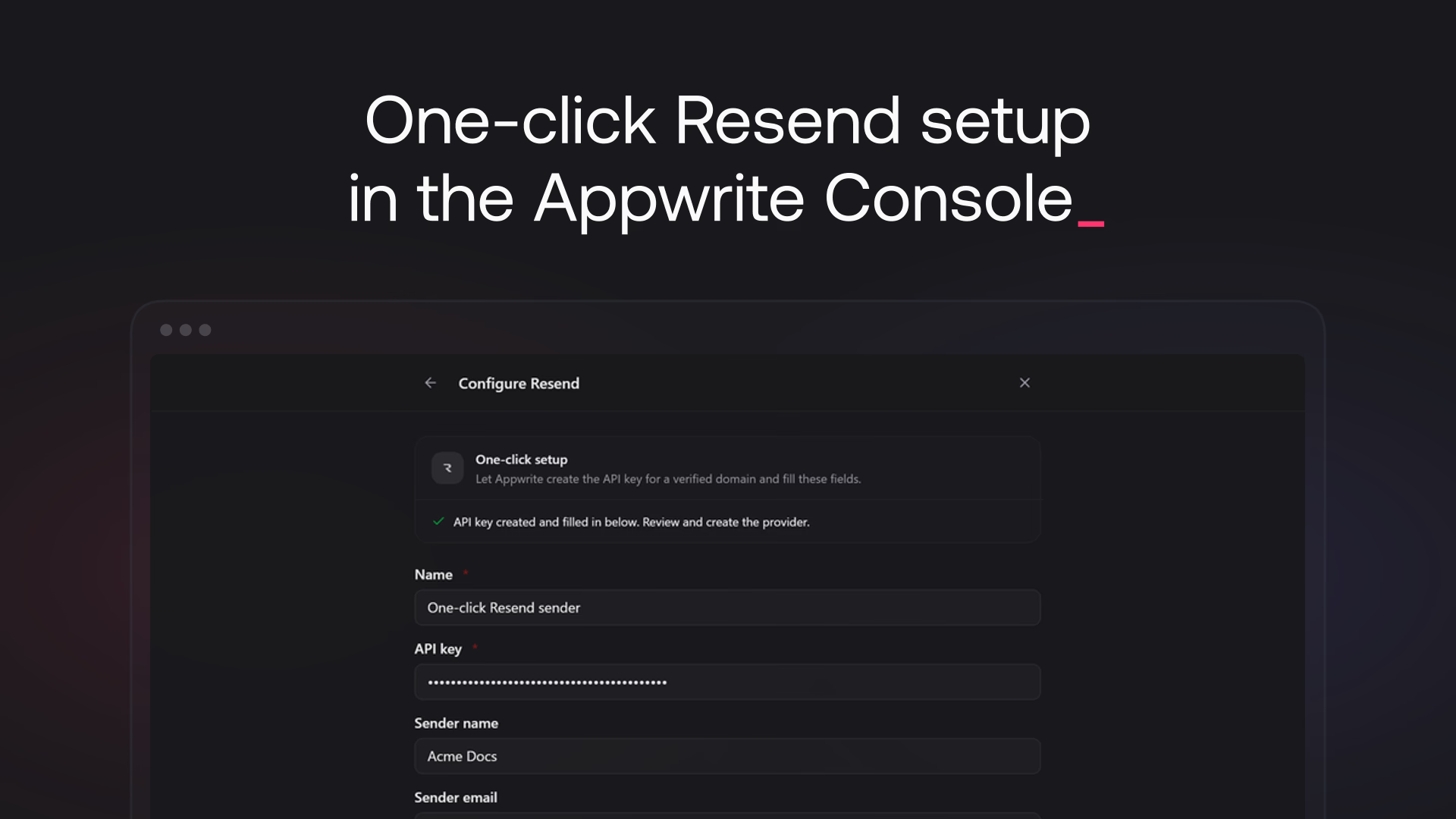
The Appwrite Cloud Console can now set up Resend for you. Click Connect with Resend, authorize Appwrite, and pick a verified domain. Appwrite creates a sending-only API key restricted to that domain, named Appwrite SMTP: <project name>, and writes the rest of the configuration itself.
In Messaging > Providers, the One-click setup card on the Resend provider generates the API key and fills the sender fields before you click Create provider. On the project Settings > SMTP tab, the same card fills in and enables the custom SMTP settings for you. One authorization covers both, and Appwrite revokes any key it generated that never gets saved.