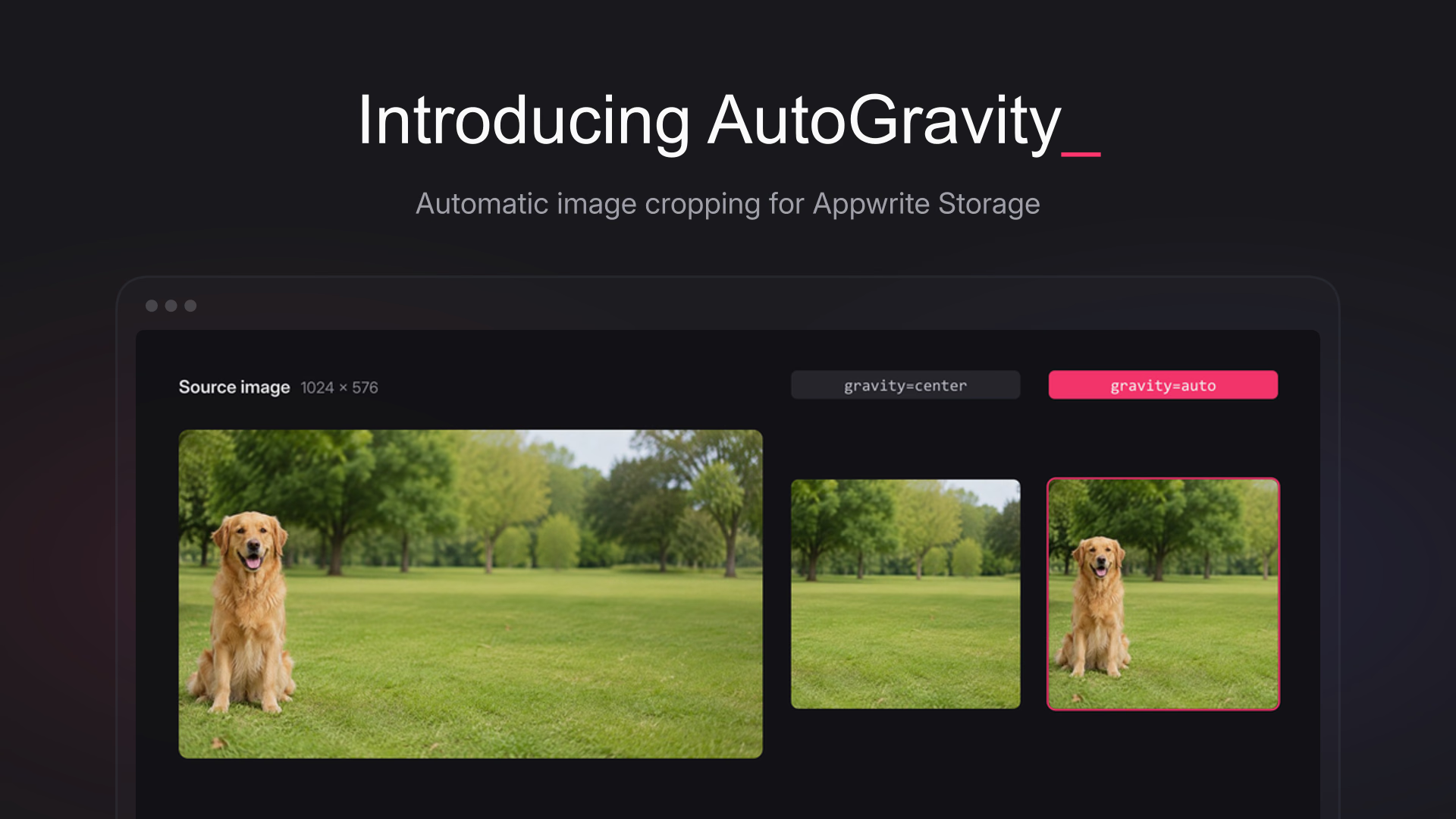
The file preview endpoint now accepts gravity=auto. Instead of cropping toward a fixed position such as center or top-left, Appwrite finds the main subject of the image and keeps it in view.
?width=400&height=400&gravity=autoAutomatic gravity is powered by AutoGravity, an open-source Go service that returns a normalized focal point for an image. It checks for a confident face first using the YuNet detector, then falls back to U²-Net saliency detection to locate the strongest visual subject. AutoGravity never stores or modifies the image and does not perform face recognition.
Existing gravity values are unchanged. Automatic cropping only runs when a request sets gravity to auto, and transformed previews are cached as before.
Automatic gravity is available today on Appwrite Cloud and self-hosted support will arrive in the near future.