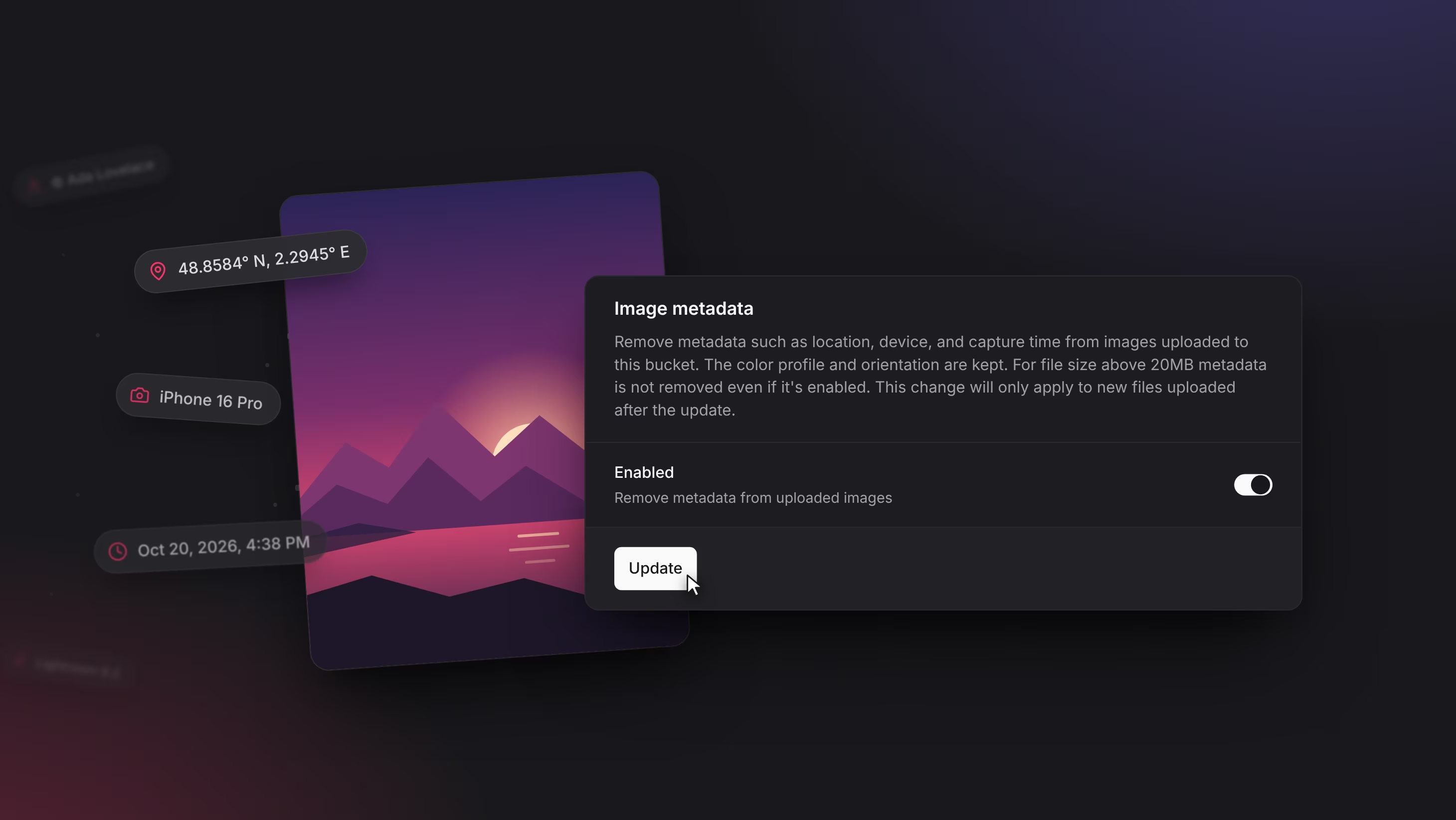
Photos can reveal where they were taken, which device took them, and when. Storage buckets can now remove that metadata from images as they are uploaded. Turn it on under your bucket's Settings > Image metadata, or set stripMetadata to true when you create or update a bucket. Stripping is off by default.
Stripping works on JPEG, PNG, WebP, GIF, TIFF, HEIC, HEIF, and AVIF images. It keeps the color profile and orientation and doesn't re-encode the pixels, so a stripped image looks the same as the original. Images larger than 20MB are stored as uploaded, and the setting applies only to files uploaded after you turn it on. A bucket with stripping turned on can't be used through the S3-compatible API.
Image metadata stripping is live on Appwrite Cloud and ships to self-hosted Appwrite in the next release. Community contributor jaysomani built it in #14351. Thank you!