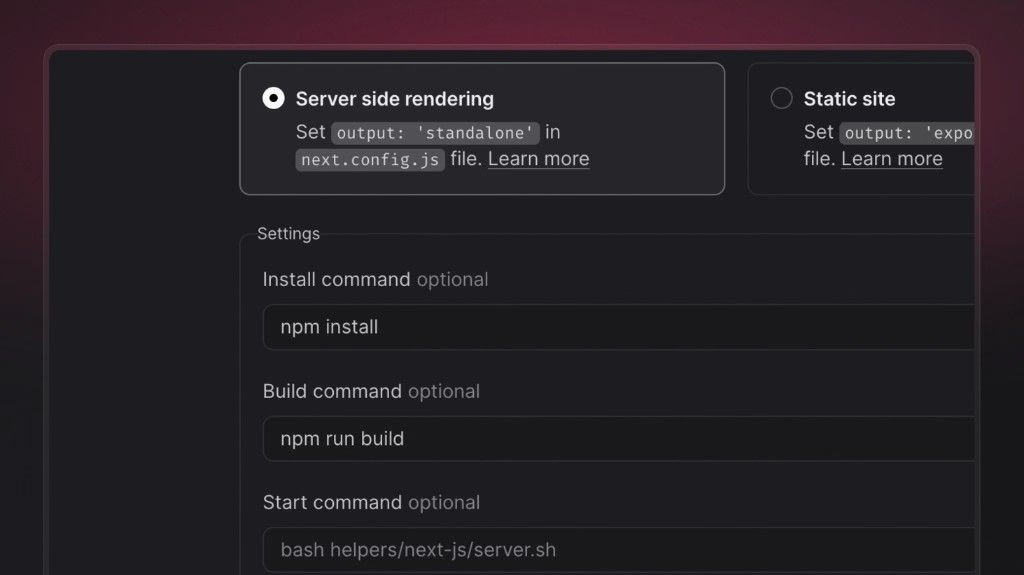
You can now set an explicit start command for server-side rendered (SSR) Sites in the Appwrite Console, alongside your existing build settings (install command, build command, and output directory). After a successful build, Appwrite uses this command to start the Node.js process that serves your app at runtime.
Framework presets still supply sensible defaults for common stacks. When you need more control, a dedicated start command helps you:
- Point Appwrite at the exact script or binary that boots your server (for example a custom
server.js, a framework CLI wrapper, or a workspace-specificpackage.jsonscript). - Run monorepos and multi-package layouts where the server lives under a subpath or a different package than the build root.
- Match team conventions (
pnpm,yarn,npx) or CI-style commands without relying on whatever the preset inferred from the framework alone. - Try diagnostics or staging behavior at boot (for example extra logging or guarded startup) while keeping your build commands unchanged.
Configure it under your site’s Settings → Build settings when Server side rendering is enabled, then redeploy so the new command takes effect.