Deploy a Jaspr app to Appwrite Sites_
Learn how to set up and deploy Jaspr apps with server-side rendering on Appwrite Sites.
2 min read
1. Create Jaspr app
Jaspr is a web framework for Dart that renders HTML and CSS from Dart components. Appwrite Sites runs Jaspr apps in server mode, which pre-renders your components on the server for each incoming request.
Open your terminal, install the Jaspr CLI, and create a project in server mode.
dart pub global activate jaspr_clijaspr create --mode server --routing multi-page my_siteIn case you have an existing Jaspr app, confirm that the jaspr section of your pubspec.yaml file sets server mode:
jaspr: mode: serverAppwrite builds Jaspr sites on the Flutter 3.44 runtime, which ships with the Jaspr CLI installed, so you don't need to add jaspr_cli to your pubspec.yaml file. The installed CLI requires version 0.23.0 or later of the core Jaspr packages, such as jaspr and jaspr_builder.
Push this project to a GitHub repository.
2. Create Appwrite project
Head to the Appwrite Console.
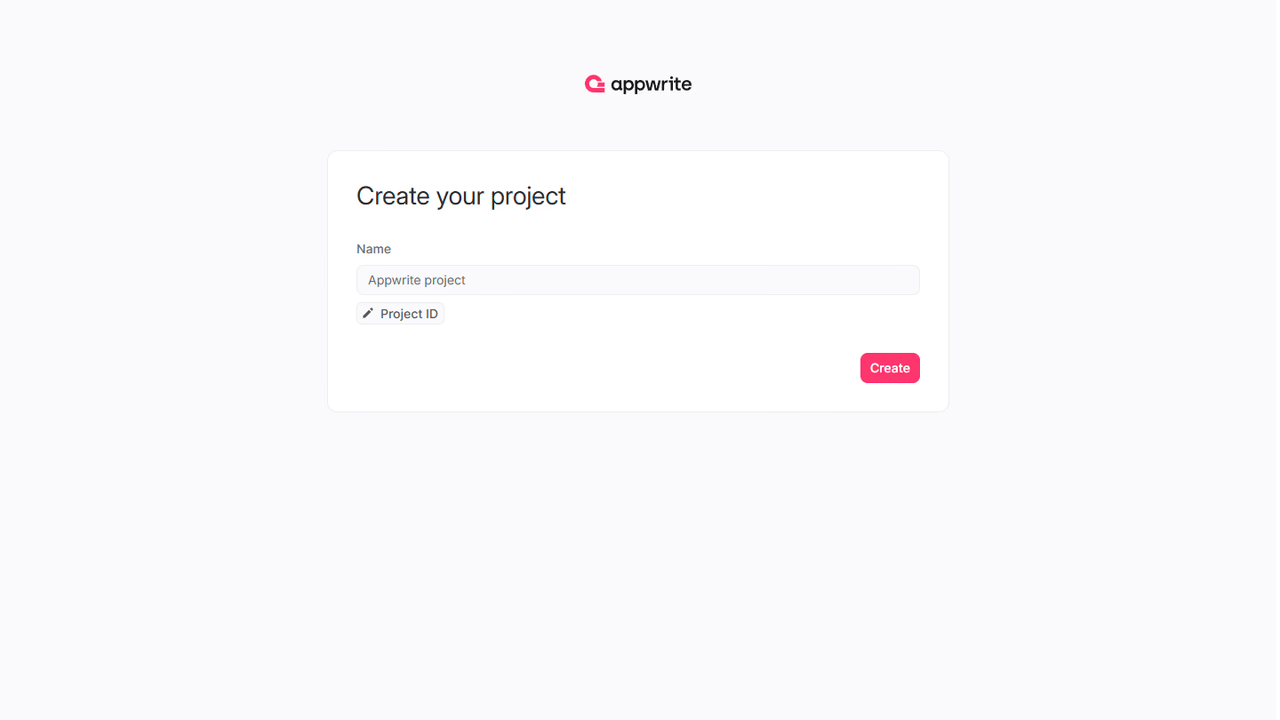
If this is your first time using Appwrite, create an account and create your first project.
3. Create site
Head to the Sites page in your Appwrite project, click on the Create site button, and select Connect a repository.
Connect your GitHub account and select the repository you intend to deploy (or allow all repositories, for future ease).
- Select the production branch and root directory from your repo.
- Verify that the correct framework is selected. Jaspr and Flutter projects both use a
pubspec.yamlfile, so if Flutter is selected, pick Jaspr from the drop-down list. - Confirm the install command, build command, and output directory in the build settings. The default build settings for Jaspr are:
- Install command:
dart pub get - Build command:
jaspr build - Output directory:
./build/jaspr
- Install command:
- Add any environment variables required by the site.
Click on the Deploy button.
4. Visit site
After successful deployment, click on the Visit site button.
To call Appwrite from your server-rendered components, read the ephemeral API key from the x-appwrite-key request header.
Was this page helpful?
Share what worked or what we should fix. Once approved, our agents automatically apply suggested updates to the docs.