

To connect the Appwrite docs MCP server to Bolt:
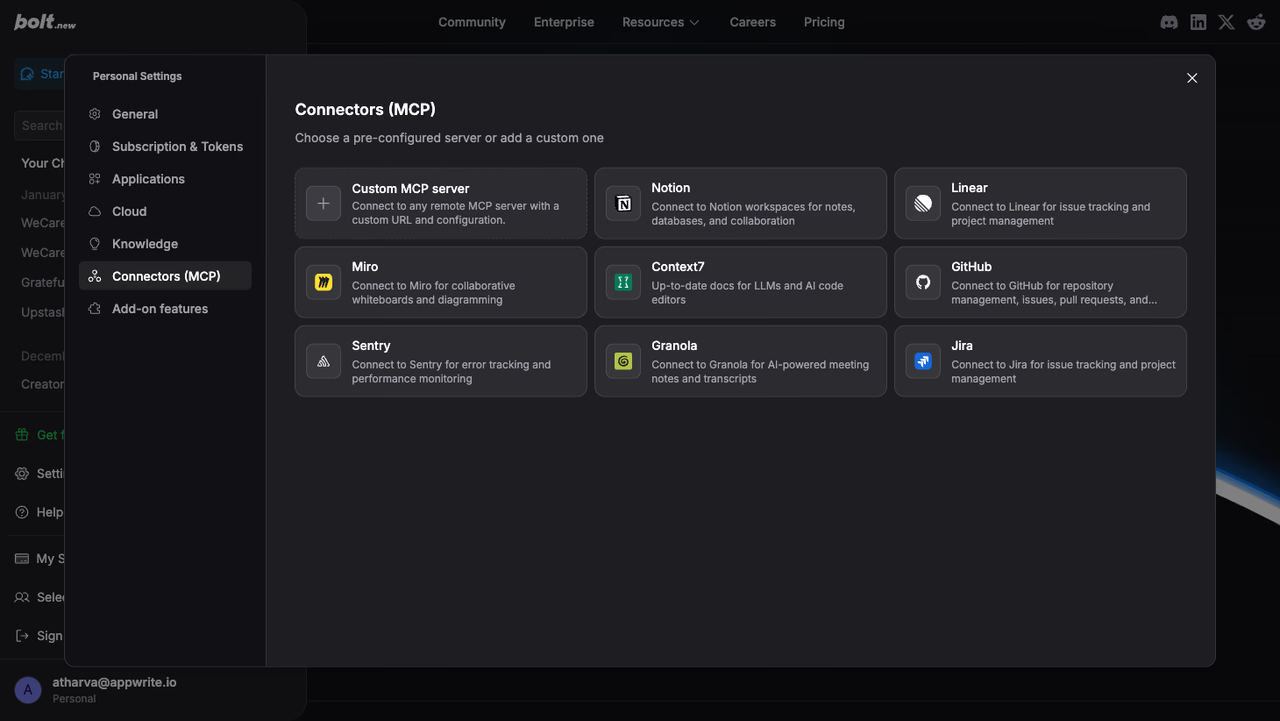
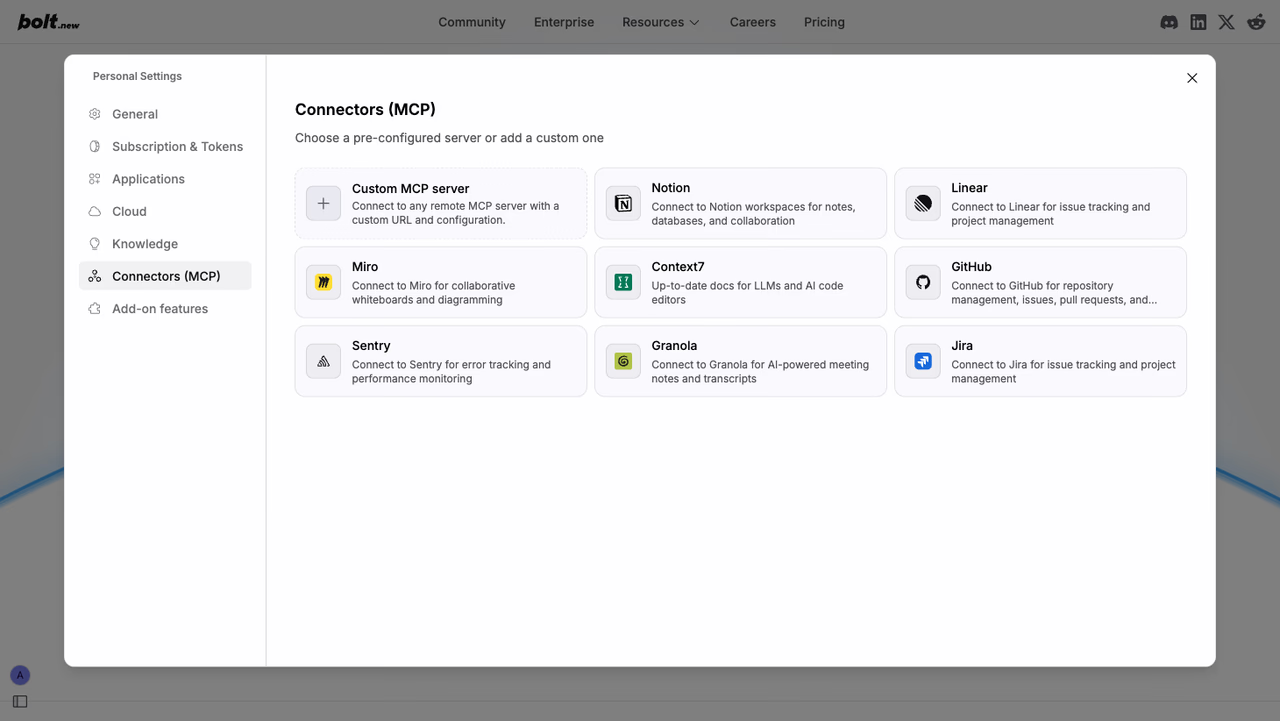
- Go to Settings → Connectors (MCP).
- Click Custom MCP server.
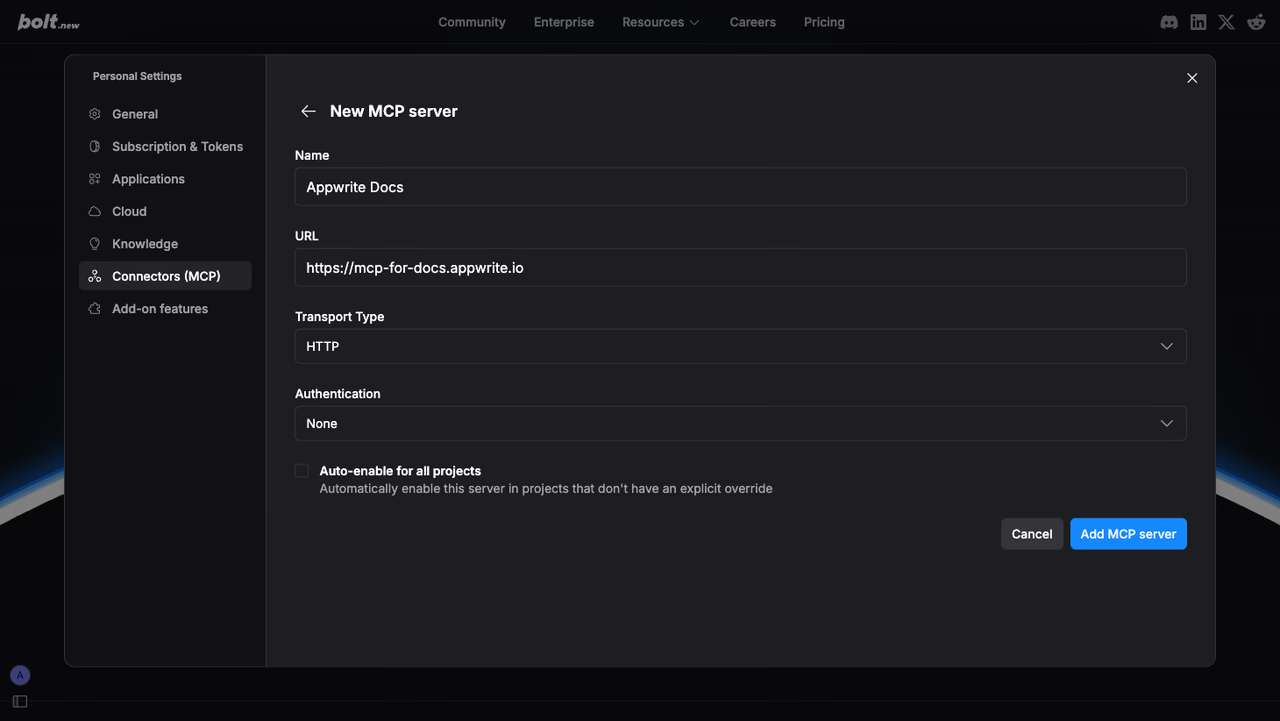
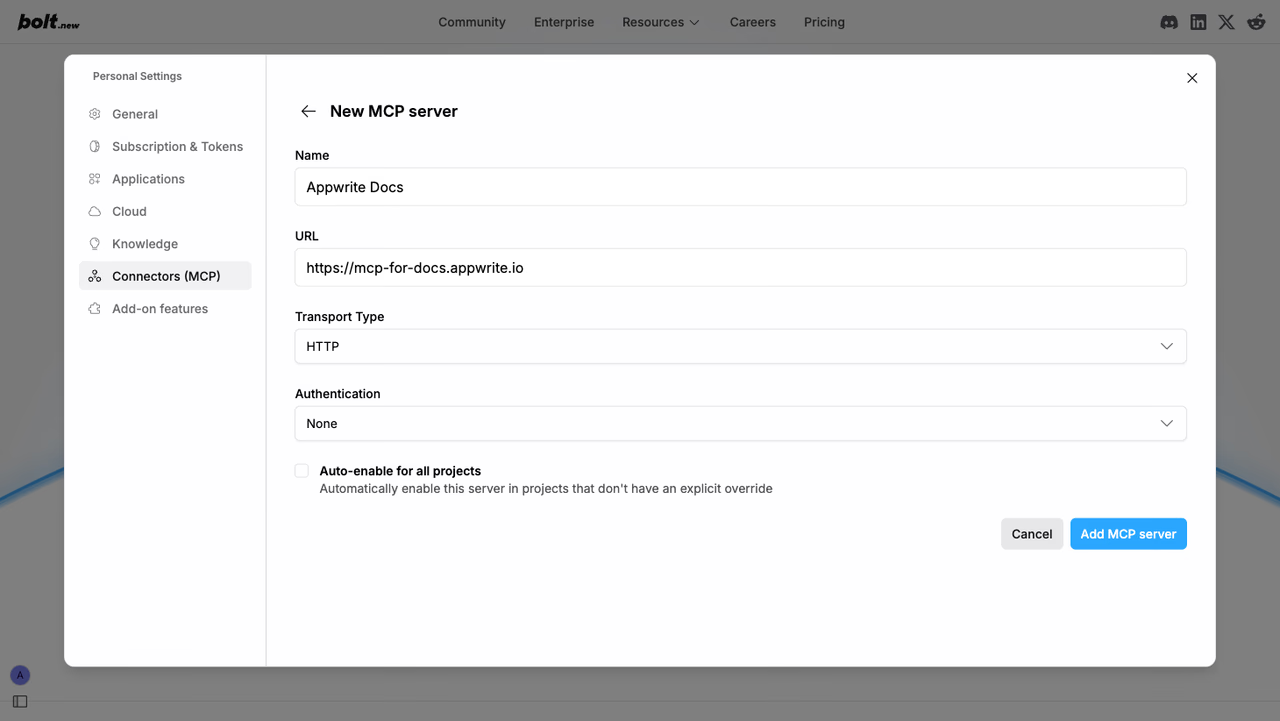
- Enter the following details:
- Name:
Appwrite Docs - URL:
https://mcp-for-docs.appwrite.io - Transport Type: HTTP
- Authentication: None
- Name:
- Click Add MCP server.
The Appwrite docs MCP server will now be available in your Bolt projects.
Once connected, Bolt has access to Appwrite documentation context. You can use prompts like:
Example prompts:
How do I set up real-time subscriptions in Appwrite?Show me how to authenticate users with OAuthWhat are the best practices for database queries?How do I implement file uploads with Appwrite Storage?Show me an example of using Appwrite Functions